N715-EA Hardware User Guide
Chapter 5 Application Interfaces
Copyright © Neoway Technology Co., Ltd. All rights reserved.
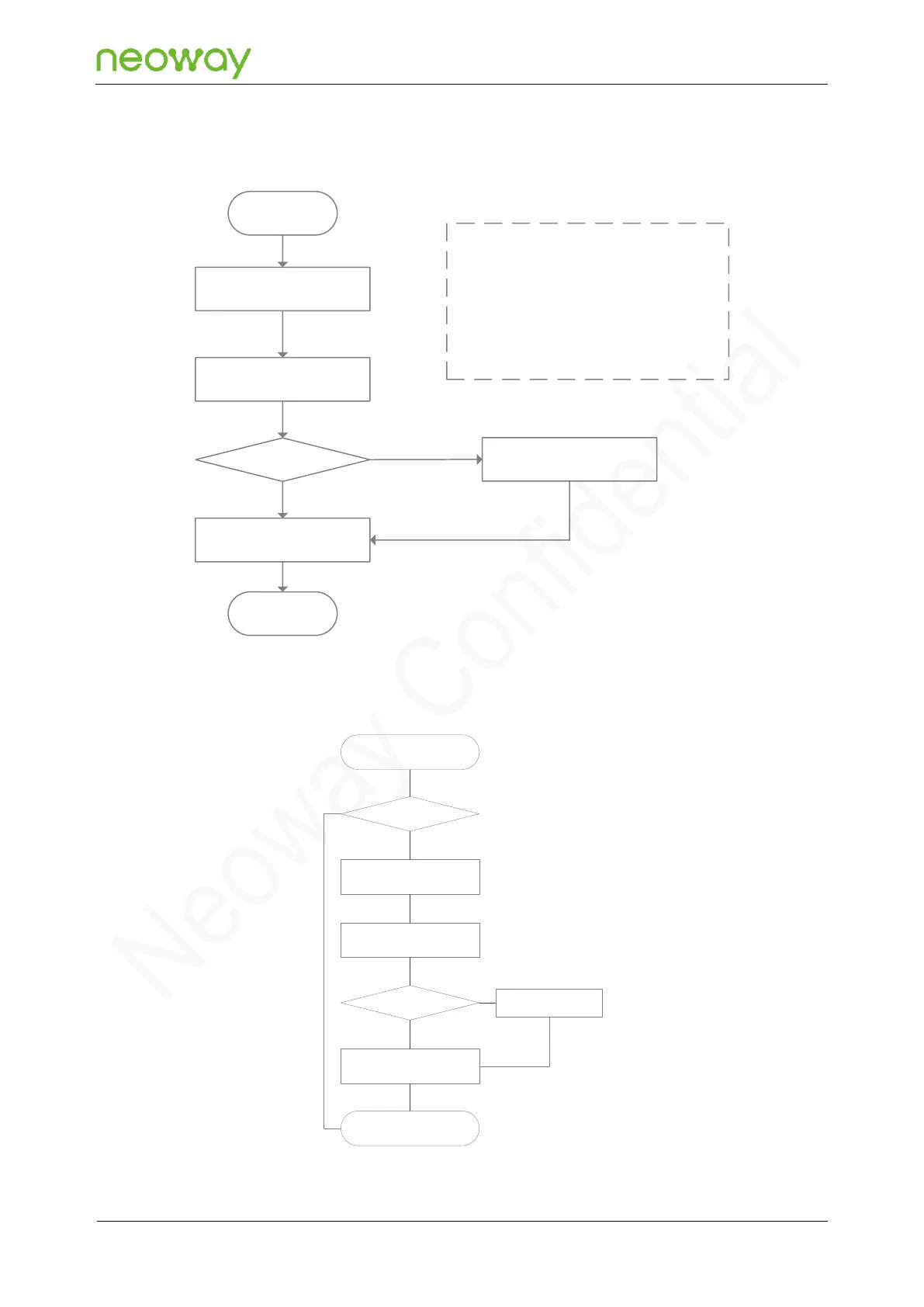
The following shows the process of entering sleep mode:
Figure 5-39 Process of entering into sleep mode
<n>
0: Forbid sleep mode
1: Allow to enter sleep mode
Enter sleep mode at low level
Exit from sleep mode at high level
2: Allow to enter sleep mode
Enter sleep mode at high level
Exits from sleep mode at low level
Initialization
completed
AT+ENPWRSAVE=<n>
Whether the module
is in idle state
Pull SLEEP low
Enter sleep mode and
disable all interfaces
End
Processing current
services
Y
Y
N
Figure 5-40 Incoming call service process
Sleep mode
MCU detects
information from
UART?
MCU pulls SLEEP pin to
high
End
Enable UART and
process services
MCU pulls SLEEP pin to
low
Wait till services
are processed
Complete service
procesing?
Y
Y
N
N



 To Next Page