Doc. Name: NMC-PRO ׀ User Guide Ver 3.05.03 Revision: 2.2 Page: 19
Crop Management Technologies
IMPORTANT: Verify that the SETUP parameters have been
defined and the vents Calibrated!
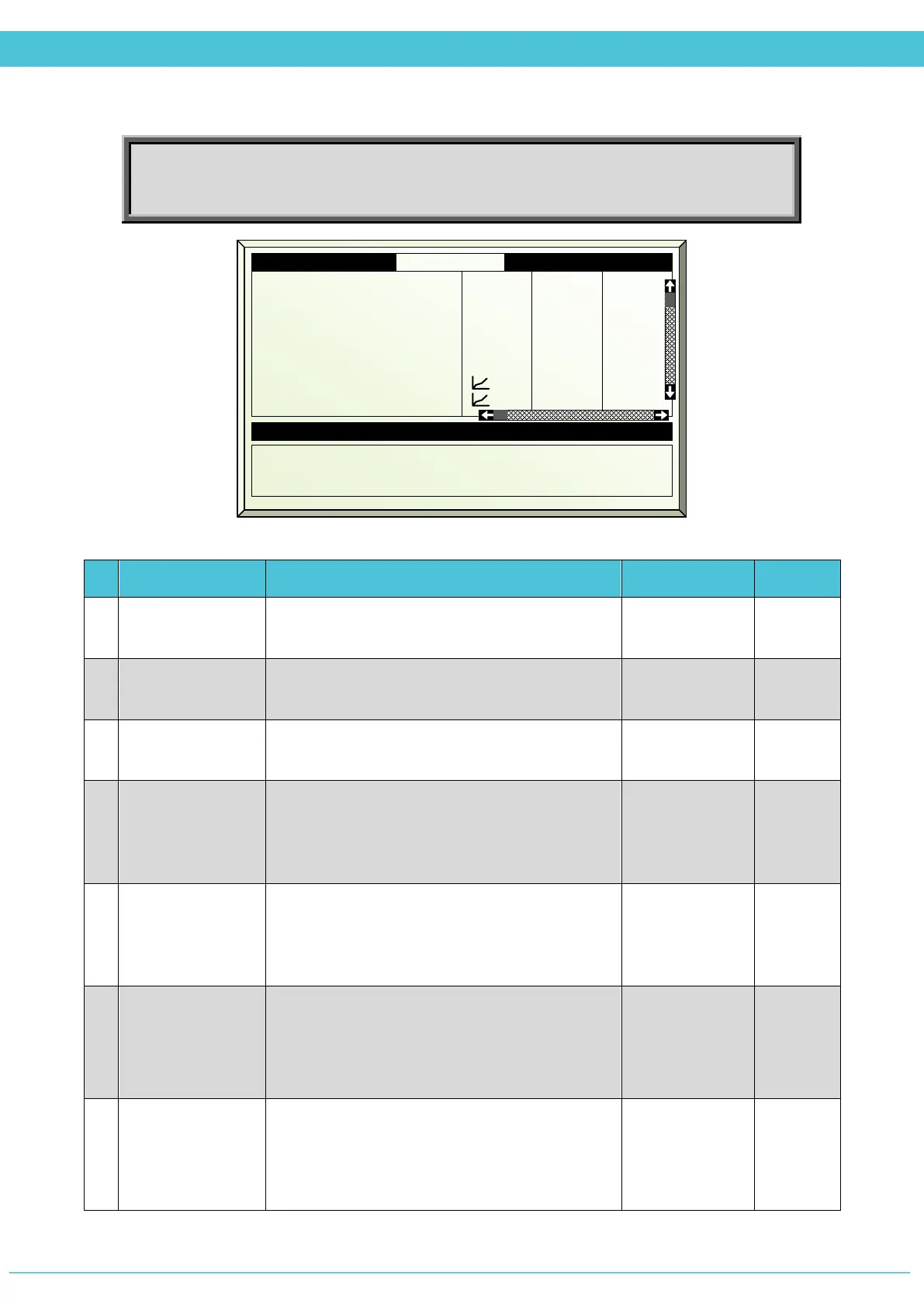
# Parameter Explanation Unit/Range Default
1.
Period
It is possible to divide the day up to 6 periods.
You can decide if the period is On/Off
On/Off Off
2.
Active
Updated by the controller
(For indication only)
Yes/No
3.
Start Time
Start Time of the period. The next period START
TIME overrides the previous period.
hh:mm --:--
4.
Top Ventilation
Temperature
Define the temperature set point for top
ventilation. If the measured temperature is
above the set point, the top ventilation begins to
open.
0
o
to +50
o
C 20
5.
Side Ventilation
Temperature
Define the temperature set point for side
ventilation. If the measured temperature is
above the set point, the side ventilation begins
to open.
0
o
to +50
o
C 20
6.
Radiation
Influence
Define the conversion table that indicates the
influence of the radiation level outside on the
ventilation temperature.
*See Solar Radiation Influence below
0 - 2500 W/m
2
-50
o
to +50
o
C
0
7.
Humidity
Influence
Define the conversion table that indicates the
influence of the humidity level inside on the
ventilation temperature.
*See Humidity Influence below
0 - 100 %
-50
o
to +50
o
C
0
1.1 Vent Prg. Zone 1 19/01/09 16:21
1. Period
2. Active
3. Start hh:mm
4. Top temp °C
5. Side temp °C
6. Rad influence
7. Hum influence
On
Yes
06:00
24.0
26.0
On
No
18:00
26
28
---
---
Off
No
Calculated/Status
11. Calc. top vent temp °C 23.6
12.Calc. side vent temp °C 25.6
13. Limitation None



 To Next Page