Doc. Name: NMC-PRO ׀ User Guide Ver 3.05.03 Revision: 2.2 Page: 89
Crop Management Technologies
IMPORTANT: Verify that the SETUP parameters have been
defined for crop protection!
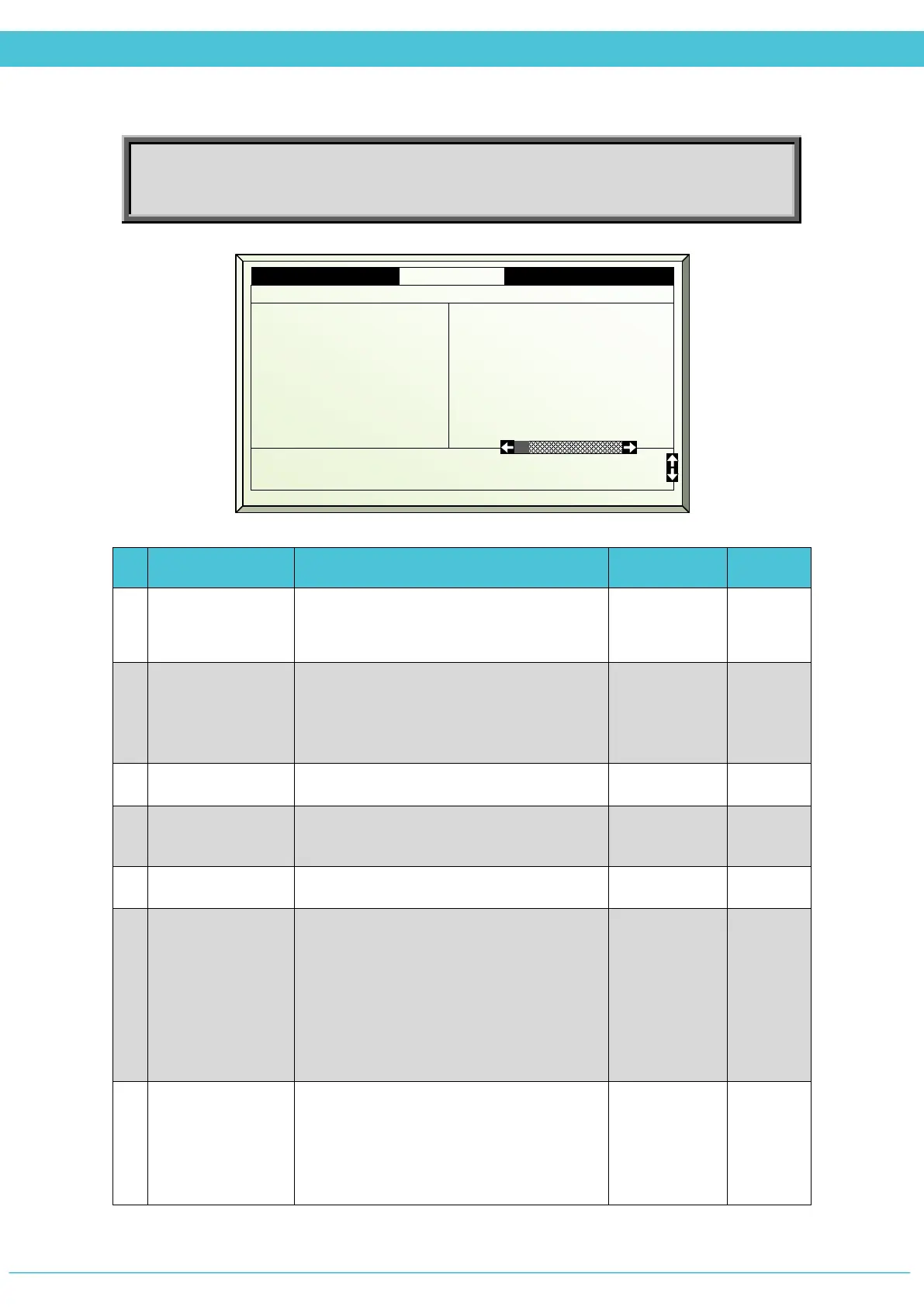
# Parameter Explanation Unit/Range Default
1.
Start Day/Time
Define the specific date and time for the
crop protection process.
dd/mon
hh:mm
2.
Phase
There are four phases to crop protection
and each is programmed separately.
*This line serves as a title of the column
Preparation
Spray
Protection
Purge
Off
3.
Phase ON/OFF
Define if to enable or disable the phase.
On/Off
4.
Active
Updated by the controller
(For indication only)
5.
Phase time
Set the run time per phase.
mm:ss --:--
6.
Influence Screen
Define activity of SCREENS during Crop
Protection:
Free –according to Screen program
Yes –according to the Crop Protection -
Screen Position % parameter
Free/Yes No
7.
Screen Position
If YES is selected in the Influence Screen
parameter, then the Screen Positioning
parameter becomes available. Define the
exact position of the screen during crop
protection.
0 - 100% 0
1.8 Crop Prot. pr Zone 1 19/01/09 16:21
1. Stat day/time 30/Nov 06:00
3. Phase ON/OFF
4. Active
5. Phase time mm:ss
6. Influence screen
7. Screen position %
8. Misting
9. Air circulation
Off
No
00:00
No
---
No
No
Off
No
00:00
No
---
No
No
Off
No
00:00
No
---
No
No
10. Min vent lee for purge %
11. Max vent lee for purge %
0
100



 To Next Page