4.
From the Home page of SANtricity System Manager, select View Operations in Progress.
5.
Wait for all operations to complete before continuing with the next step.
After you finish
Go to
Change the feature pack
on page 132.
Change the feature pack
You change the feature pack to convert the host protocol of the baseboard host ports, the IB HIC
ports, or both types of ports.
Steps
1. From SANtricity System Manager, select Settings > System.
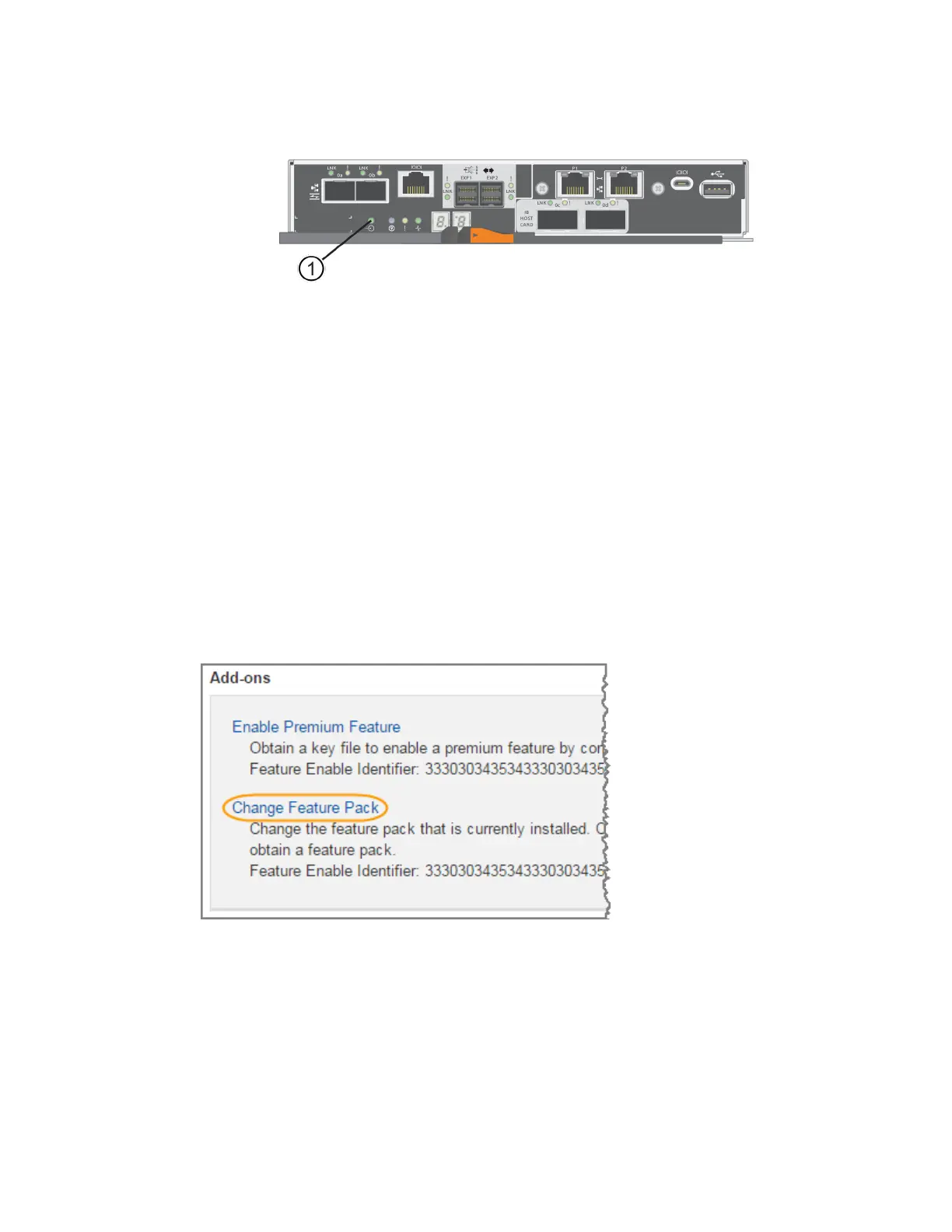
2. Under Add-ons, select Change Feature Pack.
3. Click Browse, and then select the feature pack you want to apply.
4. Type CHANGE in the field.
5. Click Change.
The feature pack migration begins. Both controllers automatically reboot twice to allow the new
feature pack to take effect. The storage array returns to a responsive state after the reboot is
complete.
6. Confirm the host ports have the protocol you expect.
a. From SANtricity System Manager, select Hardware.
132
| Maintaining E5700 Hardware



 To Next Page