Remove failed power supply
You remove a failed power supply so you can replace it with a new one. When you remove a power
supply (referred to in SANtricity System Manager as a
power-fan canister
), you turn off power,
disconnect the power cord, and slide the part out of the shelf.
Before you begin
• You have an ESD wristband, or you have taken other antistatic precautions.
Steps
1.
Unpack the new power supply, and set it on a level surface near the drive shelf.
Save all packing materials for use when returning the failed power supply.
2.
Turn off the power supply and disconnect the power cables:
a. Turn off the power switch on the power supply.
b. Open the power cord retainer, and then unplug the power cord from the power supply.
c. Unplug the power cord from the power source.
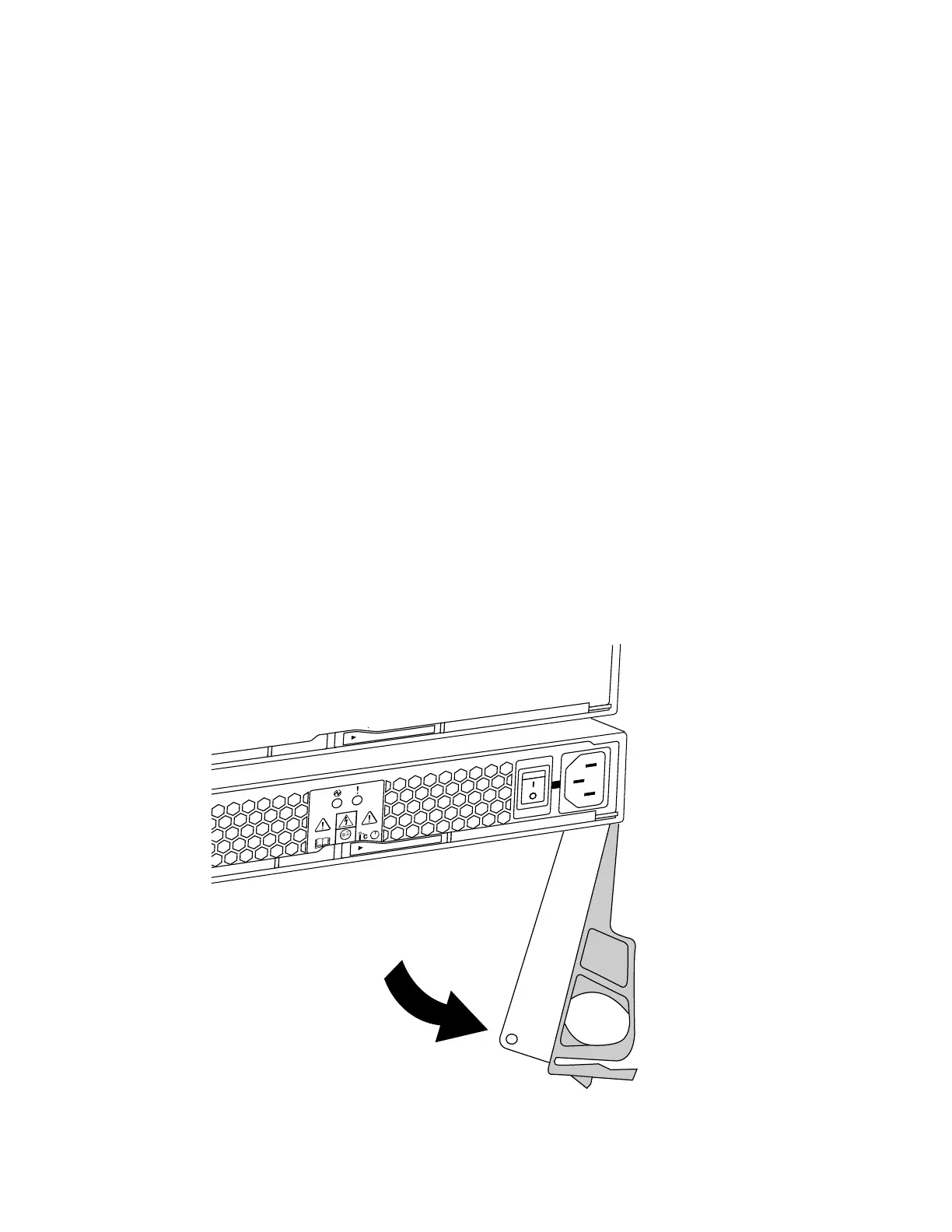
3. Squeeze the latch on the power supply cam handle, and then open the cam handle to fully release
the power supply from the mid plane.
40
| Maintaining E5700 Hardware



 To Next Page