Remove failed drive (60-drive)
You remove a failed drive to replace it with a new one.
Before you begin
• You have an ESD wristband, or you have taken other antistatic precautions.
• You have reviewed the
Requirements for handling drives
on page 53 topic.
About this task
When you remove a drive from an E5760 controller shelf or a DE460C drive shelf, you must lift the
drive partly out of the drawer and wait for the drive to spin down. Then, you can remove the drive
completely.
Steps
1.
Unpack the replacement drive, and set it on a flat, static-free surface near the shelf.
Save all packing materials for the next time you need to send a drive back.
2. Release the drive drawer levers from the center of the appropriate drive drawer by pulling both
towards the sides of the drawer.
3. Carefully pull on the extended drive drawer levers to pull out the drive drawer to its full extension
without removing it from the enclosure.
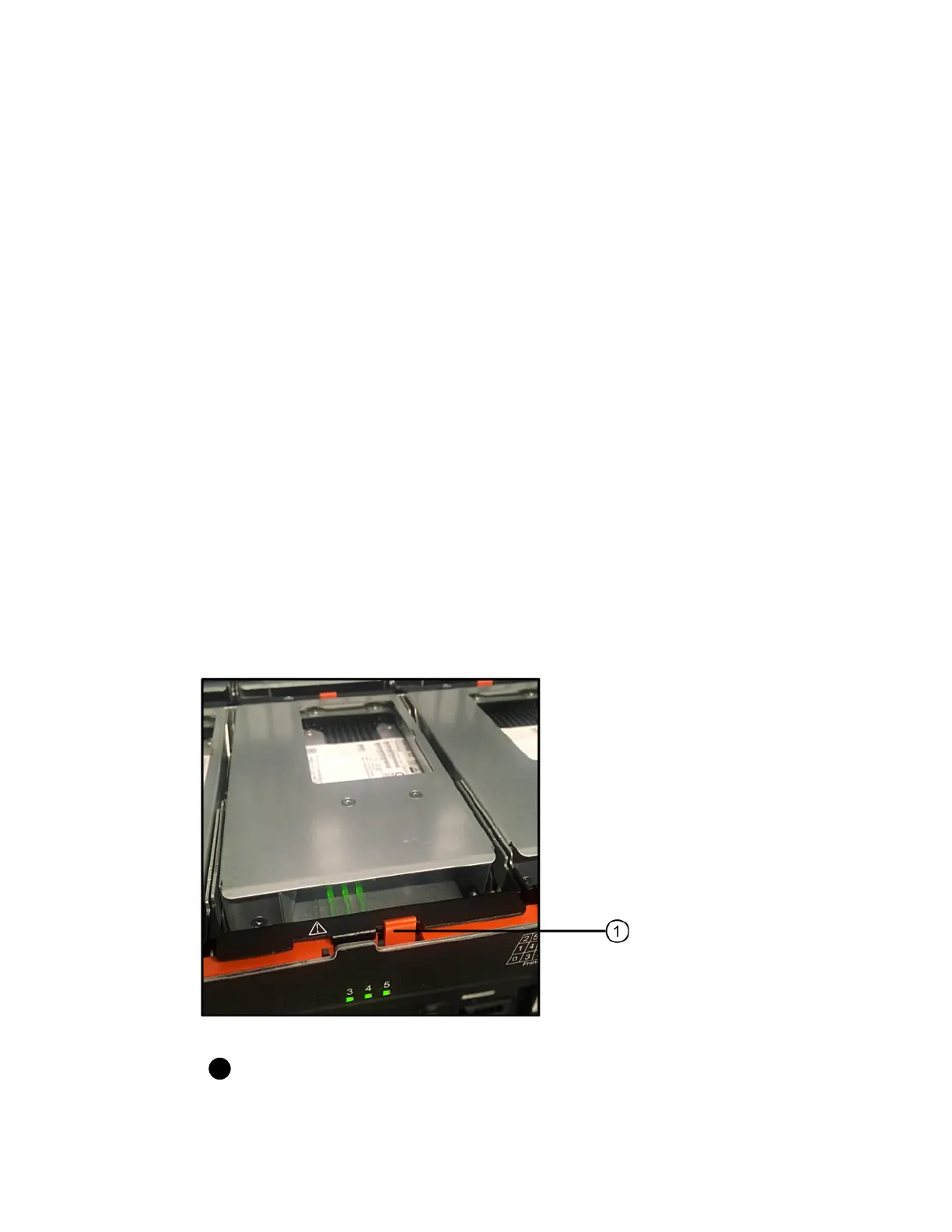
4. Gently pull back the orange release latch that is in front of the drive you want to remove.
The cam handle on the drive springs open partially, and the drive is released from the drawer.
Orange release latch
5. Open the cam handle, and lift out the drive slightly.
6. Wait 30 seconds.
60
| Maintaining E5700 Hardware



 To Next Page