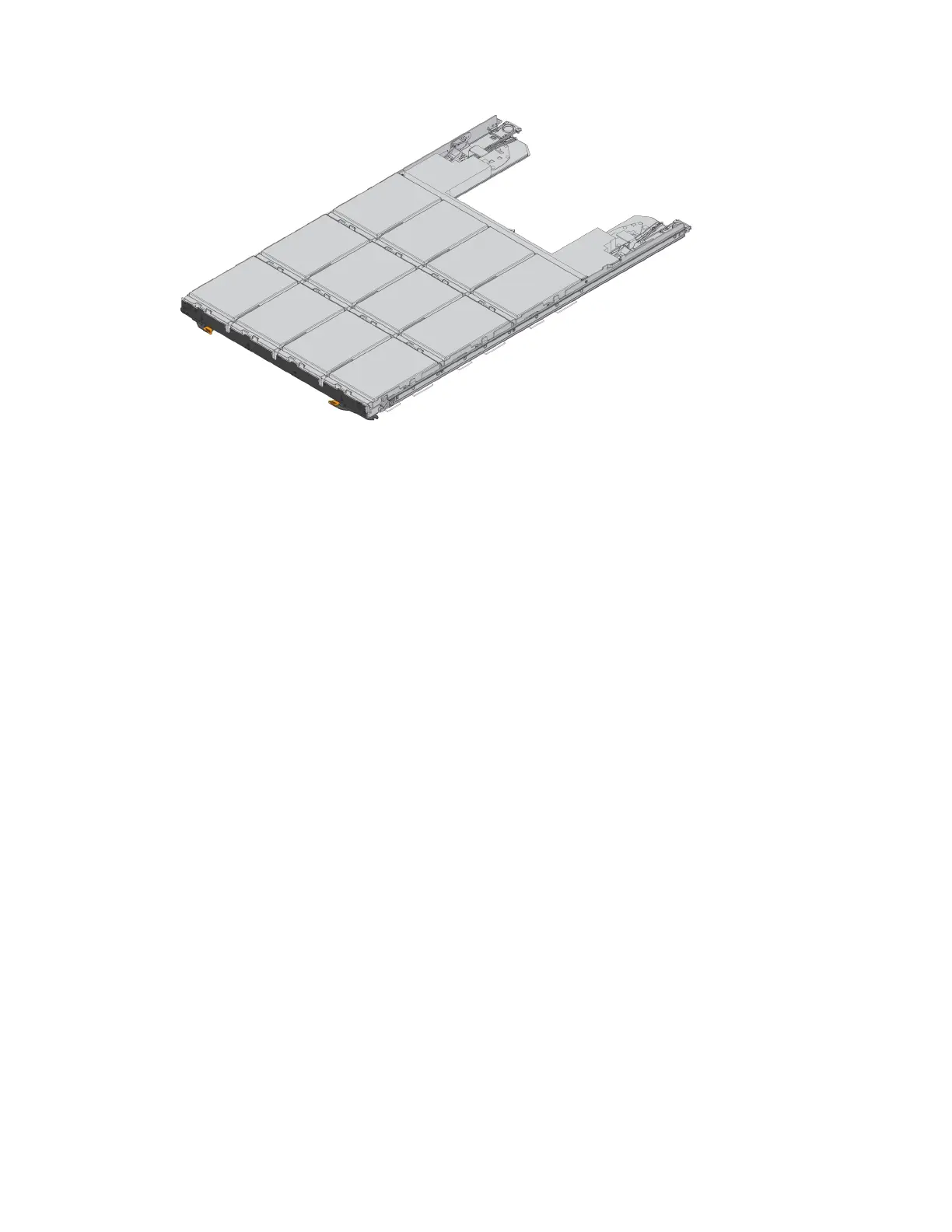
Requirements for handling drives
The drives in your storage array are fragile. Improper drive handling is a leading cause of drive
failure.
Follow these rules to avoid damaging the drives in your storage array:
• Prevent electrostatic discharge (ESD):
◦ Keep the drive in the ESD bag until you are ready to install it.
◦ Do not insert a metal tool or knife into the ESD bag.
Open the ESD bag by hand or cut the top off with a pair of scissors.
◦ Keep the ESD bag and any packing materials in case you must return a drive later.
◦ Always wear an ESD wrist strap grounded to an unpainted surface on your storage enclosure
chassis.
If a wrist strap is unavailable, touch an unpainted surface on your storage enclosure chassis
before handling the drive.
• Handle drives carefully:
◦ Always use two hands when removing, installing, or carrying a drive.
◦ Never force a drive into a shelf, and use gentle, firm pressure to completely engage the drive
latch.
◦ Place drives on cushioned surfaces, and never stack drives on top of each other.
◦ Do not bump drives against other surfaces.
◦ Before removing a drive from a shelf, unlatch the handle and wait 30 seconds for the drive to
spin down.
◦ Always use approved packaging when shipping drives.
• Avoid magnetic fields:
◦ Keep drives away from magnetic devices.
Magnetic fields can destroy all data on the drive and cause irreparable damage to the drive
circuitry.
Drives |
53



 To Next Page