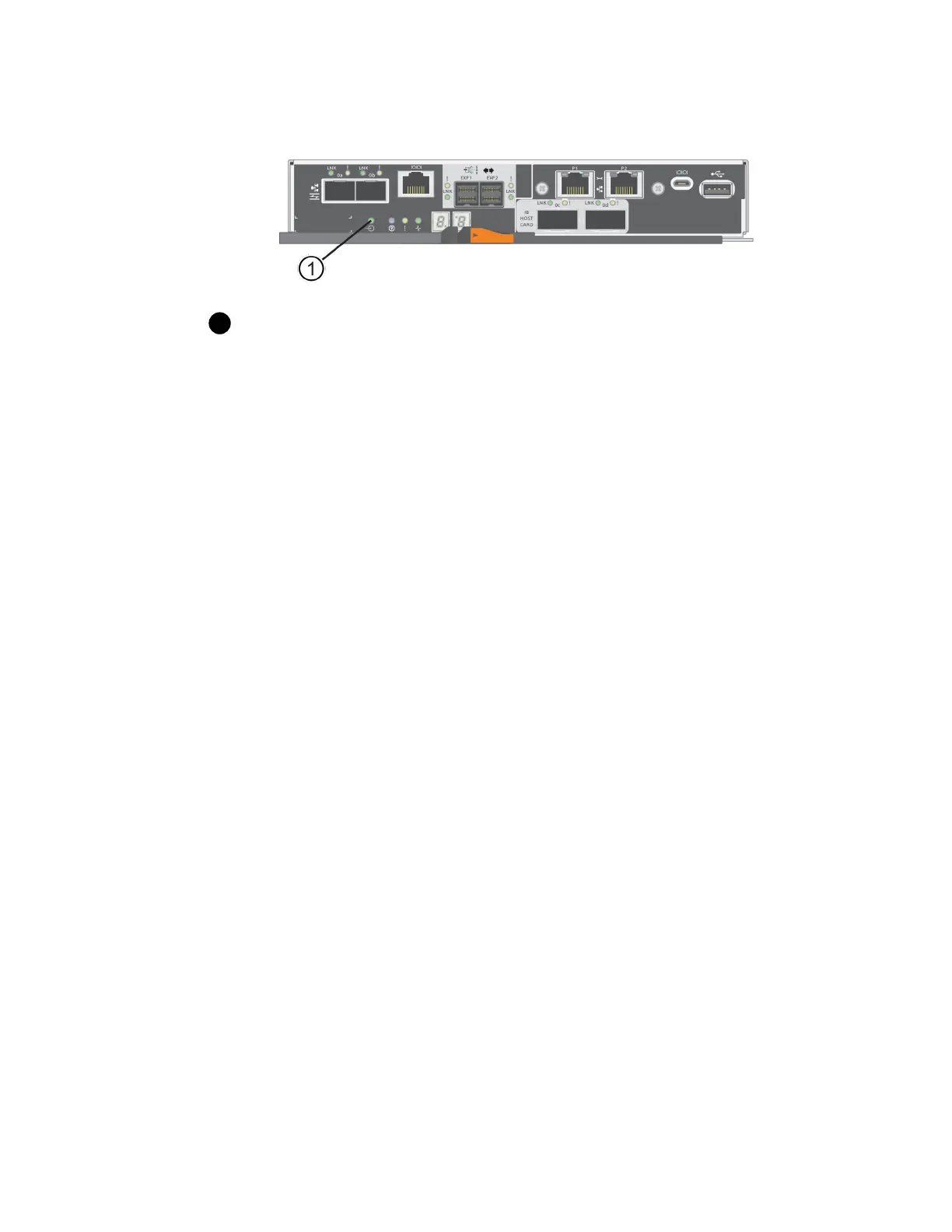
Cache Active LED
7.
From the Home page of SANtricity System Manager, select View Operations in Progress. Wait
for all operations to complete before continuing with the next step.
8.
Power down the controller shelf.
a. Turn off both power switches on the controller shelf.
b. Wait for all LEDs on the controller shelf to turn off.
After you finish
Go to
Add host interface card
on page 86.
Add host interface card
You add a host interface card (HIC) to increase the number of host ports in your storage array. If you
are adding HICs to a duplex configuration, repeat all steps to remove the second controller canister,
install the second HIC, and reinstall the second controller canister.
Steps
1. Step 1: Remove controller canister on page 86
Remove the controller canister so you can add the new host interface card.
2. Step 2: Install host interface card on page 88
Install the HIC to increase the number of host ports in your storage array.
3. Step 3: Reinstall controller canister on page 91
Reinstall the controller canister into the controller shelf after installing the new HIC.
Step 1: Remove controller canister
You remove the controller canister so you can add the new host interface card. When you remove a
controller canister, you must disconnect all cables. Then, you can slide the controller canister out of
the controller shelf.
Before you begin
• You must have labels to identify each cable that is connected to the controller canister.
• You have an ESD wristband, or you have taken other antistatic precautions.
Steps
1. Label each cable that is attached to the controller canister.
2. Disconnect all the cables from the controller canister.
86
| Maintaining E5700 Hardware



 To Next Page