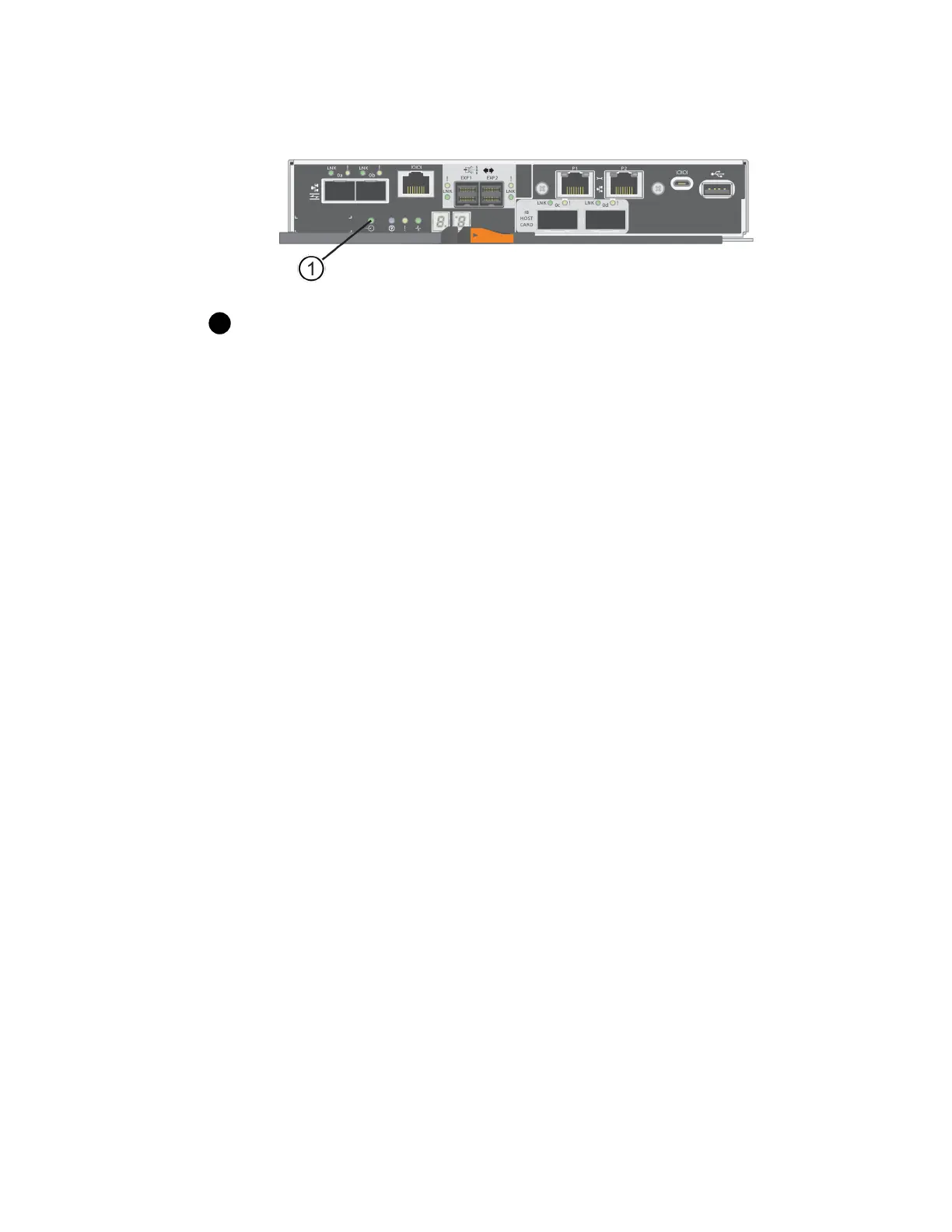
Cache Active LED
7.
From the Home page of SANtricity System Manager, select View Operations in Progress.
8.
Wait for all operations to complete before continuing with the next step.
9.
Power off the shelves as follows:
If you are replacing a drawer in a shelf with Drawer Loss Protection:
There is NO need to power off any of the shelves.
You can perform the replace procedure while the drive drawer is online, because the Set Drawer
Service Action Allowed Indicator CLI command completed successfully.
If you are replacing a drawer in a
controller
shelf without Drawer Loss Protection:
a. Turn off both power switches on the controller shelf.
Wait for all LEDs on the controller shelf to go dark.
If you are replacing a drawer in an
expansion
drive shelf without Drawer Loss Protection:
a. Turn off both power switches on the controller shelf.
b. Wait for all LEDs on the controller shelf to go dark.
c. Turn off both power switches on the drive shelf.
Wait two minutes for drive activity to stop.
After you finish
Go to
Remove cable chains
on page 66.
Remove cable chains
You remove both cable chains so you can remove and replace a failed drive drawer. The left and right
cable chains allow the drawers to slide in and out.
Before you begin
• You have issued the Set Drawer Attention Indicator CLI command, or you have stopped
host I/O activity and powered off the drive shelf and controller shelf.
• You have an ESD wristband, or you have taken other antistatic precautions.
• You have a flashlight.
66
| Maintaining E5700 Hardware



 To Next Page