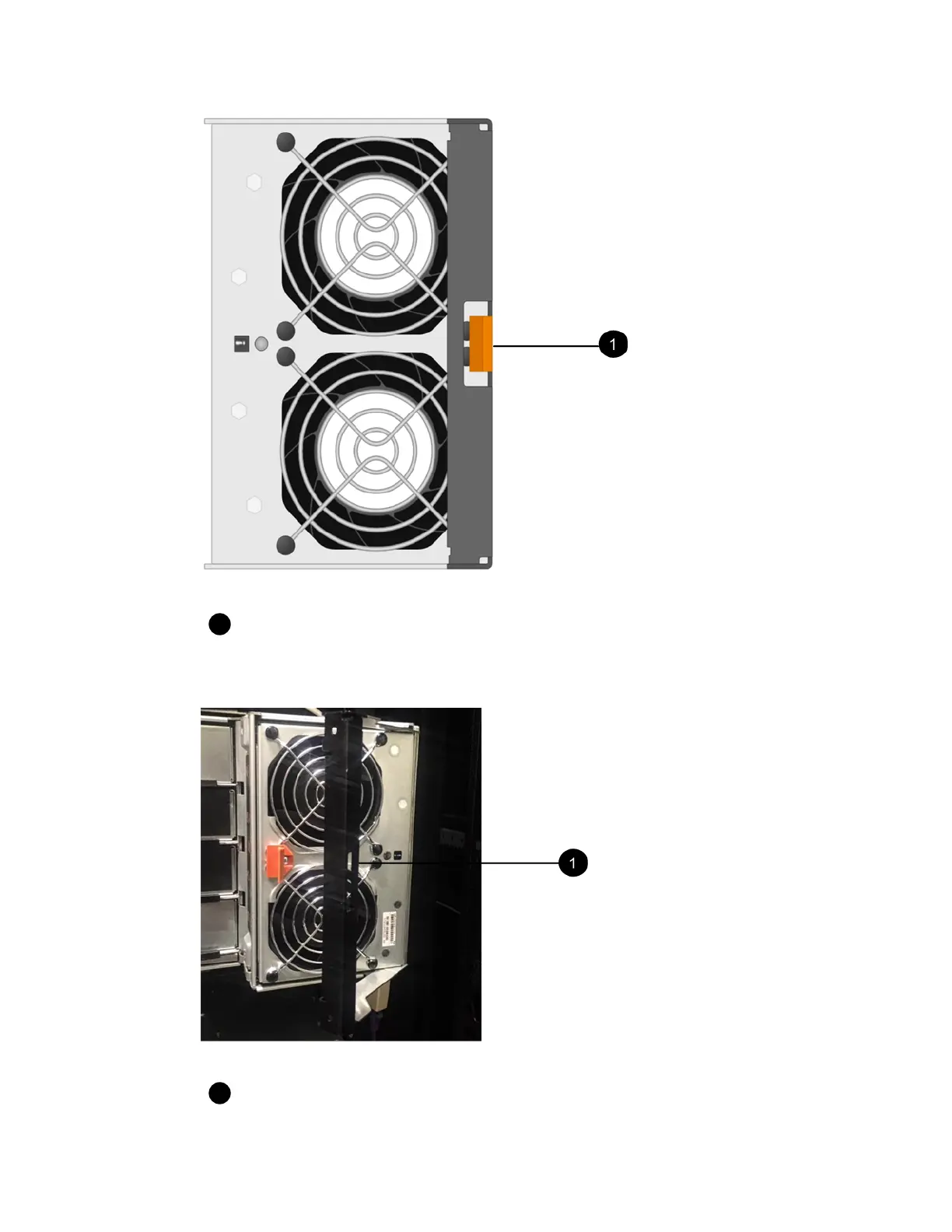
Tab that you press to release the fan canister handle.
3. Use the fan canister handle to pull the fan canister out of the shelf.
Handle to pull the fan canister out.
4. Slide the replacement fan canister all the way into the shelf, and then move the fan canister handle
until it latches with the orange tab.
Canisters |
49



 To Next Page