c. Click the drive to display its context menu, and then select View settings.
d. Confirm that the replacement drive has a capacity equal to or greater than the drive you are
replacing and that it has the features you expect.
For example, do not attempt to replace a hard disk drive (HDD) with a solid-state disk (SSD).
Similarly, if you are replacing a secure-capable drive, make sure the replacement drive is also
secure-capable.
3. If needed, use SANtricity System Manager to locate the drive within the storage array.
a. If the shelf has a bezel, remove it so you can see the LEDs.
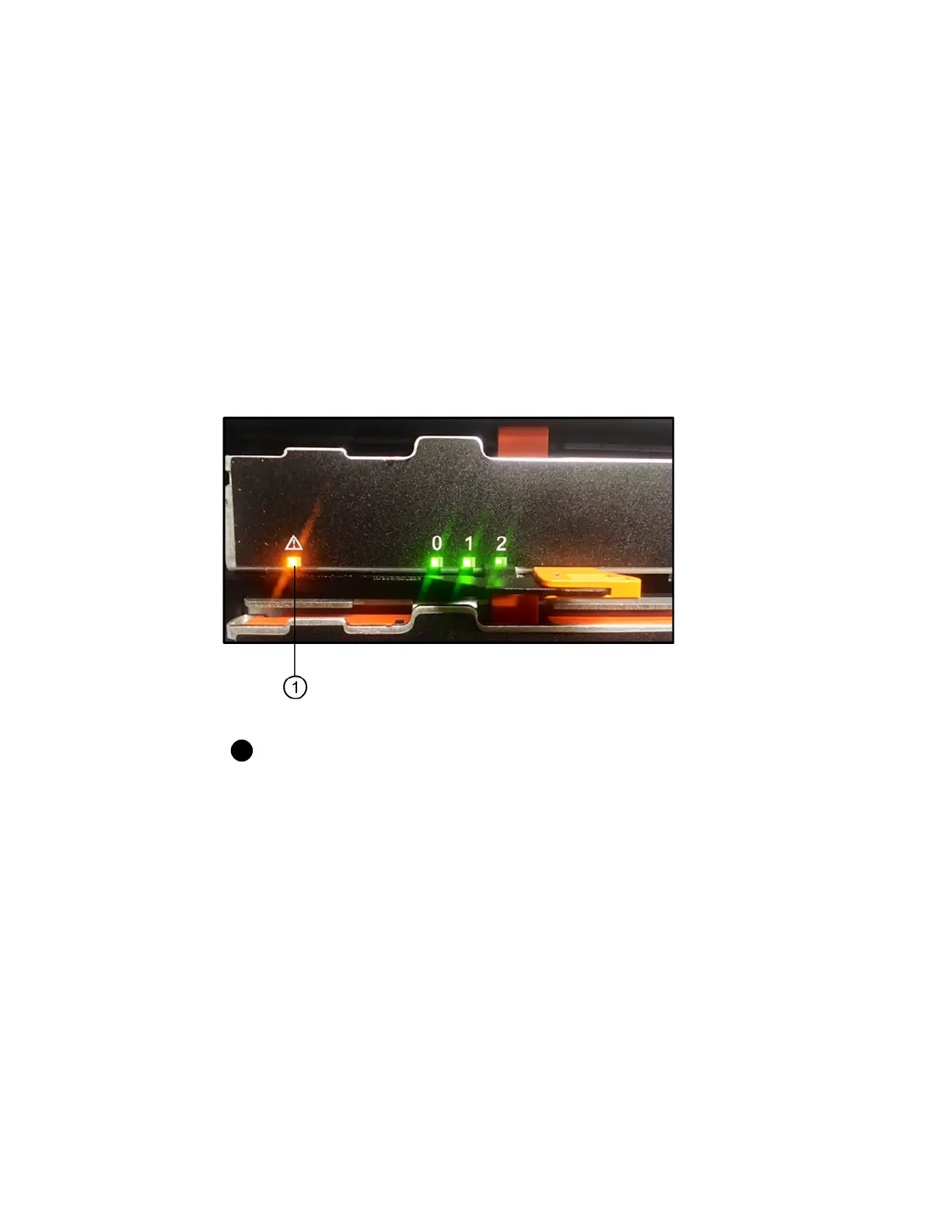
b. From the drive's context menu, select Turn on locator light.
The drive drawer's Attention LED (amber) blinks so you can open the correct drive drawer to
identify which drive to replace.
Attention LED
c. Unlatch the drive drawer by pulling on both levers.
d. Using the extended levers, carefully pull the drive drawer out until it stops.
e. Look at the top of the drive drawer to find the Attention LED in front of each drive.
58 | Maintaining E5700 Hardware



 To Next Page