19.2 Checking for connected sensor to the VDR
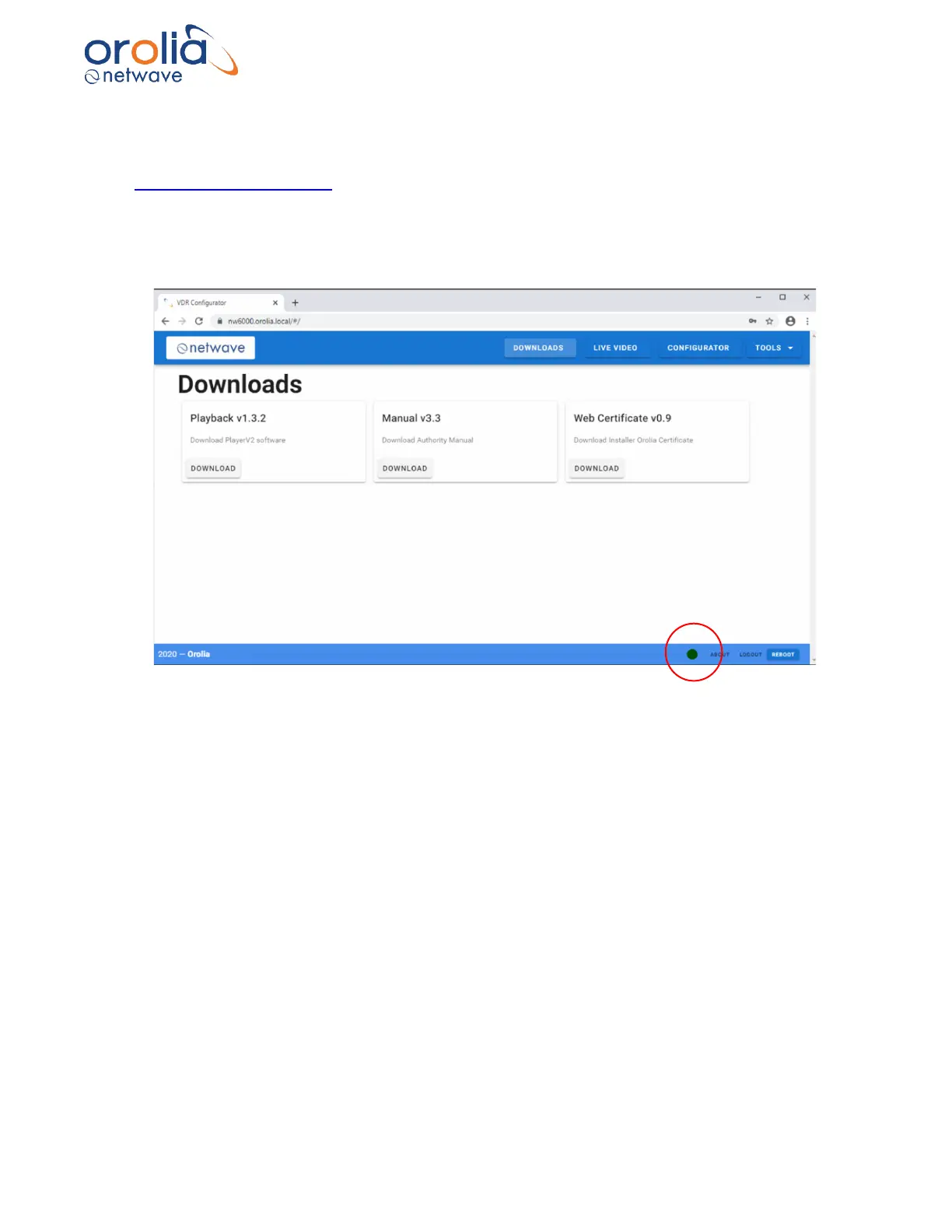
Connect to the VDR and using a browser select the configuration TAB for configuring the system
on https://nw6000.orolia.local.
Before configuring the VDR, it is important to get an understanding and check of all connected
sensors to the VDR. For this purpose, the VDR Web Server provides an NMEA Analyzing tool.
Once connected to the VDR, below in the screen (red circle) you will immediately be indicated
whether the core module is available on-line. Red is wrong, green is correct.



 To Next Page