5.7 Choosing an existing dataset
Once the playback software has been started (see Starting The Playback Application) then
use following steps to import the dataset and to start a playback session from an existing
folder.
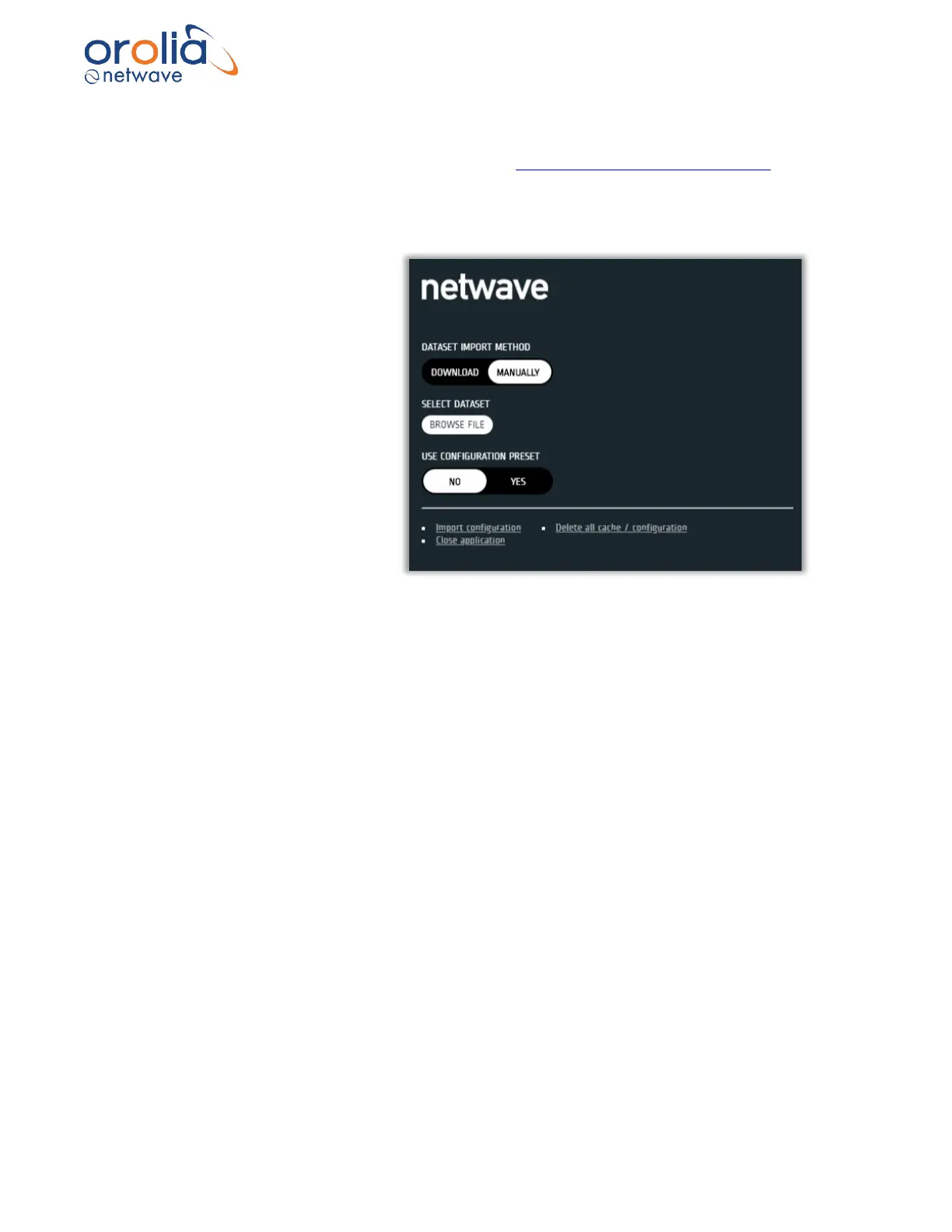
a. Select the MANUALLY import
dataset button
Note: Dataset needs to be
available on the computer.
b. Select the dataset to be
imported and follow the
instructions.
Note: Opening the dataset can
take some time depending on
the size of the dataset.
When dataset is loaded, the
system will indicate that dataset
is loaded (d).
c. The system will indicate the ships IMO number in the SHIP CONFIGURATION field once the
dataset has been loaded.
Note: If the IMO is blank the Start Session button will be hidden and the playback cannot be
made.



 To Next Page