10.14 Vertical Polarization
Use the Vertical Polarity setting to correct skewed images.
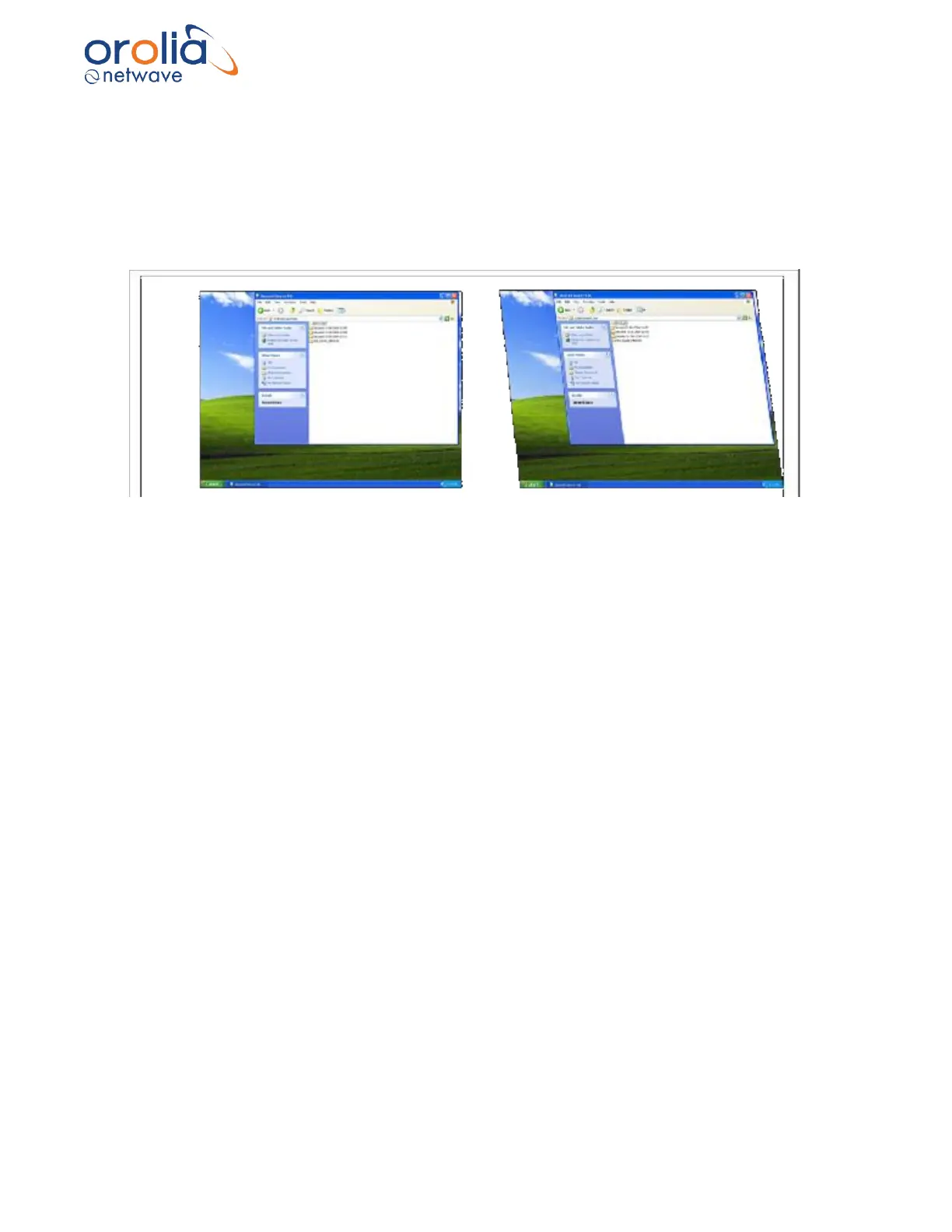
Upon initial capture, the image should appear with sides at perfect right angles to each other
(similar to image #1 below). If it is vertically skewed (similar to #2 below), vertical Polarity must be
adjusted.
Figure 10.14.1 – Correct vertical polarity on left. Vertically skewed image on right.
Once the image has been captured, complete the following steps to correct the vertical polarity
setting:
1. If the image appears skewed, select Pos in the Vertical Section of the Polarity
Selection.
2. If the skewing is not corrected, select Neg in the Vertical Section of the Polarity
Selection.
3. Note which setting establishes a correct image with sides at right angles to each
other.



 To Next Page