2.6 Screen description
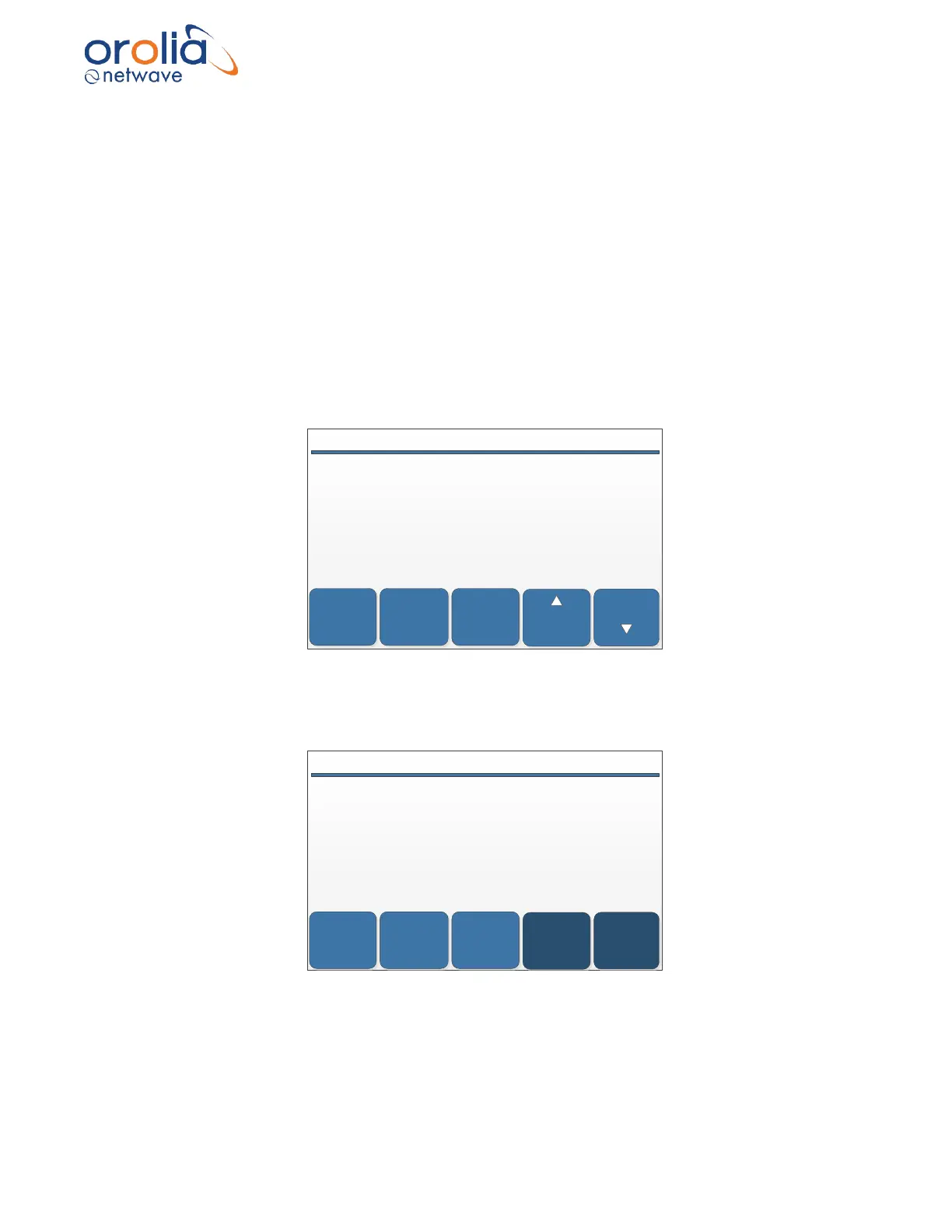
The BCU will be used for control and monitoring of the Voyage Data Recorder. The opening
screen will show number of channels being recorded, number of alerts applicable date and time
(UTC) and recorded time of data.
Recorded time will be determined by calculating the time between the first and last file registered
in the storage medium.
Alerts Display specific alerts (if any) of the VDR
> Up Scroll down on the alert list
> Down Scroll down on the alert list
Menu Go back to previous screen
Night/Day Toggle between day to night display
DIM Backlight intensity of the display
NIGHTMENU
ALERTS
2014/12/04 11:17:25 UTC # ALERTS: 3 STATUS
RECORDING
42 of 42 channels
5593 / 720 Hours on Long Term Storage
204 / 48 Hours on Netwave Capsule
332 / 48 Hours on Free Float Capsule
DIM
DIM
By touching the ALERT button, screen will change from status to alert position and indicate all
alerts applicable for the moment, with latest alert on top.
NIGHTMENU
STATUS
2014/12/04 11:17:25 UTC # ALERTS: 3 ALERTS
(12h) NO AUDIO FROM PN1002.1
(12h) AUDIO TEST Failed on PN1001
(22h) NO DATA: SI6000.4.4
DOWN
UP



 To Next Page