EasyManua.ls Logo

NetWave NW6000 - Data Conversion and Logging Functions

NetWave NW6000
191 pages
Print Icon
To Next Page IconTo Next Page
To Previous Page IconTo Previous Page
Loading...
Page 185/ 191
5.9 Conversion of extracted data
Once a dataset has been opened by the playback software it can be exported and converted to
industry standard files. These converted files are from the downloaded dataset itself and can be
moved to another medium for other use.
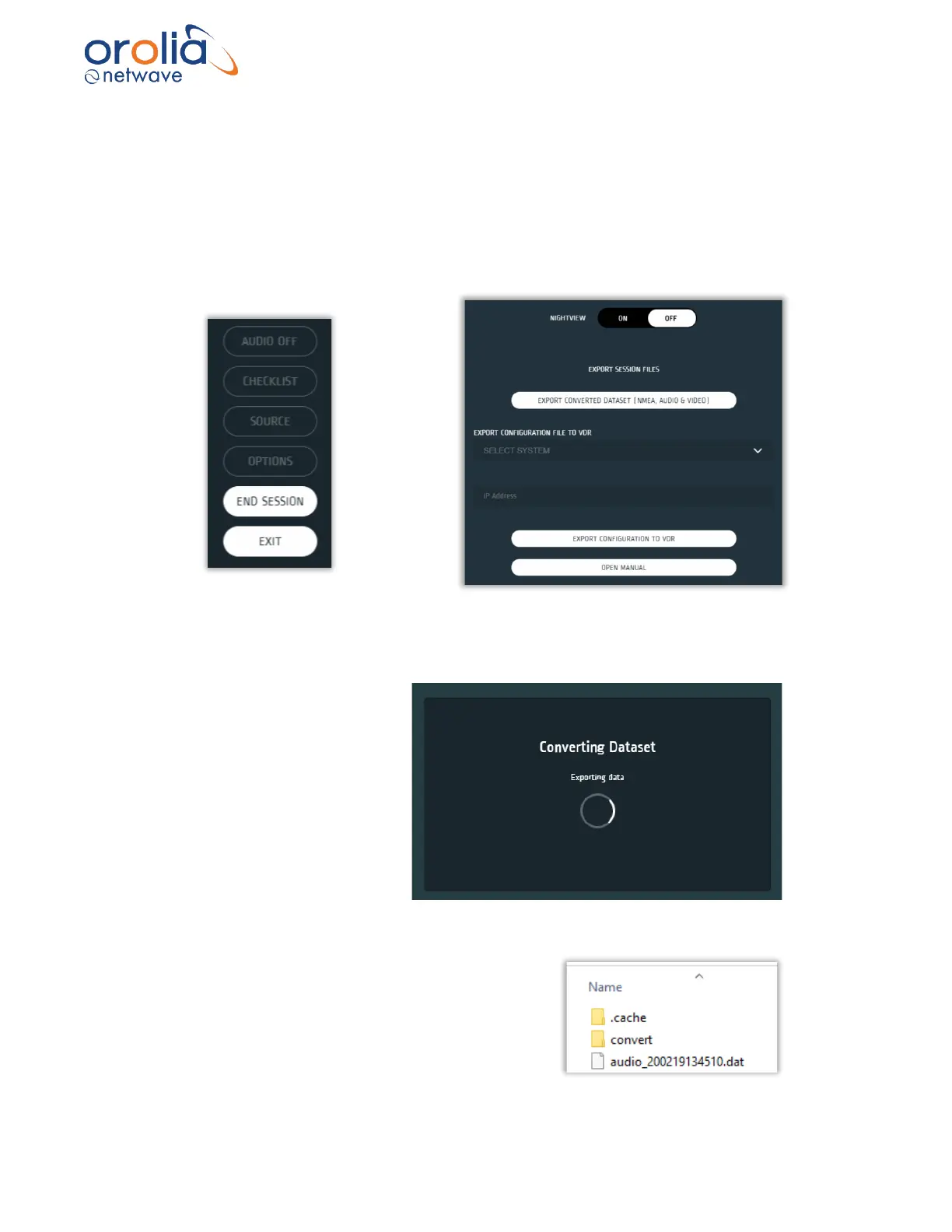
To export data from the Player please select page ‘options’ and press the Export Converted
Dataset button.
When choosing Export Converted Dataset, the player wizard will automatically start to convert
the data in the dataset to industrial standard:
Video into .bmp files
Audio into .wav files
NMEA into .txt files
The converter will create a convert directory in the
same directory as where the dataset is stored.

Table of Contents

Related product manuals