5.3 Installation of Playback Software – Client/Standalone PC
The Playback software can be installed as a standalone application on a laptop or PC. No
licensing is required.
Before the Player can be used, the application needs to be installed as described in following
steps.
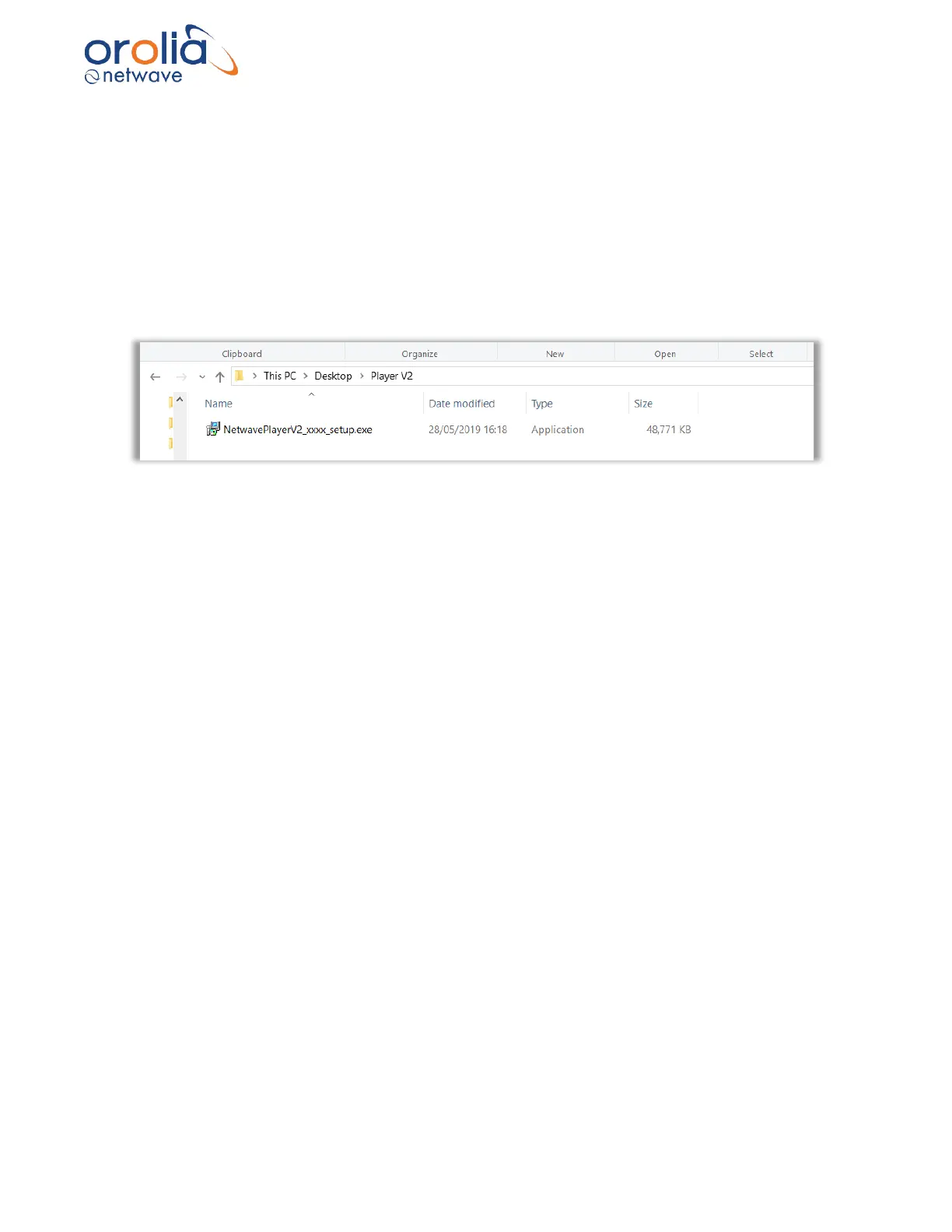
1. Copy or download file on your laptop or replay device in a folder like in the following
screenshot.
2. Double click the “NetwavePlayerV2_xxx_setup.exe’’ (xxx = number of software release).
3. The installer will automatically install the Player, follow the instructions on the screen.
Note: Most likely your windows safety software will warn you about the publisher of this software
because Orolia NetWave is not an official Microsoft product manufacturer.



 To Next Page