22.5.3 BAM Settings
The VDR can be connected to a Bridge Alert Management (BAM) system if available. When
enabled VDR alert messages will be transmitted to the BAM system. Full details of alert identifiers
are available in the BAM Interface specification.
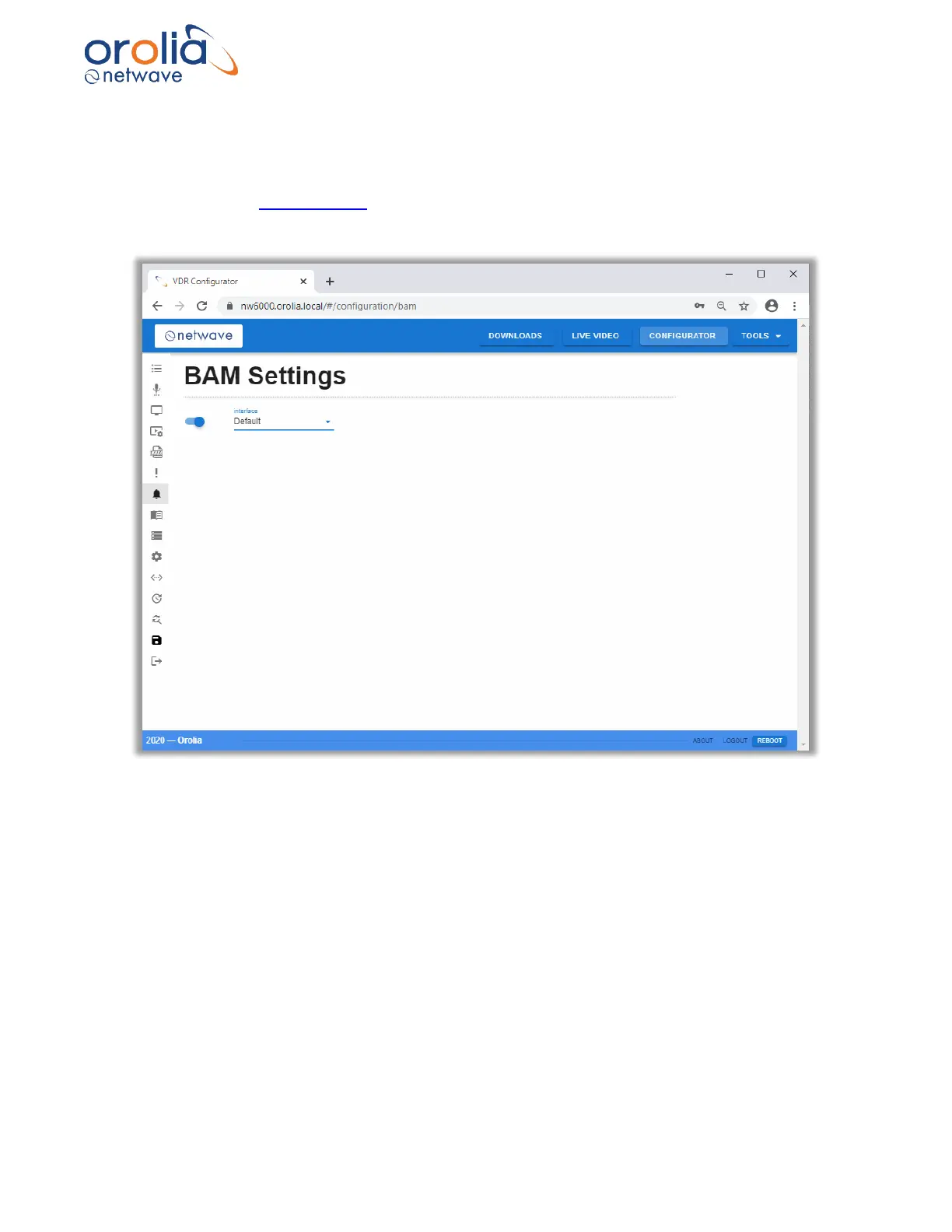
Figure 22.5.3.1 – Configurator page, BAM settings
BAM Enabled Slider
Used to enable (as shown) or disable BAM.
BAM Interface
Used to enable the ports used for BAM transmission.
Select “default” to transmit BAM messages via the ethernet network using LWE.
Select “Serial” to transmit alert messages by using an output port on the BCU or Bus
Coupler.



 To Next Page