24. Frequently Asked Questions
This section includes additional information which may help in diagnosing a problem(s).
24.1 Browser Shows Insecure Webpage
404 Not Found
The latest update to the NW6000 internal web server includes secure web page access using
https. This requires that there is a certificate installed on the machine that is being used to access
the VDR web server and also requires the use of the NW6000 local hostname.
This can cause some issues when using a browser to connect to VDR’s running v1.5.17
After upgrading a core module from version 1.5.17 to a higher version it is required to install an
SSL certificate to be able to access the now secured -VDR webpages.
When using the same computer, with the certificate installed, on an NW6000 VDR with core
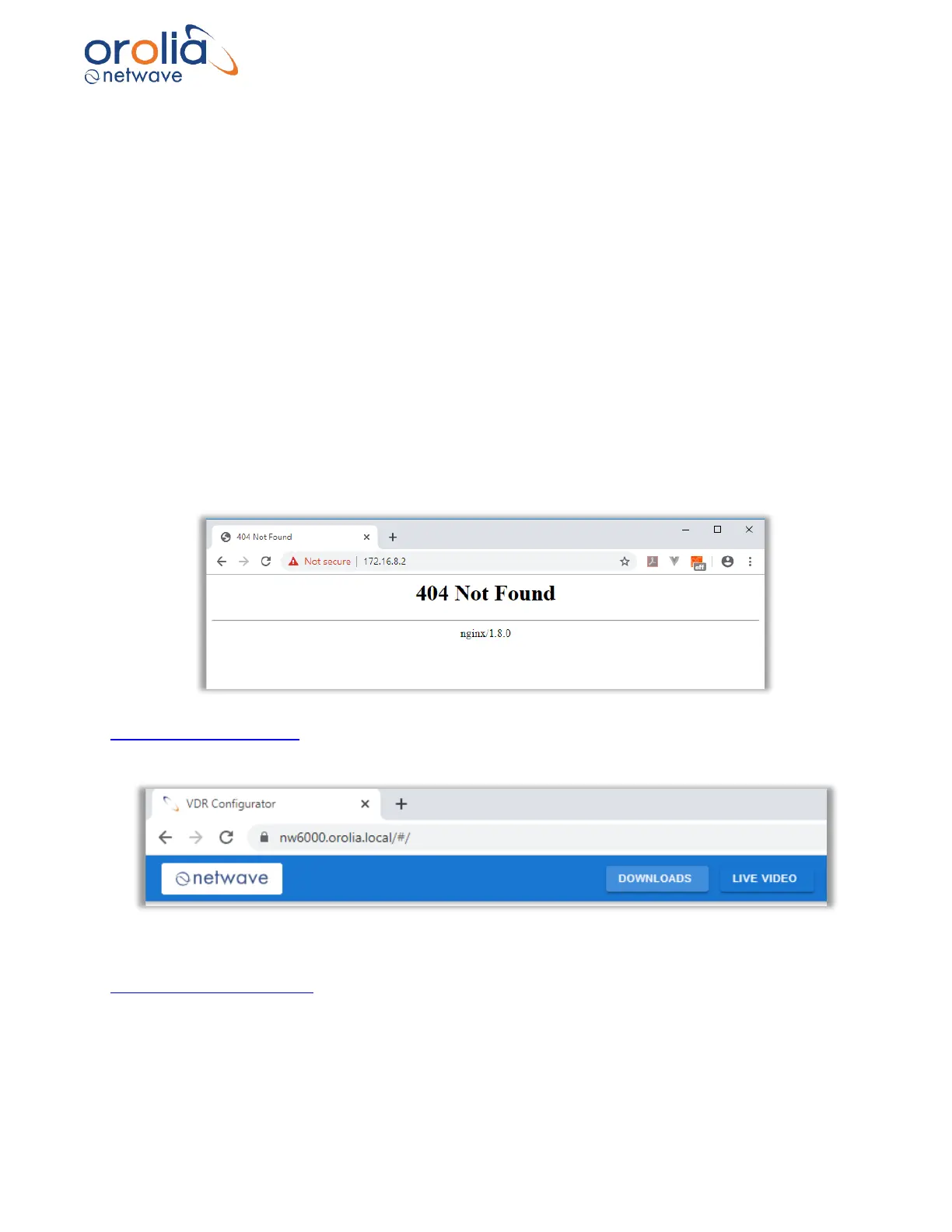
module version 1.5.17 the VDR page may be inaccessible resulting in the following error.
Some browsers may automatically try to force to an SSL connection. To avoid this use
http://nw6000.orolia.local
An NW6000 VDR with a higher version than v1.5.17 can be accessed with
https://nw6000.orolia.local/ - note the ‘s’ after http.
Tip: Once this URL has been used to access the VDR, set it as a bookmark in your web browser
for ease of use.



 To Next Page