EasyManua.ls Logo

NetWave NW6000 - Audio Test

NetWave NW6000
191 pages
Print Icon
To Next Page IconTo Next Page
To Previous Page IconTo Previous Page
Loading...
Page 160/ 191
1.2.2 AUDIO test
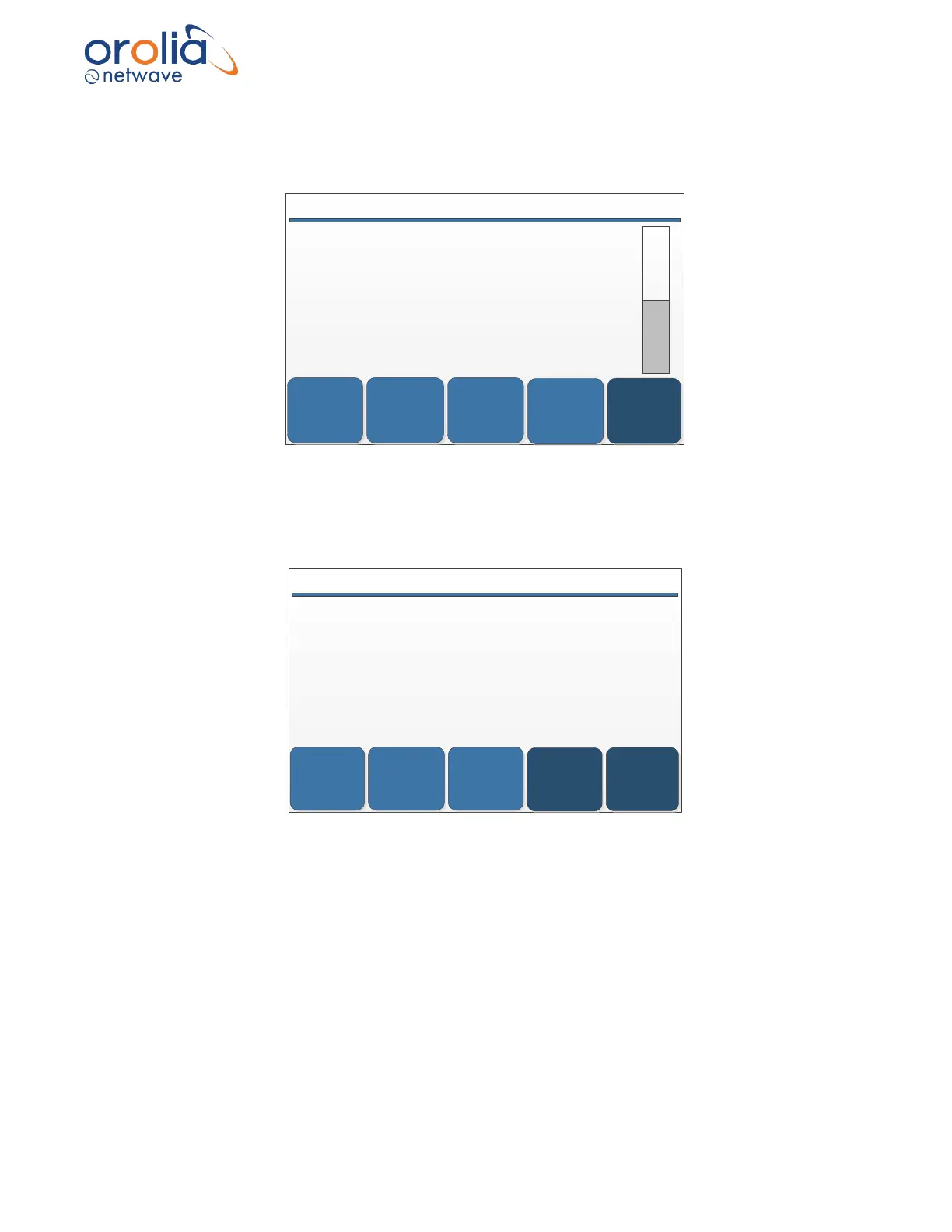
For example, when choosing AUDIO, the screen will provide all connected audio sources.
NIGHT
SELECTBACK
2014/12/04 11:17:45 UTC # ALERTS: 3 AUDIO
VHF 1 PN2000.1
VHF 2 PN2000.2
PN1014.1 PN1014.1
PN1006.1 PN1006.1
PN1002.1 PN1002.1
PN1007.1 PN1007.1
PN1008.1 PN1008.1
DOWN
UP
By clicking on one of the microphone devices, the OPT will start a microphone test (beep in the
microphone) and when passed, the MIC test will indicate ‘Passed ‘.
Select each microphone accordingly.
When the device passes the test, the ‘pass’ button should be pressed. Result will be logged as
per required OPT logging.

FAILSPASSBACK
PREV
NEXT
2014/12/04 11:17:20 UTC # ALERTS: 0 DEVICE
PN1014.1
MIC
Update time 2014/12/04 11:17:20
MIC Test Passed

Table of Contents

Related product manuals