10.20 Recalibration
Once the image has been captured (or adjusted in the case of an interlaced image), it must be
checked to ensure a proper capture that fills the Capture window but keeps all 4 image sides
(edges) visible in the window.
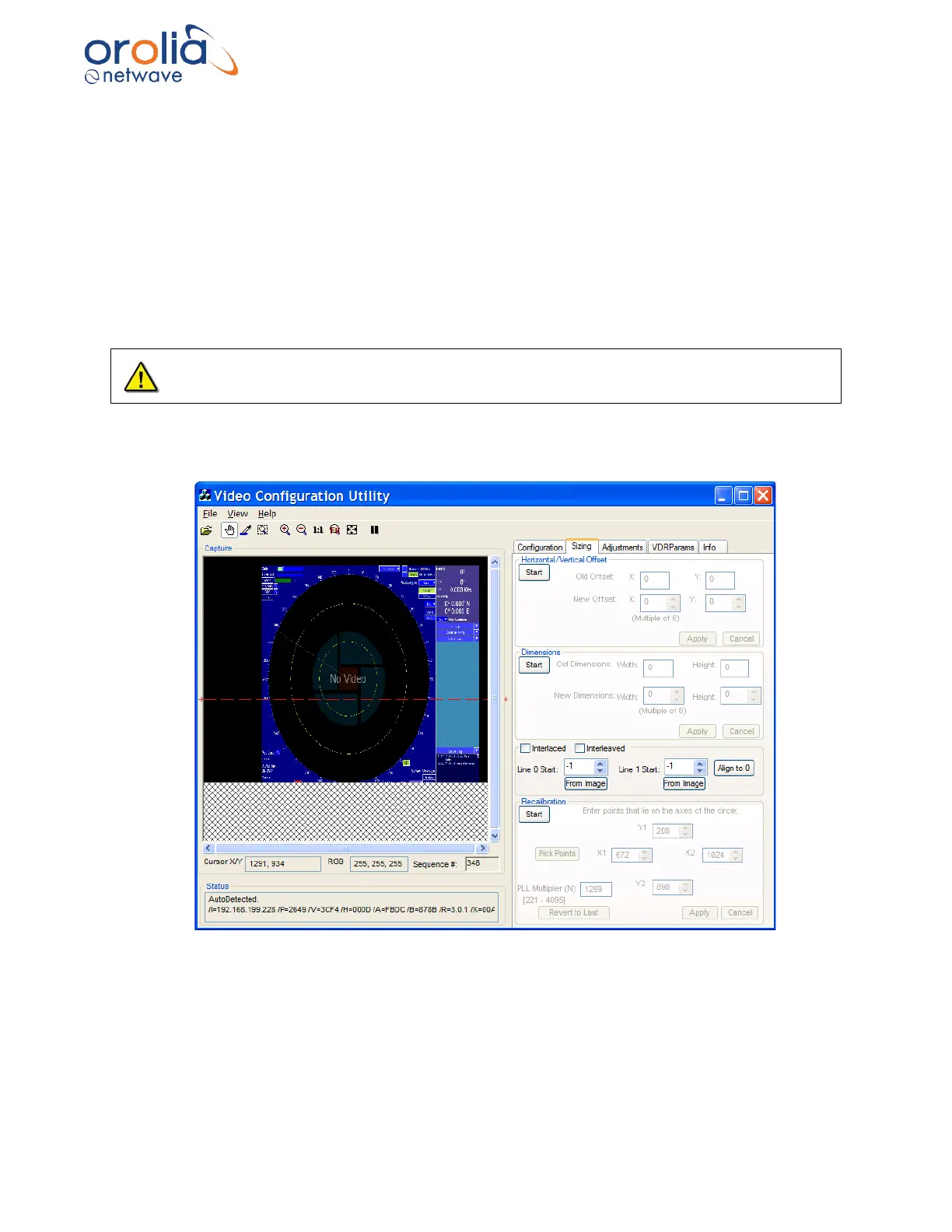
Check the aspect ratio by looking for a skewed circle. If the image does not appear skewed and
the aspect ratio is correct, then this section can be skipped. But, if the installer can see a skewed
circle, or if the image has the wrong aspect ratio, then the captured image may need recalibration.
Use the following steps to recalibrate the captured image:
It is recommended that the installer write down all settings before making any changes to the
captured image as it may be necessary to revert to these settings.
1. Once the image has been captured to the Capture window, ensure the Vertical
Polarity and Horizontal Polarity is set properly.
Figure 10.20.1 - Incorrect aspect ratio on capture



 To Next Page