EasyManua.ls Logo

NetWave NW6000 - Video Test

NetWave NW6000
191 pages
Print Icon
To Next Page IconTo Next Page
To Previous Page IconTo Previous Page
Loading...
Page 161/ 191
Choosing the VHF will provide the VHF test screen. The audio level should be > 20 for ‘pass’.
FAIL
PASSBACK
2014/12/04 11:17:55 UTC # ALERTS: 3 Device
VHF 1:2
VHF
Update time 2014/12/04 11:17:52
Audio Level 45
PREV
NEXT
After all audio devices have been checked, click ‘back’ and the system will get the operator in
the main menu and i.e. video can be checked.
1.2.3 VIDEO test
When choosing VIDEO on the OPT screen it will provide all connected video sources.
NIGHT
SELECTBACK
2014/12/04 11:18:15 UTC # ALERTS: 3 VIDEO
RADAR X TEST
SCREEN 2 TEST
SCREEN 3 TEST
SCREEN 4 TEST
DOWN
UP
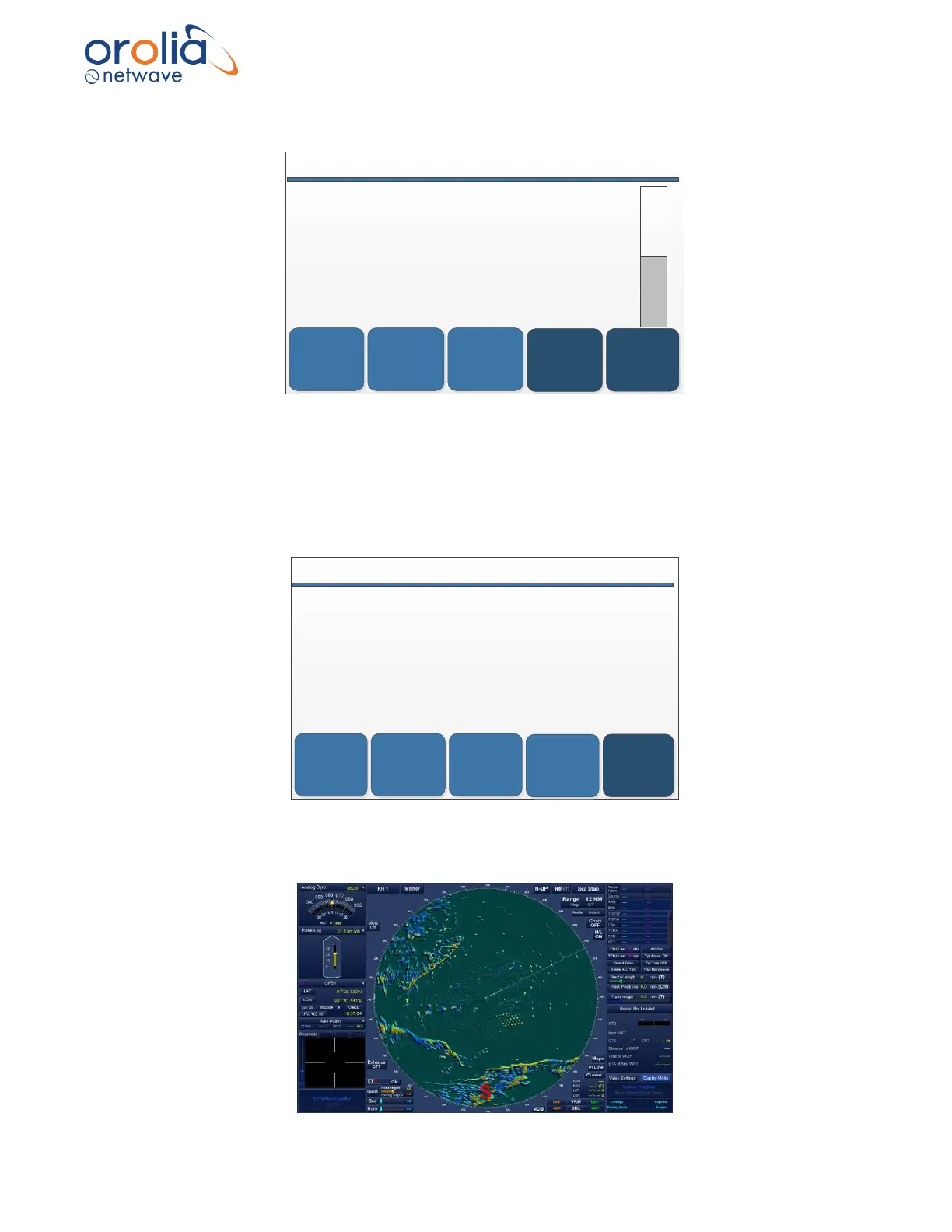
Select the line with the video source to be tested (i.e. Radar X). The display will start slowly to
show the complete video screen.

Table of Contents

Related product manuals