19.4.2 Configuration page
The NW6000 Configuration web page is used to configure the system.
On navigating to ‘Configuration’ the certified service engineer will have the option to configure the
VDR and to provide a correct representation of recorded data from all the storage media.
Open the ‘Configuration’ option with password available to certified service engineer.
The current configuration for the VDR is available when the Configuration page opens.
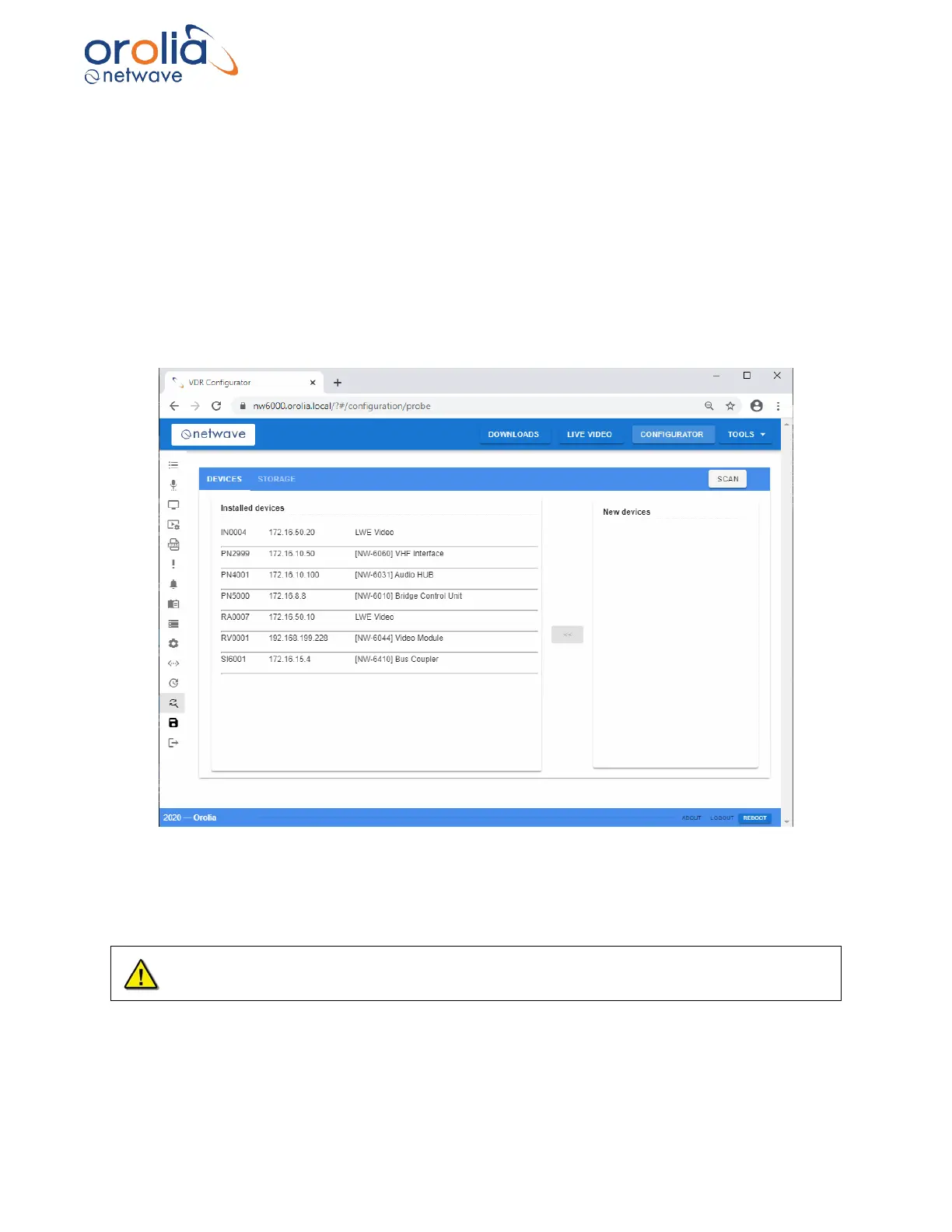
Select ‘Probe’ to show currently installed devices. Select SCAN to scan all the hardware
connected to the VDR and present the sensors on the left side of the opened window and merge
with the existing configuration if required.
The configurator will enable configuration of devices in the installed devices list. The
configuration, including installed devices, will only take effect when saved to the VDR.



 To Next Page