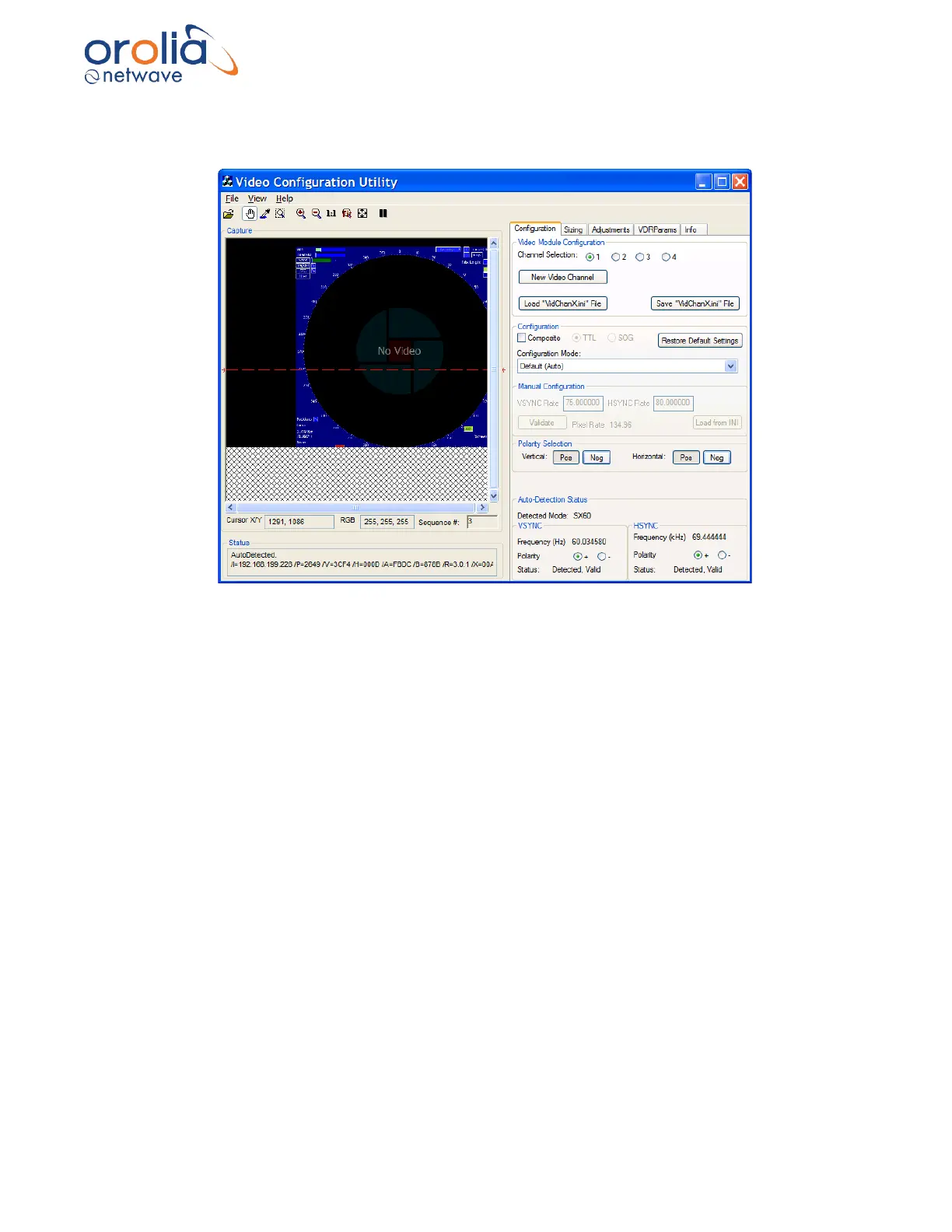
Once an initial image has been captured (either through Auto-Detection or Manual Configuration
mode), go to paragraph Horizontal Polarization to continue setup.
Figure 10.12.1 - Successful auto detection
10.13 Horizontal Polarization
The Horizontal Polarity setting is used to set the most possible black space to the left of the
captured image. Complete the following steps to establish the correct Horizontal Polarity setting:
1. Click the Video Configuration Utility’s tab Configuration to open the
Configuration page.
2. In the Polarity Section, select the other Horizontal button available either
Positive or Negative and then:
3. Note the width of black space visible in the Image window on the left side of the
image.
4. Select the setting either Negative or Positive in the Horizontal section which
provides the most amount of black to the left of the image and leave it on this
setting.



 To Next Page