20. Creating a download from the VDR system
Download of data from the NW6000 uses the same interface as used with configuring the
system. This is a dedicated ethernet port on the CM switch.
To perform a download requires installation of the Player software and configuration of the PC
used for the download.
20.1 Download data set
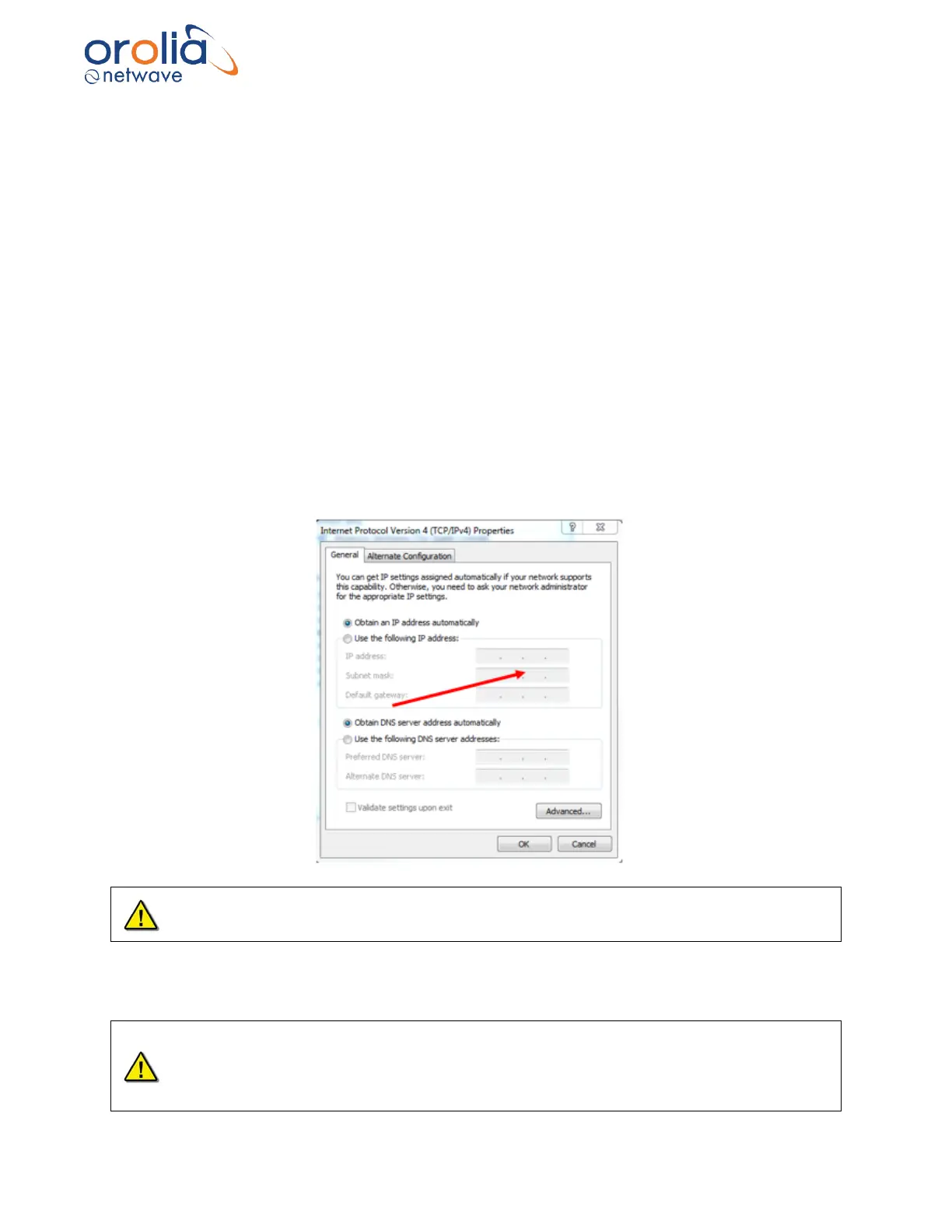
To download a data set from the NW6000, please set your PC to fixed IP address 172.16.8.199
using local area connection network.
Fill the following IP addresses:
IP address: 172.16.8.199
Submask: 255.255.0.0
Playback of voyage data now uses Player V2. This is a separate application and available via the
NW6000 Web Interface. The manual for configuring the Player V2, and also, it is operation, is
available within the Player V2.
Downloading from fixed capsule or float free might require a long time. It is recommended to
download from the long-term storage in the core module.
Choose the required data set from long term storage medium in core module for download to your
computer. Give it a recognizable name and place for easy retrieval for play back.
Due to system design of data recording on float free capsule, during normal operation the
downloading of most recent stored data on the capsule might lead to download interruptions
as recording has priority over downloading. Repeat download might correct the required
dataset. For incident retrieval this is not applicable as no data storage and downloading
inference will occur.



 To Next Page