22.5.4 Advanced Settings
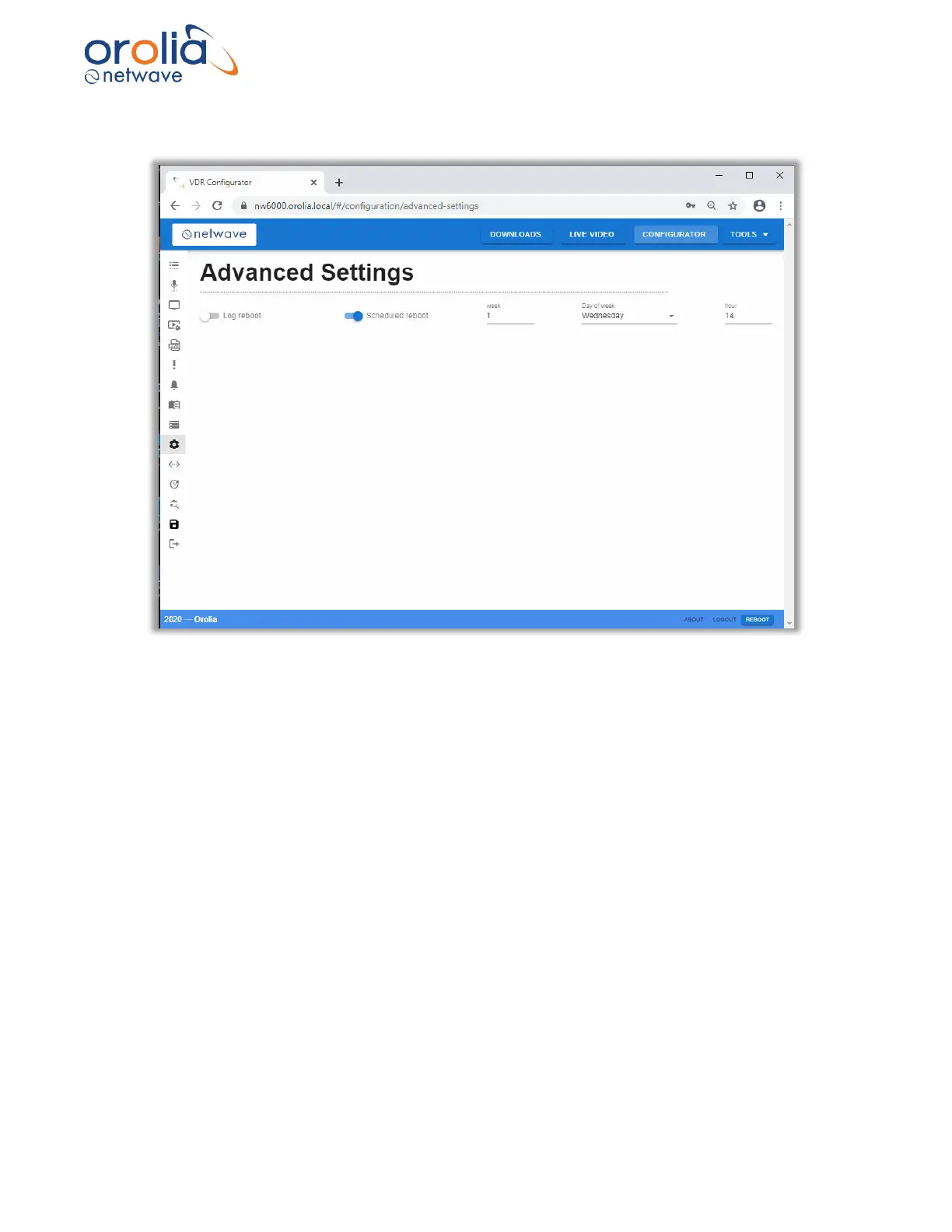
Figure 22.5.4.1 – Advanced Settings
Log Reboot
This setting is used to control whether the NW6000 logs additional information when the
platform reboots.
This can be used to help track down problems if required and should be used in
consultation with support.
Scheduled restart
This feature is used to restart the NW 6000 at periodic intervals.
Once enabled the following options can be configured for the interval between restarts:
1) Weeks - 1-4.
2) Day - Saturday, Monday, ...
3) Hour - 1-24



 To Next Page