7
S
MARTNA™ 10G NETWORK ACCESS (SMARTNA-X)
OVERVIEW | MANAGING SMARTNA-X
DRAFT
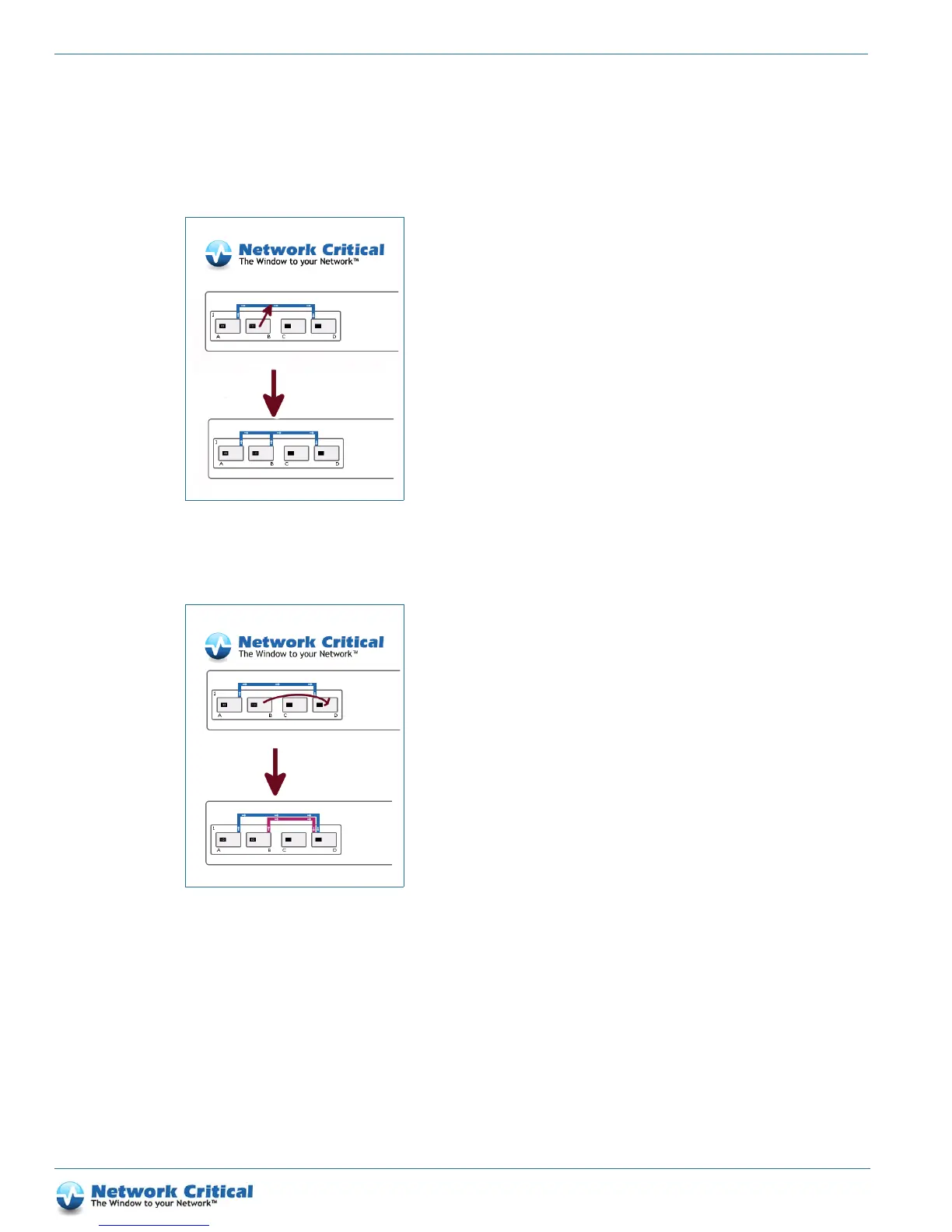
To aggregate packets from multiple ports, create a map and then drag other sources to the line (Figure 1-6). You
can also create an aggregation by selecting all the desired source ports (using the usual SHIFT/CTRL-CLICK)
and then dragging from one of them to the desired destination port.
To replicate packets to several ports, drag from a map line to other destination ports (Figure 1-7).
To remove a port from a map, hold ALT (or ALT+CTRL depending on your browser) whilst dragging, or click on
the map and choose the Delete map button that appears. Note that removing the last source or destination port
removes the entire map.
Figure 1-6 Packet aggregating
Figure 1-7 Replicating packets to several ports



 To Next Page