71
Smart Surveillance
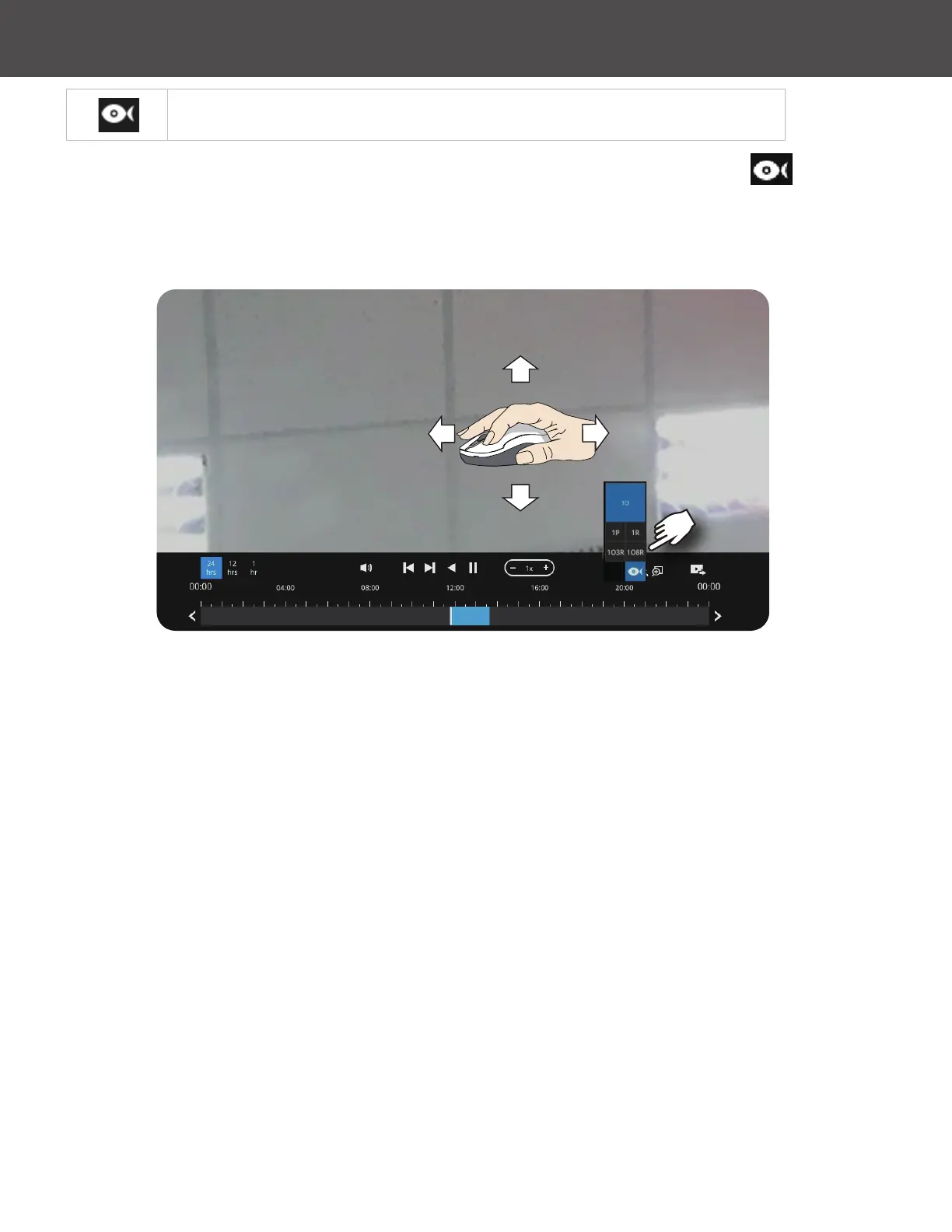
The sheye dewarp modes can be selected during a playback: e�g�, 1R,
1P, 1O3R or 1O8R�
When playing the video recorded by a sheye camera, the sheye display options will
be available on screen� You can click to select the 1O, 1P (Panoramic), 1R (Regional), 1O3R (1
Original and 3 Regional) or 1O8R modes� If 1P, 1R, 1O3R or 1O8R mode is selected, you can
exert the mouse control on screen, such as swiping the view, or hold down the Mouse button
and swipe the eld of view�
Please refer to the User Manuals that came with sheye cameras, or page 45 for description of
sheye display modes�



 To Next Page