NMC-WOLLARD 2021Truax Blvd., Eau Claire, WI 54703, Phone (715) 835-3151, Fax (715) 835-6625
M140 Tow Tractor Manual No. 46054
PAGE 5-93
CHAPTER 5 MANUFACTURER’S INFORMATION
1
NexSysLink
®
2" Stand-Alone CAN Display Operation Manual SAE J1939
© 2011 Beede Electrical Instrument Co., Inc.
• Menu Navigation
Menu navigation is accomplished through three built-in momentary switches� The switch functions are
MENU/ENTER/RESET, UP and DOWN�
• Menu/Enter/Reset Switch
As its name suggests, this switch serves several purposes when navigating the user interface� The
function depends upon the context of the menu option but is labeled ENTER on the instrument�
Menu Function: Pressing and holding this switch for approximately three seconds when any parameter
screen is displayed brings up the main menu�
Enter Function: Pressing and releasing this switch provides enter functionality when the operator is
required to choose a menu item, parameter, or value�
Reset Function: Pressing and holding this switch resets the selected trip miles or maintenance hour
value to zero�
• Up Switch
Pressing and releasing the Up switch scrolls up through the CAN parameter list, menu choices or
increases a value one item/unit at a time�
Pressing and holding the Up switch continuously scrolls up through the CAN parameter list, menu
choices or increases a value until the end of the menu choices or maximum value is reached�
• Down Switch
The Down switch functions identical to the Up switch with the exception that its direction for all lists,
menu choices and values is down or decreasing�
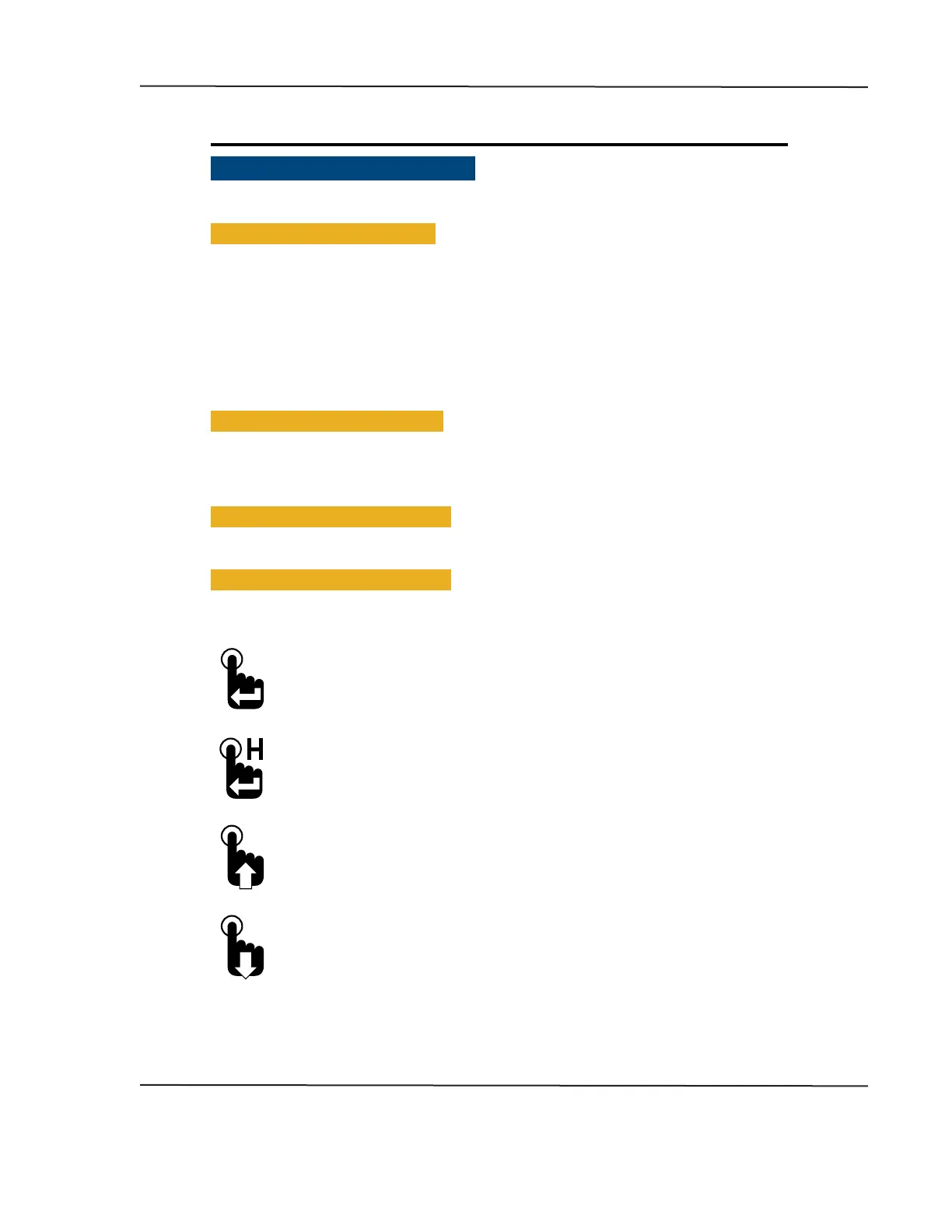
• Switch Icon Conventions
Throughout this manual, icons are used to indicate actions required by the user to navigate the menus�
Below are descriptions and the corresponding action to be taken when they appear�
Press and release Menu/Enter/Reset switch icon�
The presence of this icon in the manual indicates when to press and release
the Menu/Enter/Reset switch�
Press and hold Menu/Enter/Reset switch icon�
The presence of this icon in the manual indicates when to press and hold
the Menu/Enter/Reset switch for approximately three seconds�
Press Up switch icon�
The presence of this icon in the manual indicates when to press and release the Up switch�
Users may also choose to press and hold the Up switch if necessary�
Press Down switch icon�
The presence of this icon in the manual indicates when to press and release the Down
switch� Users may also choose to press and hold the Down switch if necessary�
CAN DISPLAY MANUAL
OCTOBER 01, 2015



 To Next Page