NMC-WOLLARD 2021Truax Blvd., Eau Claire, WI 54703, Phone (715) 835-3151, Fax (715) 835-6625
M140 Tow Tractor Manual No. 46054
PAGE 5-99
CHAPTER 5 MANUFACTURER’S INFORMATION
7
NexSysLink
®
2" Stand-Alone CAN Display Operation Manual SAE J1939
© 2011 Beede Electrical Instrument Co., Inc.
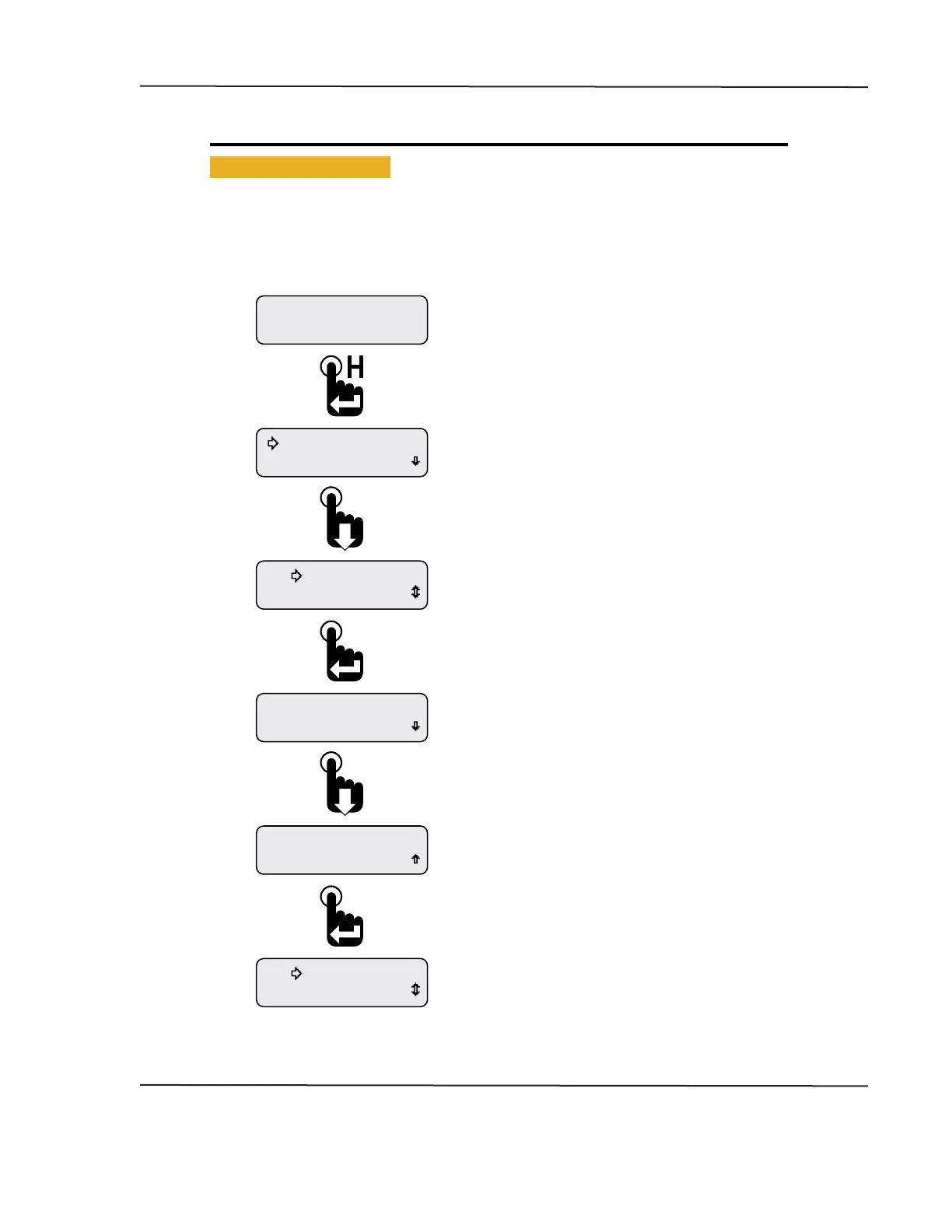
• Viewing Active Faults
If a fault information screen is cleared after it initially appears and the fault is still active, users can view
all the active fault information screens by using the Faults Active function of the Main Menu, Main Menu-
Active Faults�
Figure 1-6: Viewing Active Faults
Warnings Active
Faults Active
Eng Oil Pressure
DM1 Fault 1 of 1
SPN 100 FMI 0
DM1 Fault 1 of 1
Warnings Active
Faults Active
Faults Active
Maintenance Hours
Engine Hours
1049.3
Pressing the Enter switch with any of the active fault
detail screens visible returns the selection arrow
cursor next to the Faults Active option within the
Main Menu.
Scrolling down shows the fault name instead of the
SPN number. If more than one fault is active, scroll
down to see the subsequent fault details.
The fault screen appears listing the number of faults
(1 of 1 in this example), SPN and FMI numbers.
Scroll down to view the fault parameter name.
With the selection arrow cursor next to the
Faults Active option, press the Enter switch to
begin viewing fault detailed information.
First Main Menu screen appears with selection
arrow cursor next to Maintenance Hours.
Press the Down switch to place the selection arrow
cursor next to the Faults Active option.
With a CAN parameter displayed, press and
hold the Enter switch to bring up the Main Menu.
Engine Hours parameter shown as an example only.
CAN DISPLAY MANUAL
OCTOBER 01, 2015



 To Next Page