NMC-WOLLARD 2021Truax Blvd., Eau Claire, WI 54703, Phone (715) 835-3151, Fax (715) 835-6625
M140 Tow Tractor Manual No. 46054
PAGE 5-118
CHAPTER 5 MANUFACTURER’S INFORMATION
26
NexSysLink
®
2" Stand-Alone CAN Display Operation Manual SAE J1939
© 2011 Beede Electrical Instrument Co., Inc.
• Display
The Display Menu functions provide users the ability to congure the LCD� Options for conguring
the display include either 1 or 2 parameter display mode, LCD contrast and positive or negative image
mode� Each function is detailed in the following pages�
Figure 1-25: Display Menu
Contrast
1-Parameter
Trip Mode
Display
Units
Backlight
Informaon
Setup
Display Menu Function List.
*1- Parameter
Contrast
Video Mode
Return
Exit
* Either Maintenance Hours or
Vehicle Trip appears as the rst
Main Menu function depending
upon the Main Menu-Setup-Trip Mode
conguration.
Main Menu-Setup-Trip-Hours
displays Maintenance Hours.
Main Menu-Setup-Trip-Distance
displays Vehicle Trip.
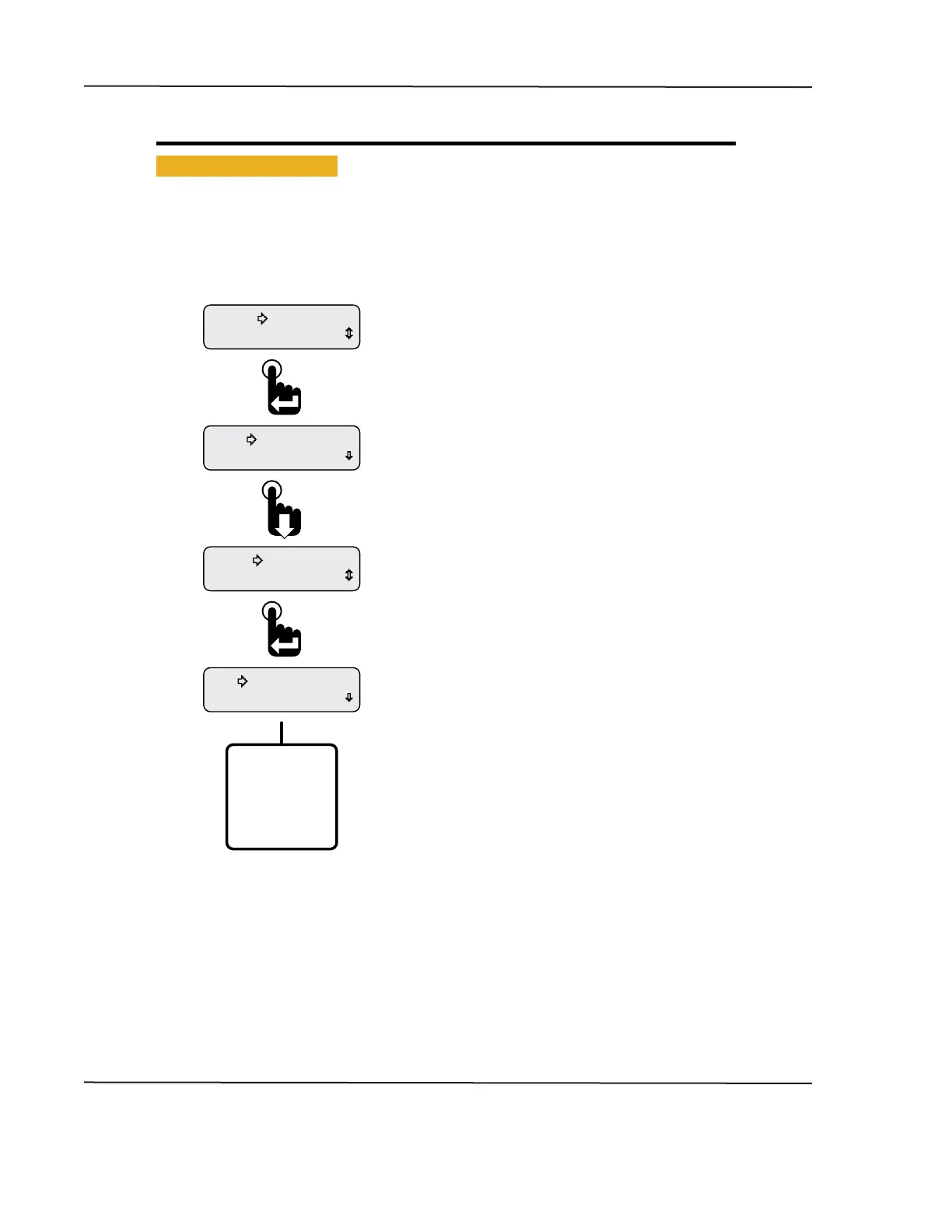
The Display Menu appears with the selection arrow
cursor next to either the 1-Parameter or 2-Parameter option.
Scroll down to view all Display Menu functions.
Scroll down to place the selection arrow cursor next
to the Display option then press the Enter Switch.
The Setup Menu appears with the selection arrow
cursor next to the Backlight option.
From the Main Menu, scroll to place the selection
arrow cursor next to the Setup option.
Press the Enter switch to view setup functions.
CAN DISPLAY MANUAL
OCTOBER 01, 2015



 To Next Page