NMC-WOLLARD 2021Truax Blvd., Eau Claire, WI 54703, Phone (715) 835-3151, Fax (715) 835-6625
M140 Tow Tractor Manual No. 46054
PAGE 5-113
CHAPTER 5 MANUFACTURER’S INFORMATION
21
NexSysLink
®
2" Stand-Alone CAN Display Operation Manual SAE J1939
© 2011 Beede Electrical Instrument Co., Inc.
• Setup Menu
The Setup Menu contains all the functions necessary to congure the instrument to satisfy user
preferences and application requirements� This section of the manual describes those functions�
Figure 1-20: Setup Menu Functions
Units
Backlight
Informaon
Setup
Setup Menu Function List.
Backlight
Units
Popup
Display
Trip Mode
Alarm Output
Return
Exit
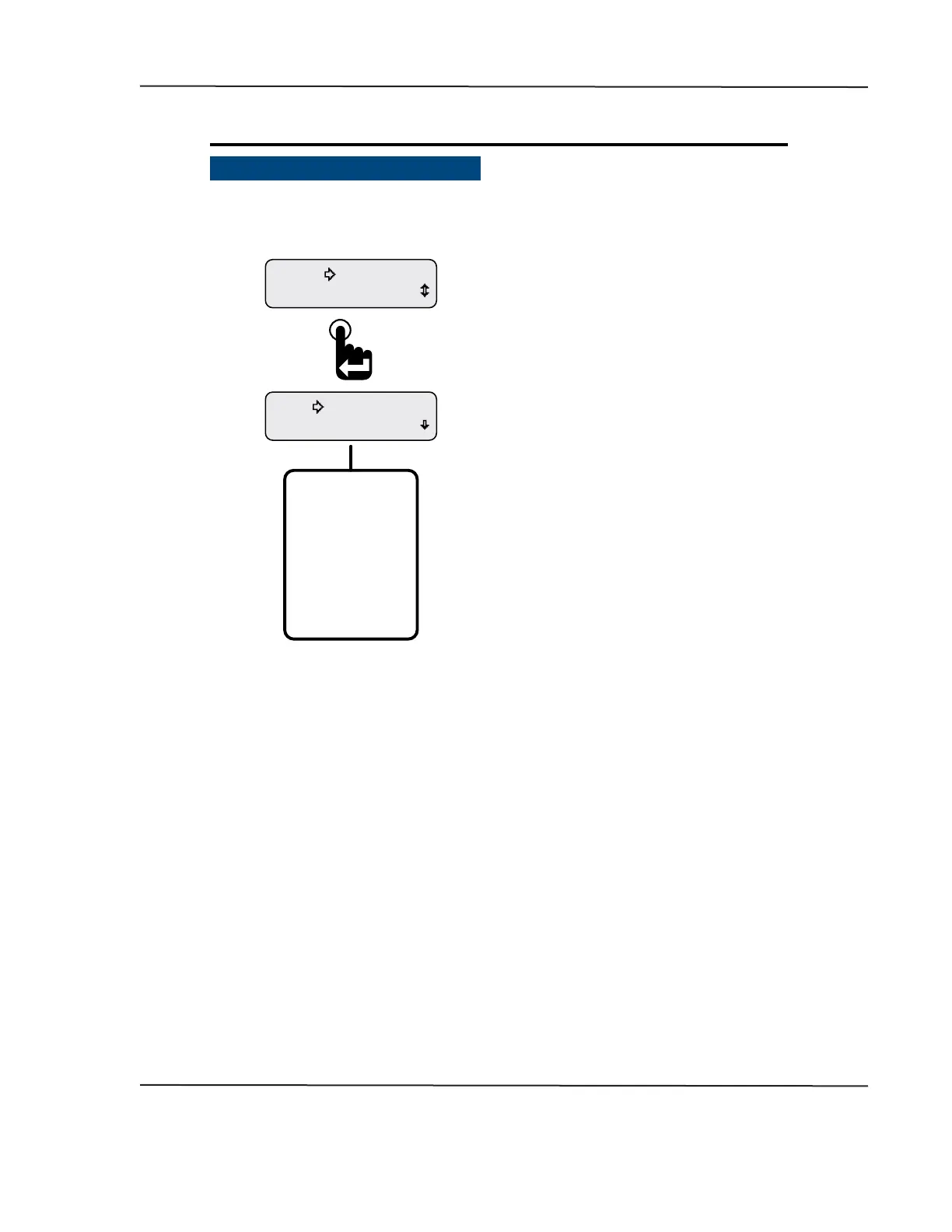
The Setup menu appears with the selection arrow
cursor next to the Backlight option.
Scroll down to view all Setup menu functions.
From the Main Menu, scroll to place the selection
arrow cursor next to the Setup option.
Press the Enter switch to view Setup functions.
Setup Menu function summary:
Backlight - Sets intensity of instrument illumination�
Units - Sets display units to English or SI-Metric�
Popup - Activates notication screen for Faults, Warnings and Alarms�
Display - Sets either 1 or 2 parameter display mode, LCD contrast and positive or negative image mode�
Trip Mode - Determines if maintenance hours or trip miles displays as the rst item of the Main Menu�
Alarm Output - Turns o (mutes) the output for audible devices�
Return - Brings users back to Main Menu-Setup�
Exit - Leaves the menu to show the last displayed CAN parameter�
CAN DISPLAY MANUAL
OCTOBER 01, 2015



 To Next Page