NMC-WOLLARD 2021Truax Blvd., Eau Claire, WI 54703, Phone (715) 835-3151, Fax (715) 835-6625
M140 Tow Tractor Manual No. 46054
PAGE 5-103
CHAPTER 5 MANUFACTURER’S INFORMATION
11
NexSysLink
®
2" Stand-Alone CAN Display Operation Manual SAE J1939
© 2011 Beede Electrical Instrument Co., Inc.
• Alarms
Alarms are user congured limits for CAN parameters used to alert operators when the parameter or
parameters exceeds those limits� Alarms help users protect a vehicle, vessel or equipment from damage
by providing an option to set operating notication limits for CAN parameters critical to the application�
A maximum of 15 parameters may be congured for alarm notication�
Note: Alarms are only a notication feature and do not disable or diminish the operation of a vehicle or
equipment�
Alarm settings are written to non-volatile memory and retained when power is removed from the
instrument�
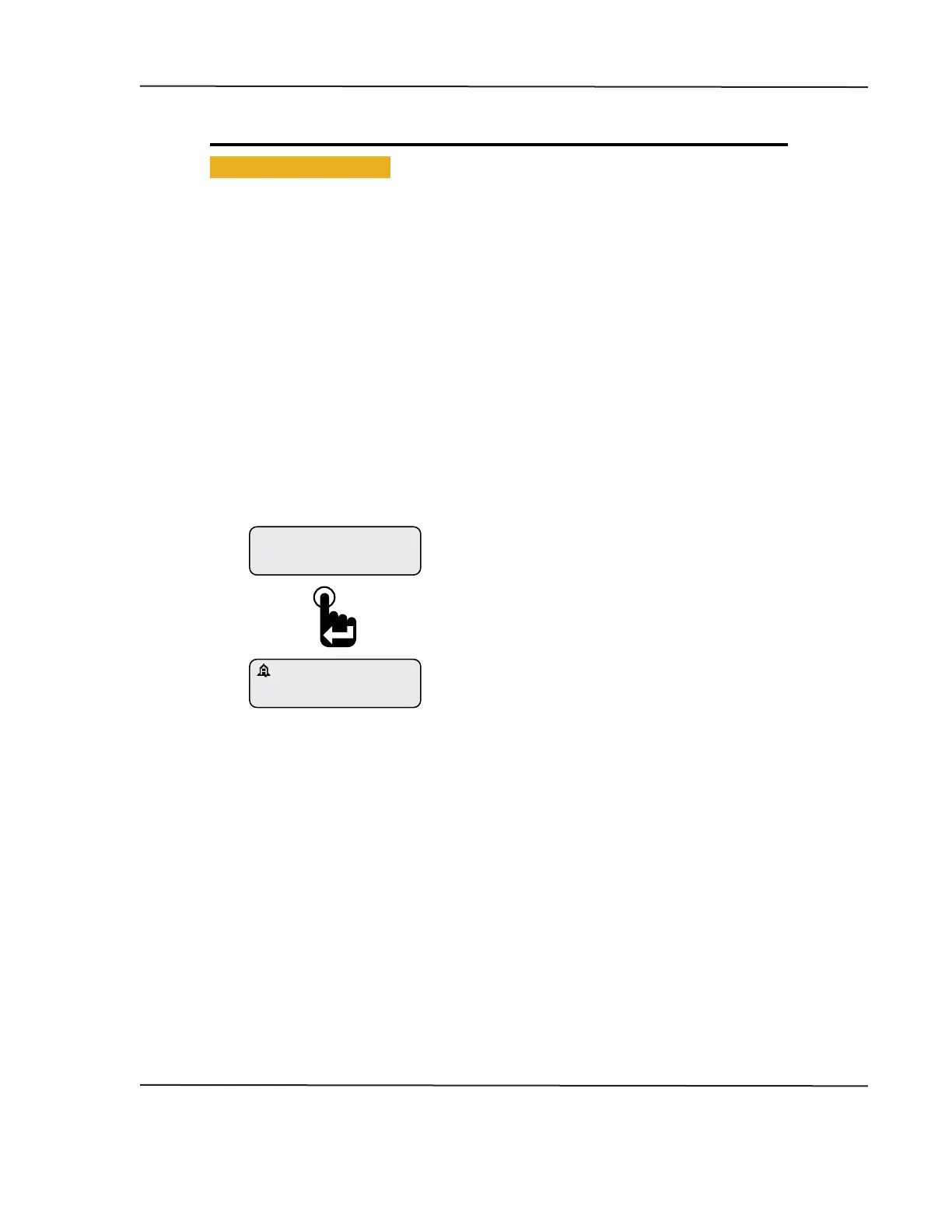
If alarms are congured and enabled, a blinking "Bell" icons appears in the upper left corner of the
current CAN parameter display screen once a parameter exceeds the set alarm limits� If popups for
alarm conditions is enabled, an alarm notication screen appears� Refer to "Setting Popups" on page
25�
The built-in audible device will sound when an alarm occurs if the Mute setting, Main Menu-Mute Audio
Alarm, is not set to Permanent� See "Mute" on page 20 for enabling the internal audible device�
Parameter Display Screen with Alarm “Bell” Icon
Engine Hours
1049.3
ALARM
Pressing the Enter switch clears the alarm notication
screen and returns the last displayed CAN parameter.
A blinking bell icon appears in the upper left corner of
the screen to indicate the alarm condition is still active.
An alarm notication screen appears when popups
are enabled and an alarm condition occurs.
Refer to setting popups.
CAN DISPLAY MANUAL
OCTOBER 01, 2015



 To Next Page