NMC-WOLLARD 2021Truax Blvd., Eau Claire, WI 54703, Phone (715) 835-3151, Fax (715) 835-6625
M140 Tow Tractor Manual No. 46054
PAGE 5-95
CHAPTER 5 MANUFACTURER’S INFORMATION
3
NexSysLink
®
2" Stand-Alone CAN Display Operation Manual SAE J1939
© 2011 Beede Electrical Instrument Co., Inc.
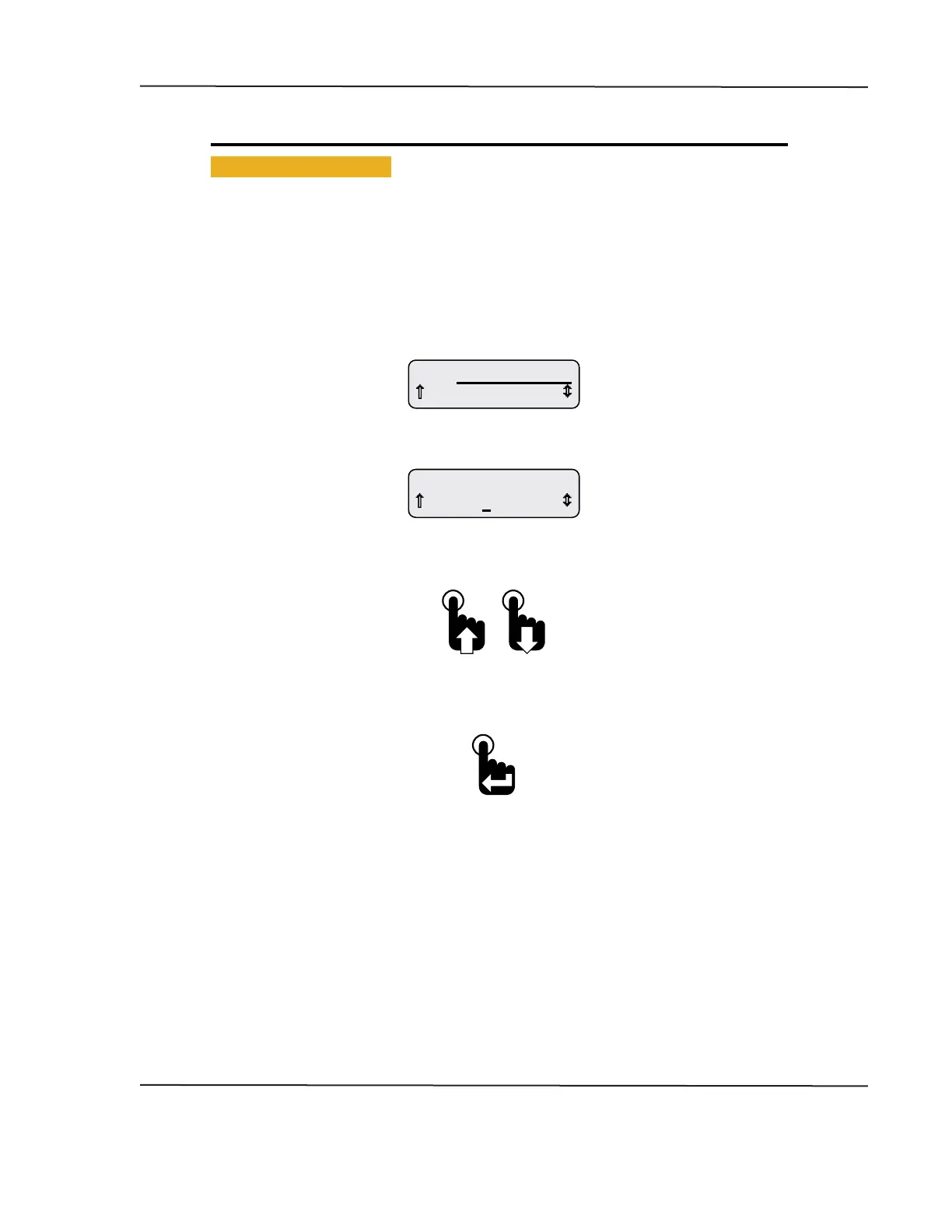
• Blinking Bar Cursor
A blinking bar cursor appearing beneath a numeric value or CAN parameter indicates the item may be
changed by pressing or pressing and holding either the Up or Down switches�
When a numeric value appears above a blinking bar cursor, pressing or pressing and holding the Up or
Down switch increases or decreases the value until the maximum value limits are reached�
When a CAN parameter appears above a blinking bar cursor, pressing or pressing and holding either the
Up or Down switch scrolls through the list of CAN parameters until the end of the list is reached�
Figure 1-2: Blinking Bar Cursor
0 A
A1 Baery Current
Blinking Bar Cursor
located under amperage value
0.0 bar
A1 Coolant Pressure
Blinking Bar Cursor
located under parameter name
Pressing the Up or Down switch
changes the CAN parameter or value until the
end of the list or limits of the value range is reached.
Pressing the Enter switch when
the desired parameter or value is
displayed accepts the parameter or value.
CAN DISPLAY MANUAL
OCTOBER 01, 2015



 To Next Page