ACCESS GATEWAY
96 System Administration
VSA Value: Either WAN, Eth1, Eth2, Eth3, Eth4, or Eth5 to identify what interface
the user will try to send traffic on. (The interface will internally select properly on the
5600 and 2400).
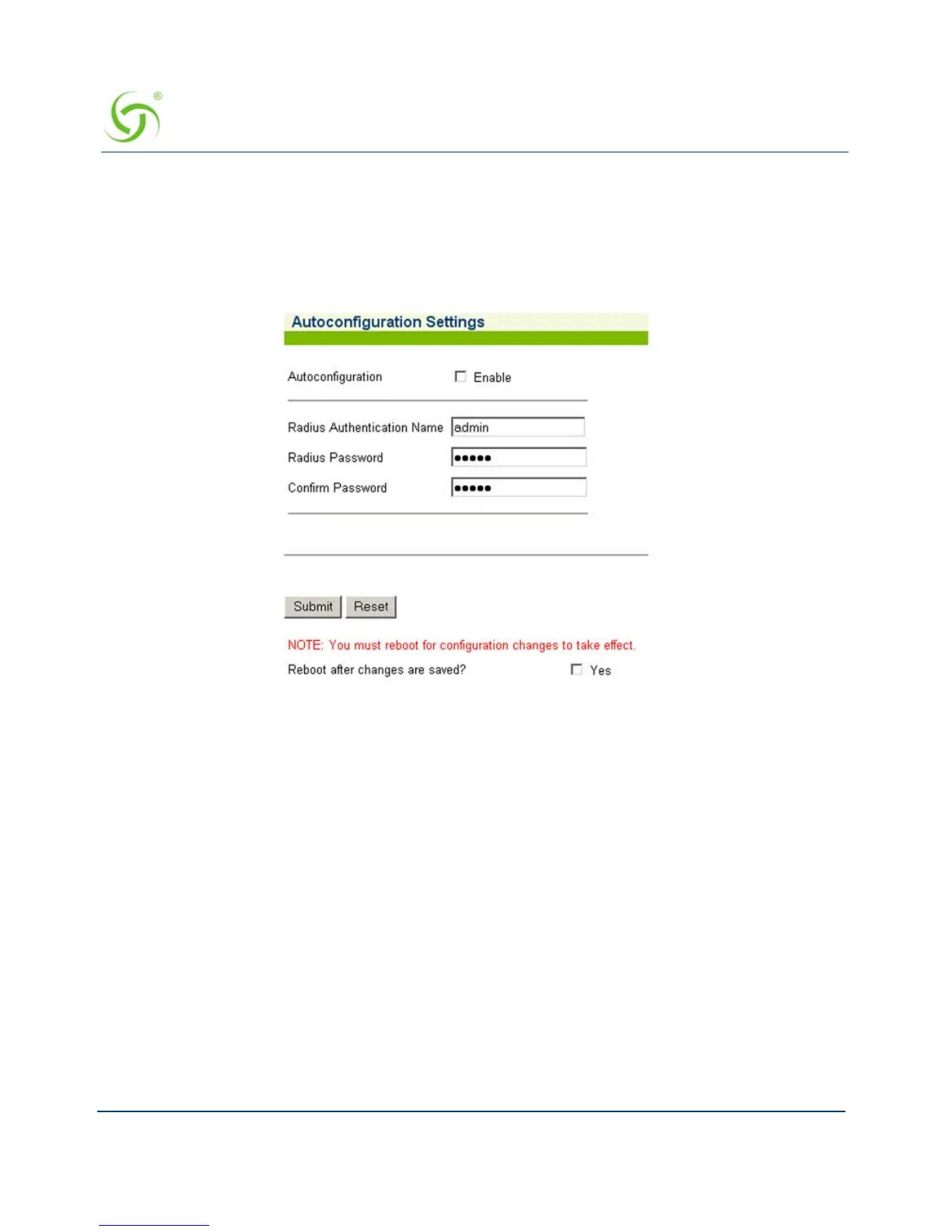
1. From the Web Management Interface, click on Configuration, then Auto Configuration.
The Autoconfiguration Settings screen appears:
2. Enable or disable Autoconfiguration, as required.
3. If you enabled Autoconfiguration, you must enter the following information into the
corresponding fields:
RADIUS Authentication Name
RADIUS Password
Confirm Password
4. Click on the check box for Reboot after changes are saved? to reboot the system when
you submit your changes.
5. Click on the Submit button to save your changes, or click or the Reset button to reset all
data to its previous state.
See Enabling Auto Configuration.



 To Next Page