Extended print jobs 125
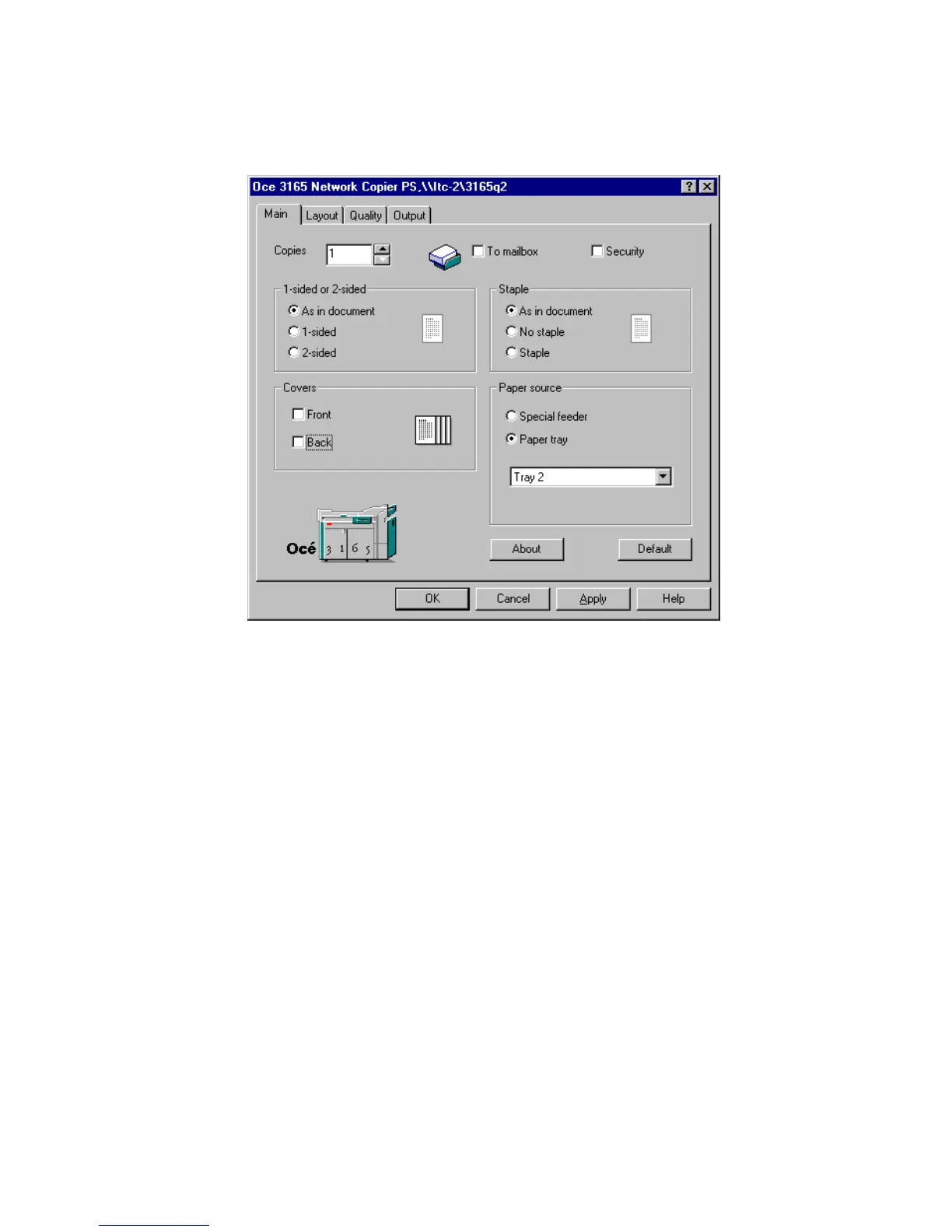
3 If you want to load the material yourself, check ‘To mailbox’. You can then
walk up to the Océ 3165, select your job in the mailbox and define the required
settings on the operating panel. For loading the material yourself, see ‘Loading
paper’ on page 156.
[64] Print a document using the paper trays
Note: If the key operator has locked the paper compartment door, you will
have to call the key operator to load special paper. The material must be
loaded into the paper trays as shown in figure 35 on page 63.
4 Select the paper tray which contains the required material from the pull-down
menu in the Paper source box.
5 Define other settings as required.
6 Click ‘OK’.
The document is now transferred to the Océ 3165.
▼ Print a document onto special material using the special feeder
1
From the File menu of your application, select the option ‘Print’.
You are now in the print window of the application.
Note: Do not enter the required number of copies in this window.



 To Next Page