Extended print jobs 127
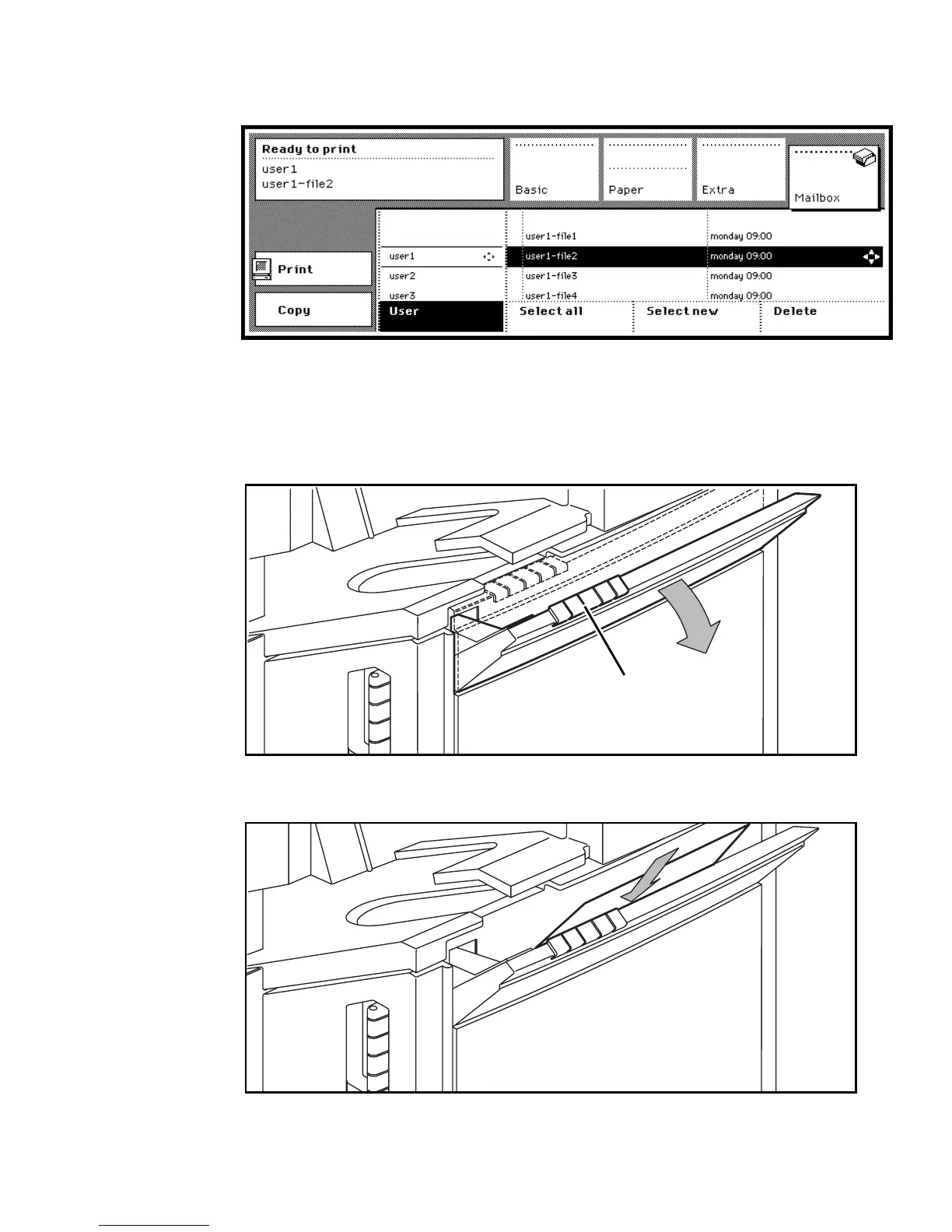
11 Use the arrow buttons to select the job you want to print on special material
(see figure 66).
[66] Selecting a job in the mailbox section
12 If required, you can still make additional settings on the operating panel (see
‘Printing jobs stored in your mailbox’ on page 108).
13 Open the special feeder above the paper compartment door using the notched
grip (see figure 67).
[67] Opening the special feeder
14 Insert a sheet of copy material with the side to be copied face-down.
[68] Inserting special copy material in the special feeder
notched grip



 To Next Page