150 Océ 3165 User Manual
▼ Saving the print file for printing at a later time
1
Open the Océ 3165 Job SubmitIT application.
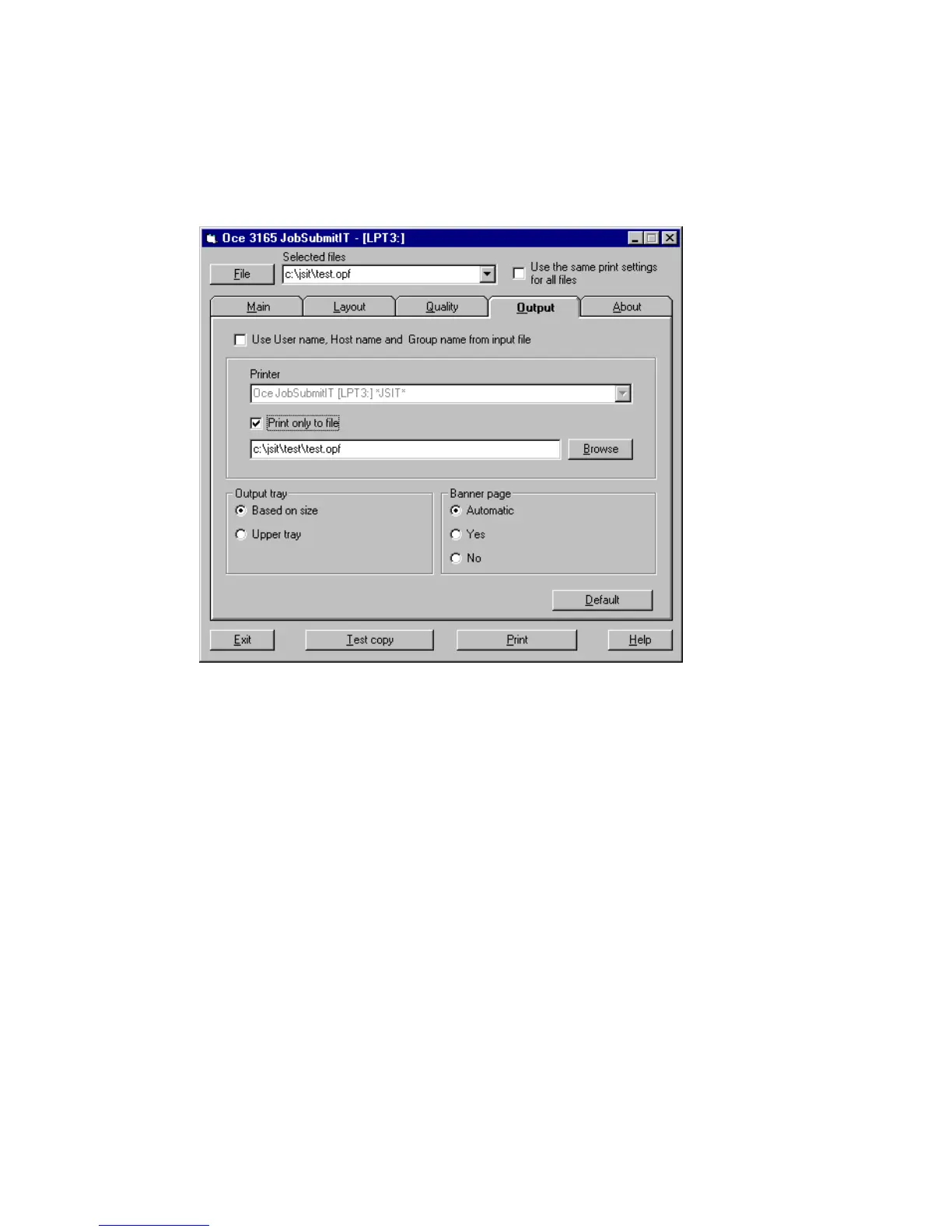
2 Import the file to be printed.
3 Define the required settings.
4 Open the ‘Output’ tab and check the ‘Print only to file’ option.
An entry box with the file name of the selected file appears.
[84] The ‘Print only to file’ option
5 Click the ‘Print to File’ button to save the changed settings.
6 When the last job has been saved to file, uncheck the ‘Print only to file’ option,
or leave the application.



 To Next Page