Submitting jobs in a central printing environment 149
10 To print a test copy before starting the print job, click the ‘Test copy’ button.
If required, a banner page is printed with each job on which information like
user name, host name, group name and file name are mentioned.
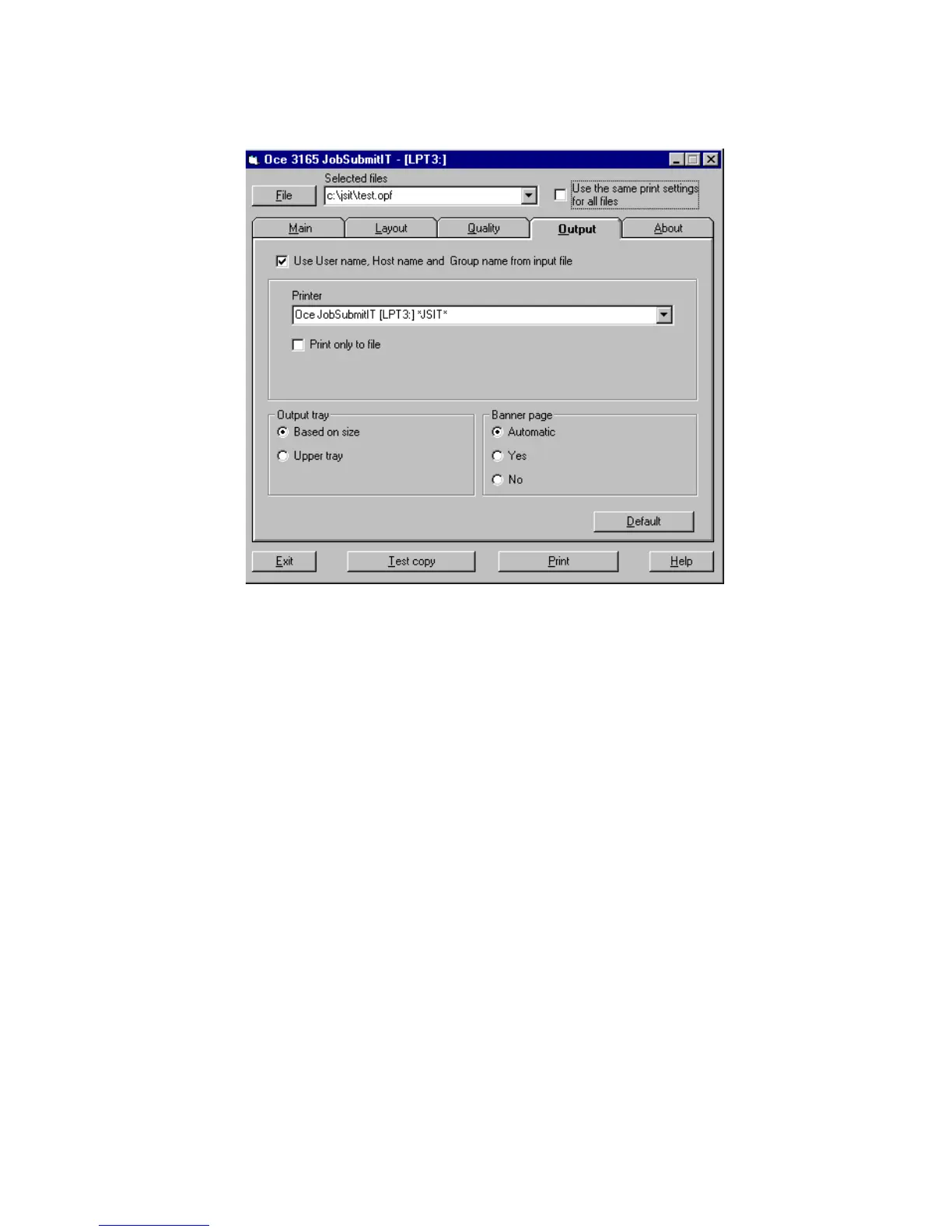
[83] Defining information on the banner page
11 If only the information about the central operator is required on the banner
page instead of the input file particulars, click the ‘Output’ tab and uncheck the
‘Use User name, Host name and Group name from input file’ box (see
figure 83).
12 If required, the information which will be printed on the banner page can be
visualized when clicking the About tab.
13 Click the ‘Print’ button to submit the file to the Océ 3165 Network Copier.
Note: The Océ 3165 Job SubmitIT application does not remove the actual file
from the directory. You have to remove it yourself.



 To Next Page