148 Océ 3165 User Manual
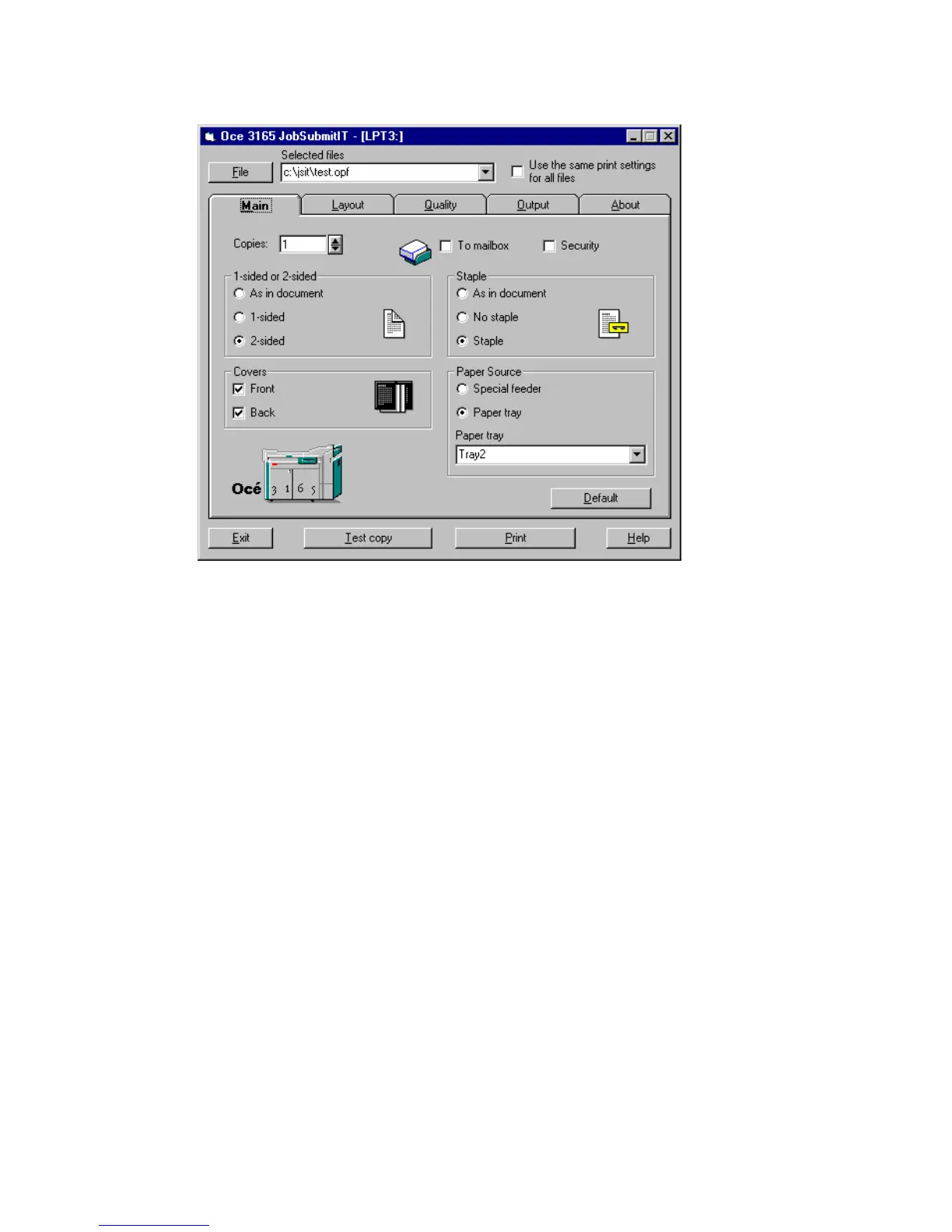
8 Select the document from the Selected files box.
The settings done by the document creator appear.
[82] Settings of the document creator appear
9 If required adjust the settings in the ‘Main’, ‘Layout’ or ‘Quality’ tab (for
information on print settings, refer to ‘Setting up the Océ 3165 printer driver’
on page 87).



 To Next Page