152 Océ 3165 User Manual
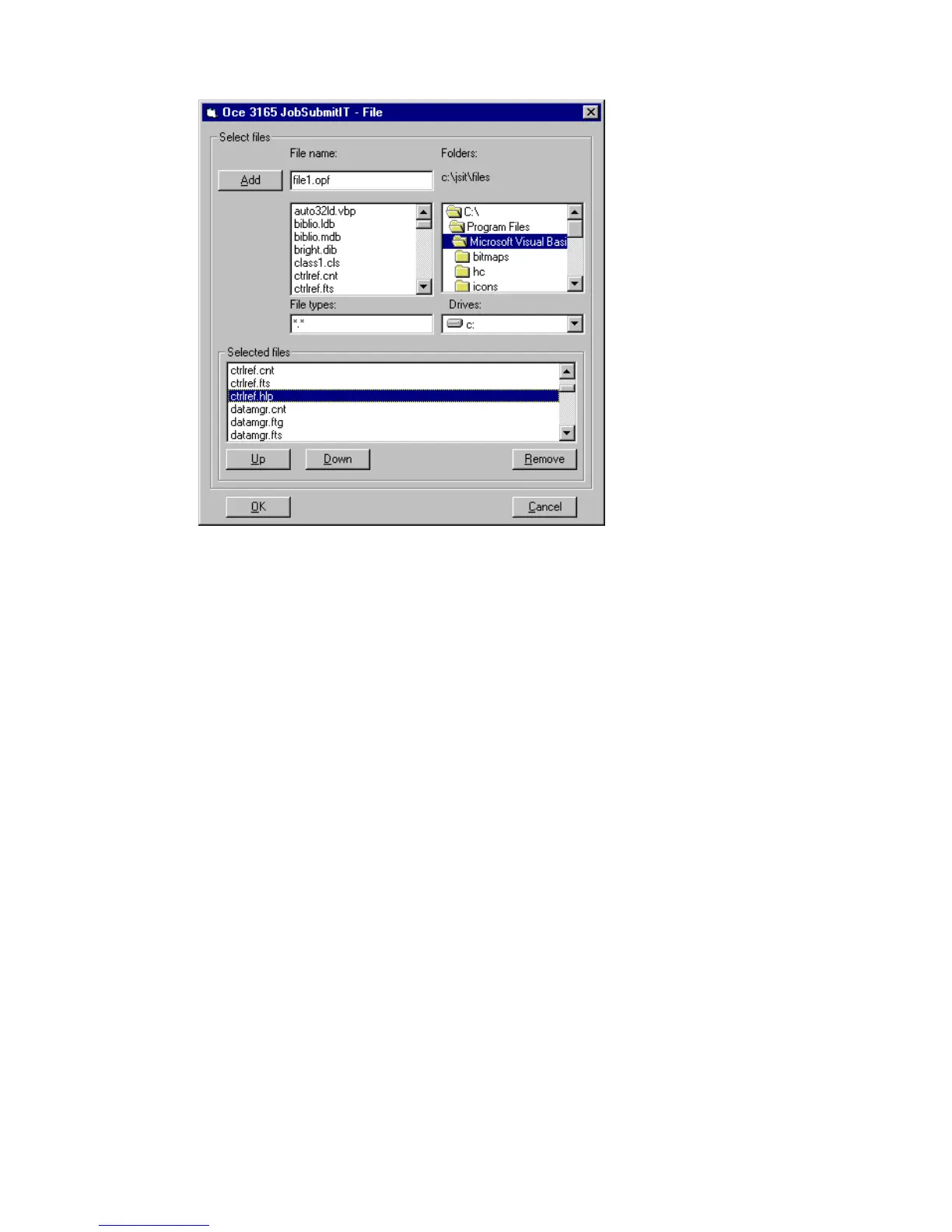
The selected files are put in the Selected files box (see figure 85).
[85] Selecting multiple files
6 To select additional documents for printing, repeat steps 3, 4 and 5.
7 To sort the listed files into the correct sequence, click a file.
The ‘Up’, ‘Down’ and ‘Remove’ buttons appear.
8 Click the ‘Up’or ‘Down’ button to sort the files into the correct sequence.
9 To remove files from the Selected files list, select the file you want to remove,
then click the ‘Remove’ button.
10 When ready, click ‘OK’.



 To Next Page