Submitting jobs in a central printing environment 153
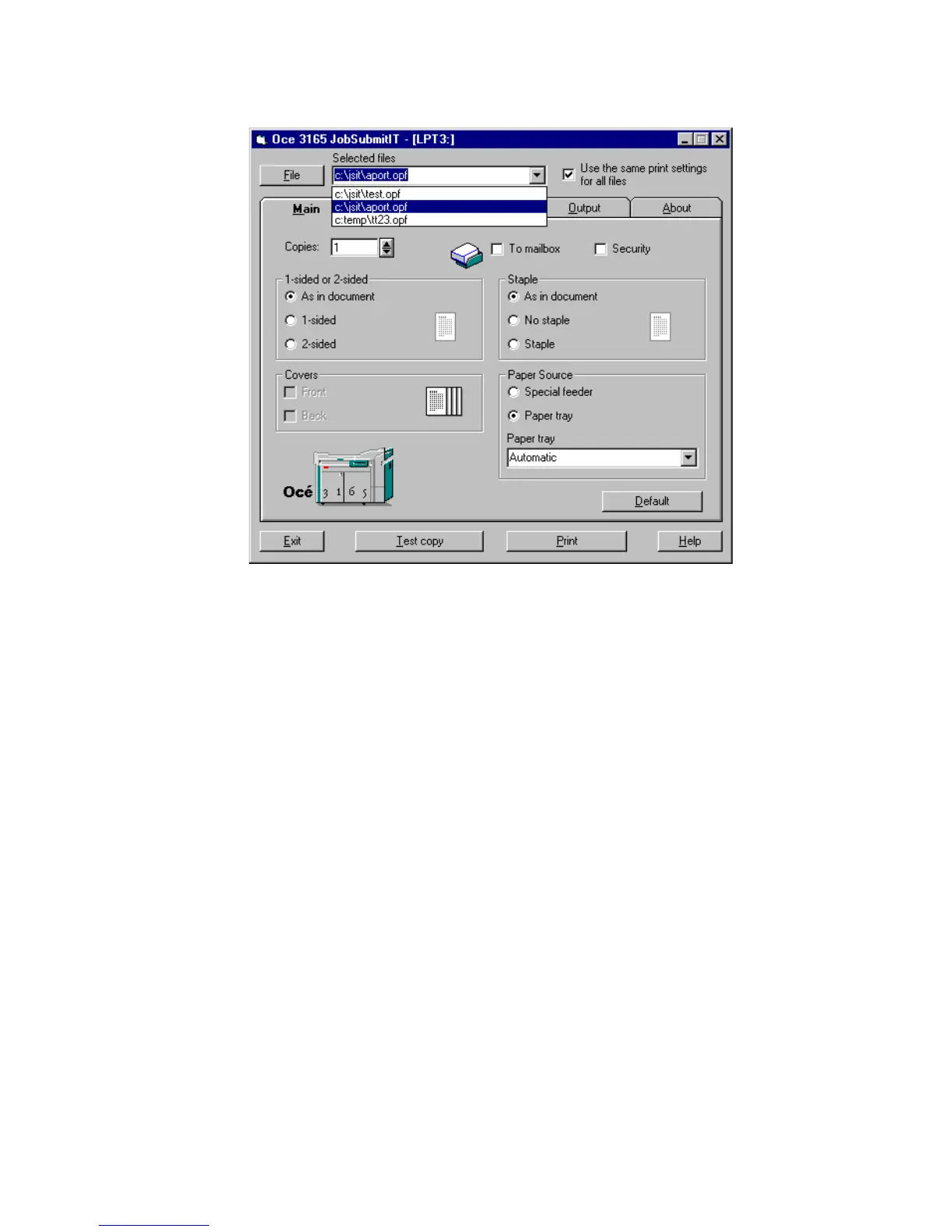
The files are now available in the Selected files pull down menu (see
figure 86).
[86] Multiple files available in the Input file pull down menu
11 Select the first document to be printed in the Selected files box.
The settings done by the document creator appear.
12 If required adjust the settings in the ‘Main’, ‘Lay-out’ or ‘Quality’ tab.
13 To print a list of files using the same settings check the ‘Use the same print
settings for all files’ box. All input files will be processed according to the
settings as defined in the selected file.
14 Click the ‘Print’ button.
All files are printed one after another.



 To Next Page