Maintenance 157
Loading special material When loading overhead transparencies, pre-printed
paper or punched paper (or other copy material with a specific page
orientation) take into consideration that the image is rotated 180˚ during the
copying process. This means that the special material must be loaded into the
paper trays as shown in figure 35 on page 63.
▼ Check paper supply
1
Open the ‘Paper’ section.
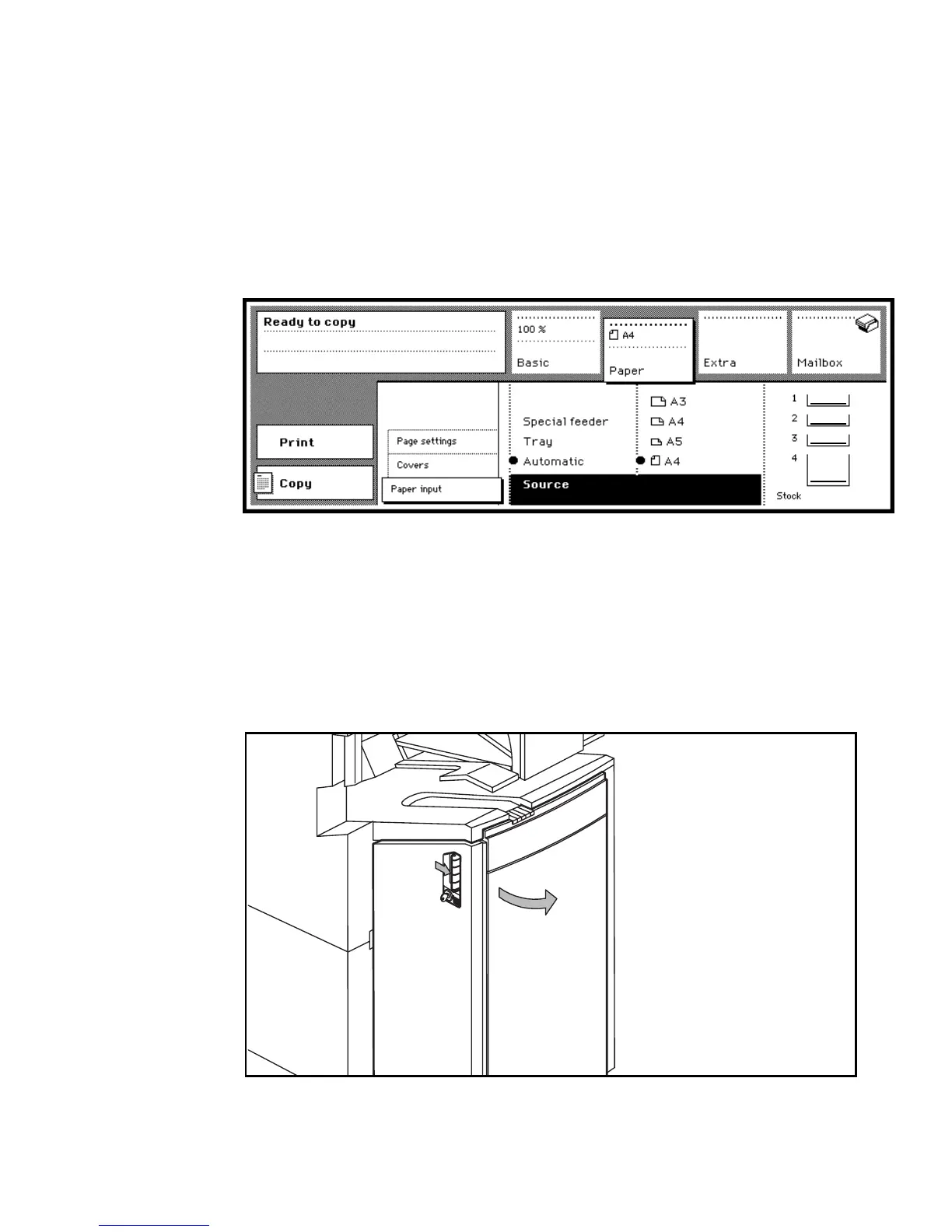
2 Select the ‘Paper input’ settings (see figure 88).
[88] Source card showing paper stock
The ‘Stock’ graphic shows the stack of paper which is still available in the
paper trays, whereas the figures 1, 2, 3 and 4 stand for paper tray 1, 2, 3 and 4.
If the stack of paper is low in the graphic, you need to refill the paper in the
corresponding paper tray within short notice.
▼ Loading paper in tray 4
1
Open the paper compartment door (see figure 89).
[89] Opening the paper compartment door
2
1



 To Next Page