158 Océ 3165 User Manual
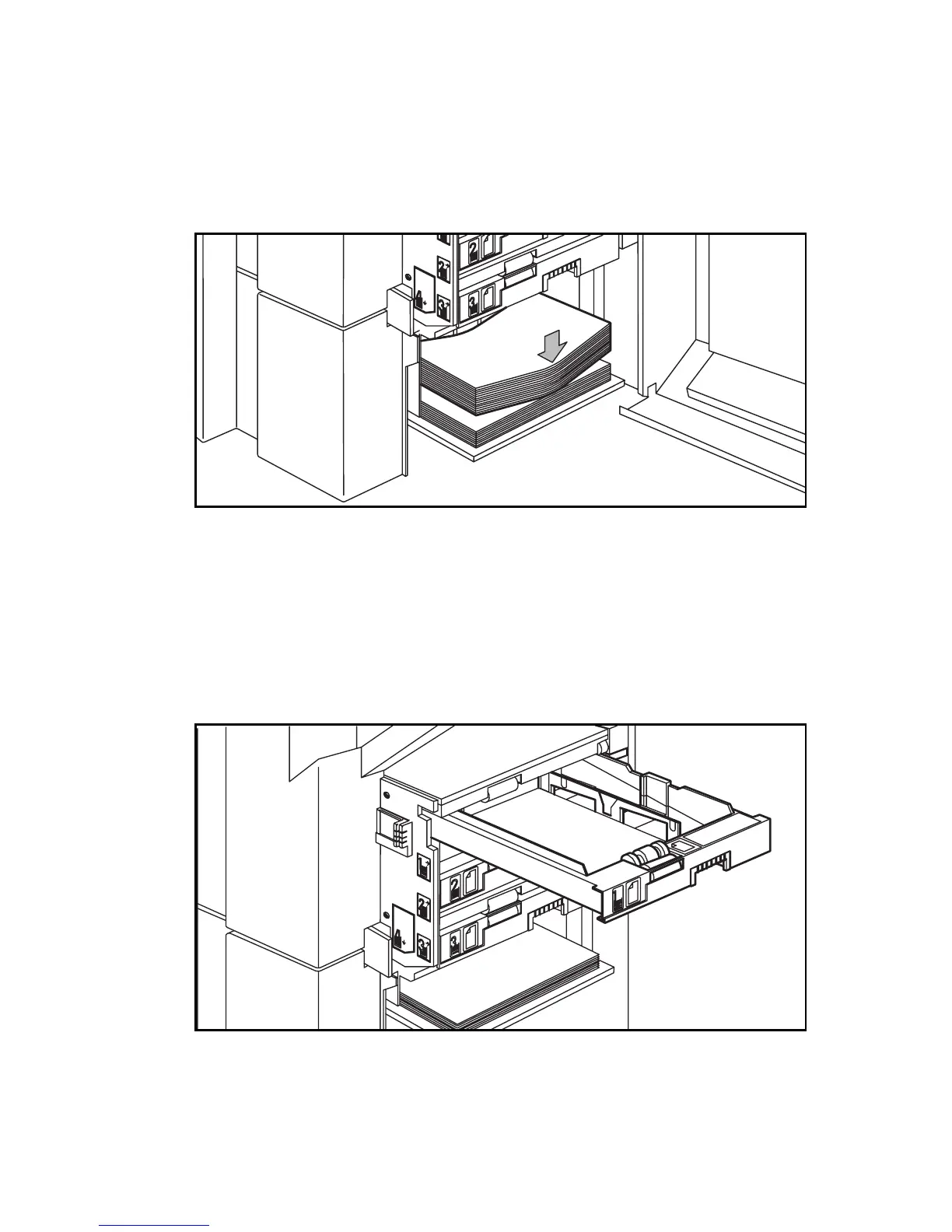
Tray 4 moves down automatically as soon as the door is opened.
2 Take the paper out of the pack. In case of wrapped paper, remove the top and
bottom sheets.
3 Hold the paper by the short sides and bend it slightly. Then place it on top of
the remaining stack of paper in tray 4, making sure that you do not dislodge it
(see figure 90).
[90] Loading a package of paper into the tray
Note: Pre-printed or punched paper must be placed with the heading
towards the front of the copier and the perforation (if any) to the left.
4 Close the paper compartment door. The tray will move up automatically.
▼ Loading paper (trays 1,2,3)
1
Open the paper compartment door (see figure 89).
2 Pull out the paper tray as in the figure below:
[91] Sliding the paper tray out of the paper compartment



 To Next Page