Introduction 19
[5] Card selection
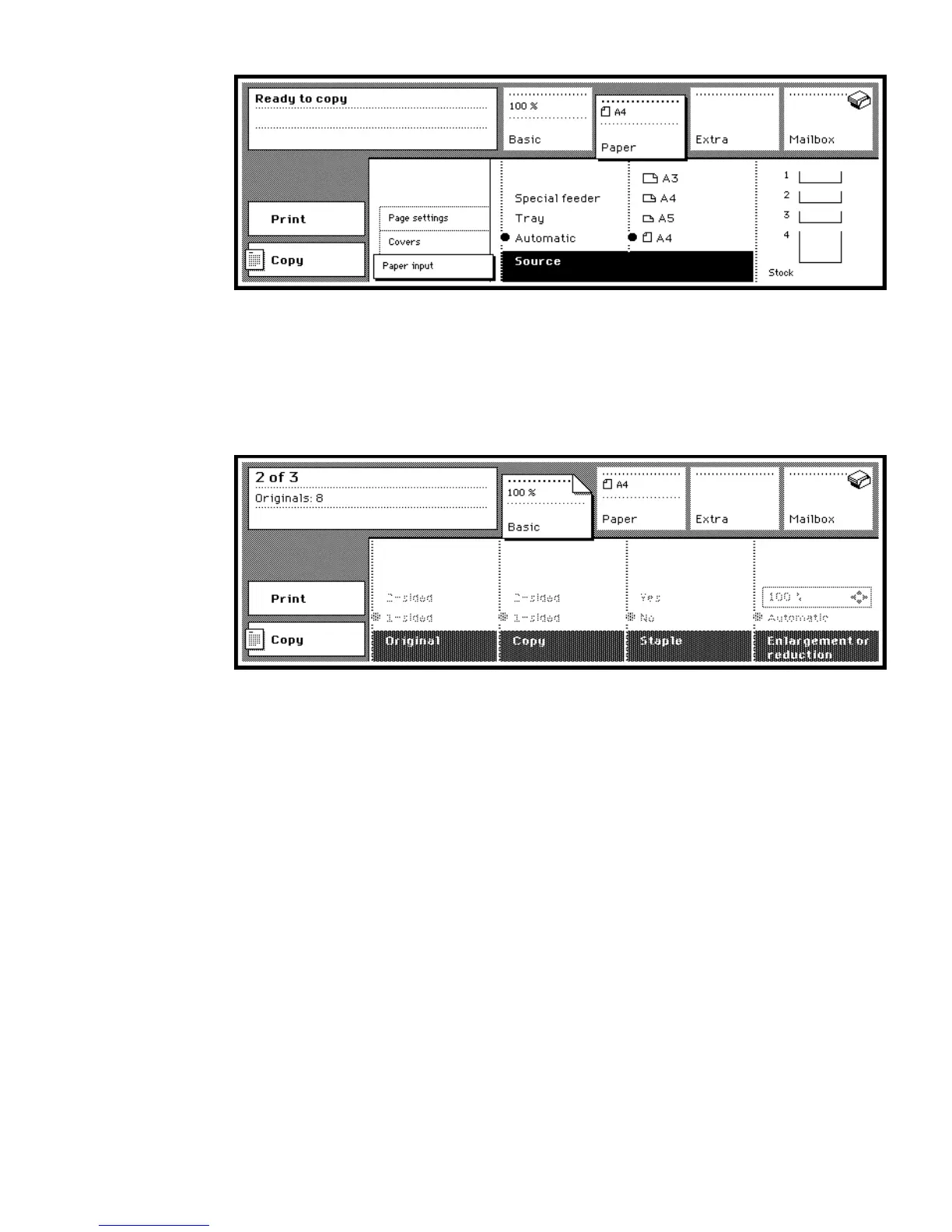
Dog ear When standard settings are changed for a new job, the involved
section is marked with a ‘dog-ear’ (see figure 6). This ‘dog-ear’ in a section
label or a subsection label indicates to the user that at least one setting in that
section (or any of its subsections) does not reflect the default value.
[6] Indication of a changed setting
The automatically selected paper size and reduction/enlargement setting are
also shown in the corresponding section labels.
Original counter During copying or printing you can see the progress of the
job in the display.
The copy job counter shows the following information about the running copy
job (see figure 7):
■ in the first line the finished sets of the total number of sets
■ in the second line the total number of scanned originals of one set.



 To Next Page