20 Océ 3165 User Manual
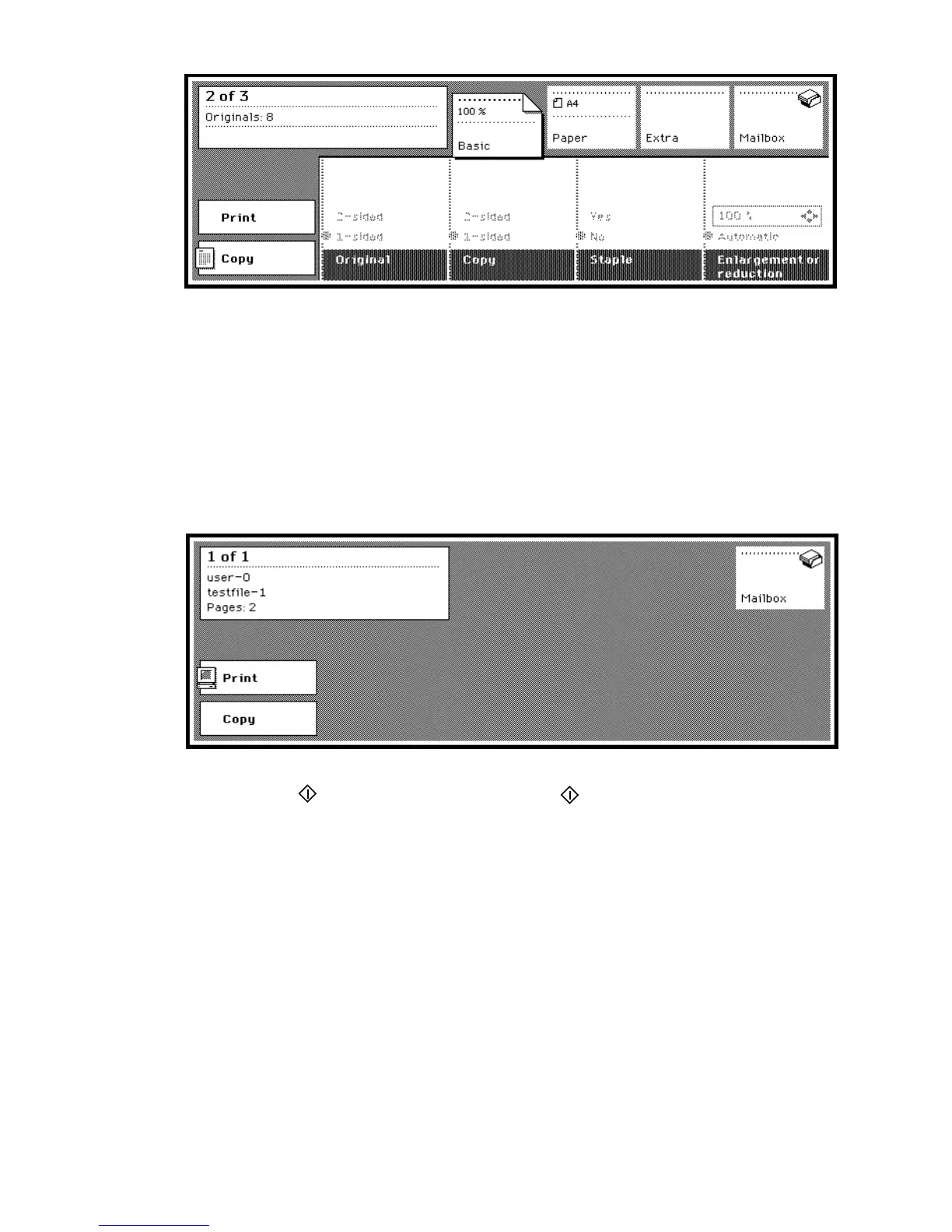
[7] Copy job counter
When operating the Océ 3165 Network Copier, you will also be informed on
the running print job through the print job counter. The following information
is shown (see figure 8):
■ in the first line the current set of the total number of sets
■ in the second line the user of the print job
■ in the third line the file name of the print job
■ in the fourth line the total number of pages of the print job.
[8] Print job counter
Start button The button with this symbol ‘ ’ under the display is used to
start copy or print jobs and to confirm settings. When you make contradictory
settings the machine will suggest automatic adjustments. Now the start button
is used to confirm this suggestion and start the job.
Correction button ‘C’ You can use the correction button to reset defined
settings. The correction button can also be used to stop scanning a job. The
correction button actually affects the preparation phase of a job: choosing
settings and scanning originals.
Press the correction button once to reset the number of copies to ‘1’. After you
press the button a second time, all settings are reset to their standard values.
When the copy counter is already set to ‘1’, pressing the correction button will



 To Next Page