1-26 XZAC4074
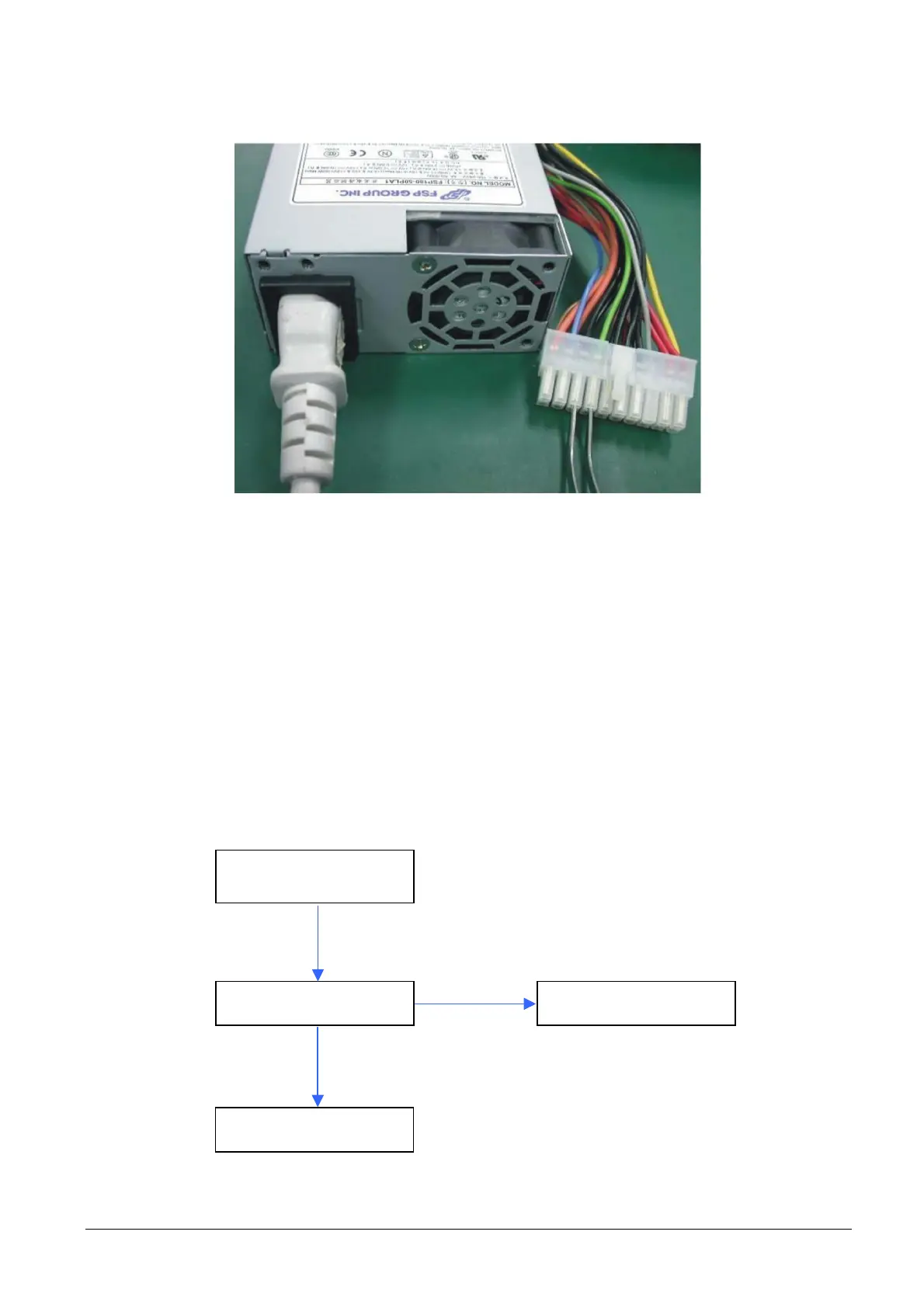
• To check correct functioning of the fan, with the power supply unit disconnected from the box, short the
green and black terminals.
Figure 1-22
1.11.3 RAM control
FAULT ANALYSIS:
• Continuous beep when system is switched on.
• The system is restarted continuously.
• The system switches off suddenly, restarts or shows an error message.
• When the operating system is started, no memory is detected.
• Blue screen.
FLOWCHART:
System power-on
Bootstrap OK
RAM OK
See procedure
NO
YES



 To Next Page