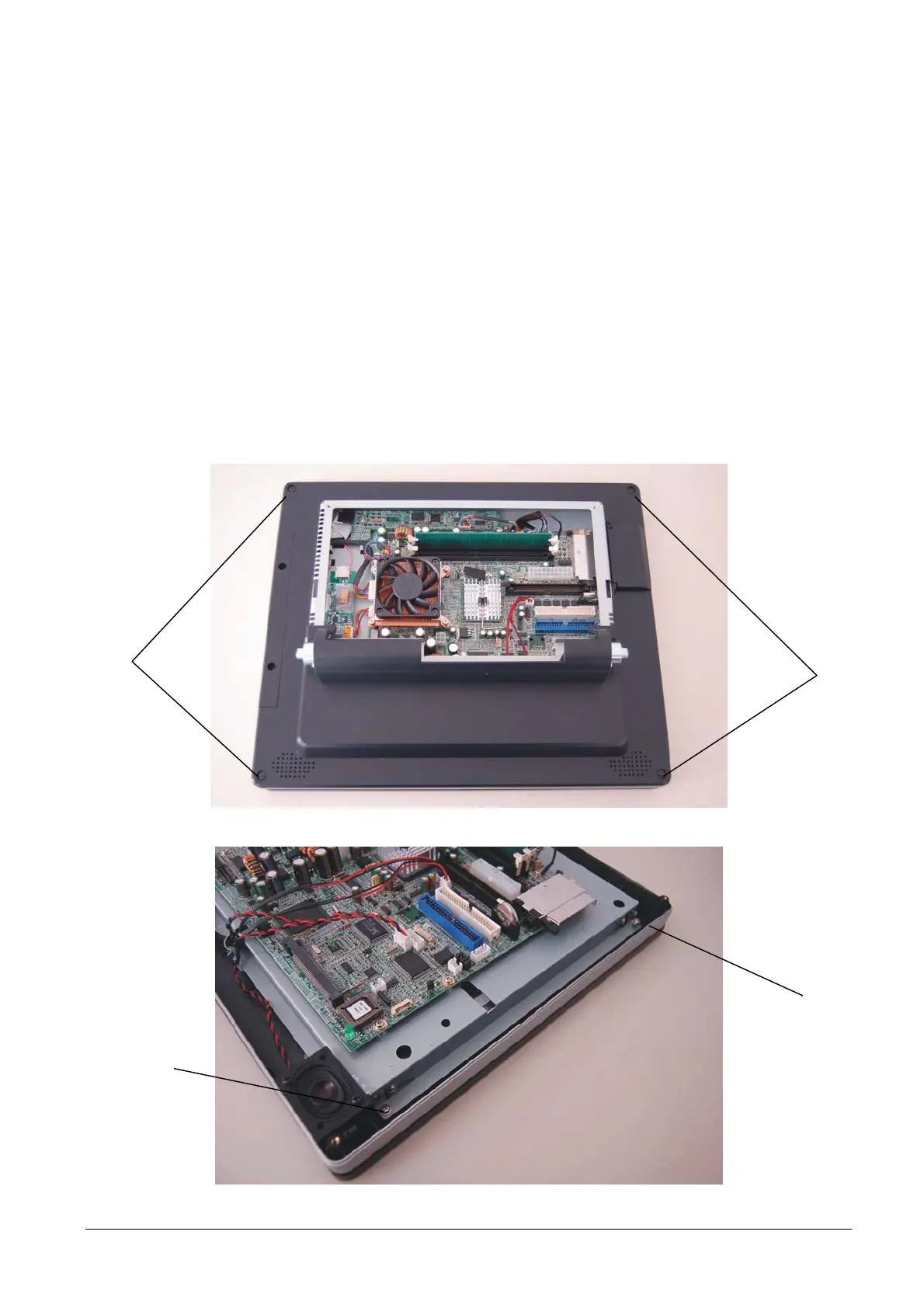
3.19 REMOVAL OF THE LCD DISPLAY AND OF THE TOUCH SCREEN
To remove the LCD display and the touch screen proceed as follows:
• Remove the motherboard cover as described above.
• Remove the screws A .
NOTE: the photo shows the motherboard released from the LCD in order to facilitate identification of the
position of the screws.
• Remove the board of the badge reader as described above.
• Remove the screws B and disconnect the connection C.
• Separate the LCD display from the Touch screen.
A
Figure 3-37
B
B
Figure 3-38
3-24 XZAC4074



 To Next Page