3.9 REPLACEMENT OF THE RAM
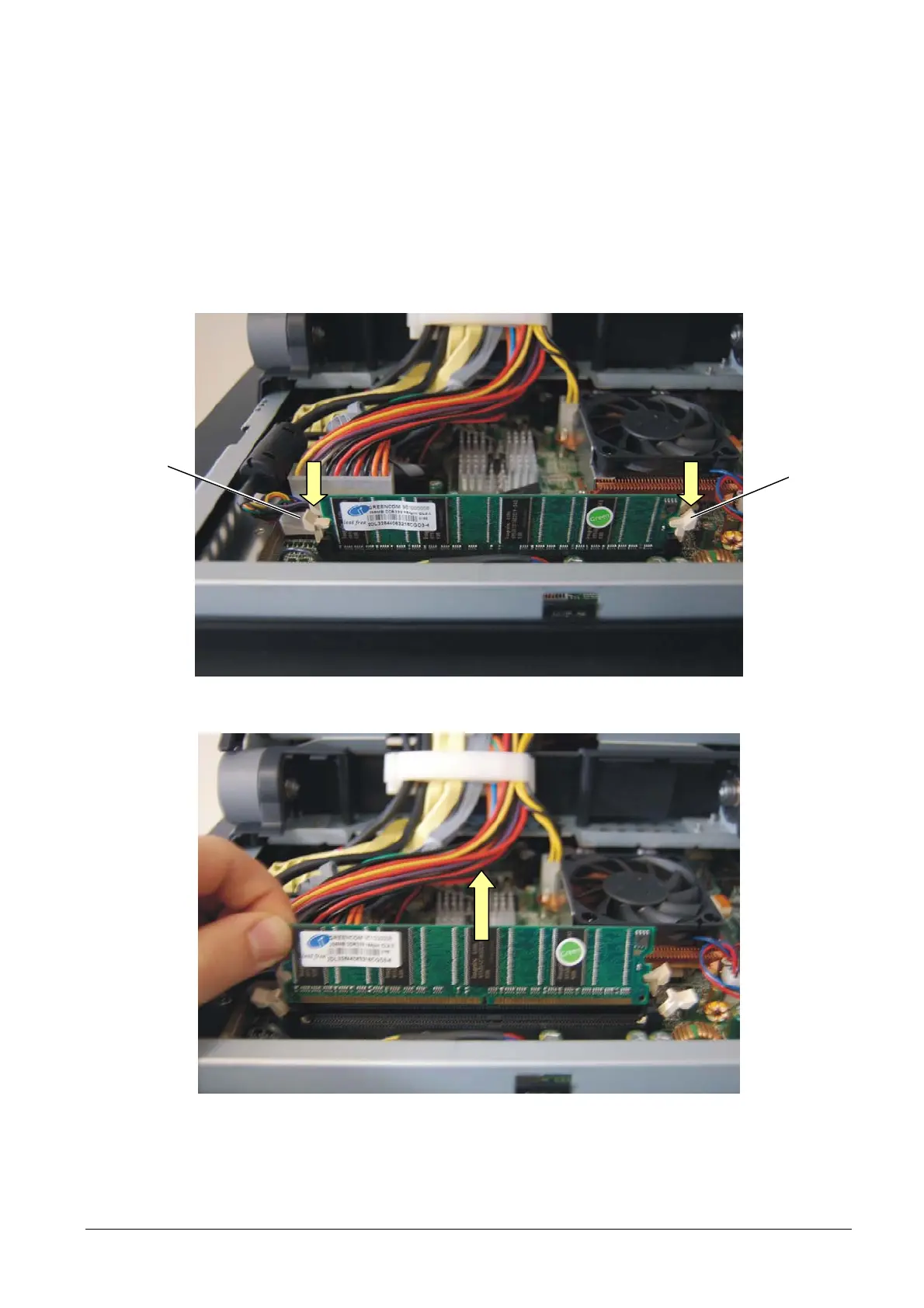
To remove the RAM, proceed as follows:
• Remove the motherboard cover as described above.
• Using a finger, press down clip A of the DIMM slot.
• Remove RAM B from the slot.
A
Figure 3-15
Figure 3-16
• For re-assembly, reverse the above operations.
3-10 XZAC4074



 To Next Page