1-2 XZAC4074
1.2 THE SYSTEM
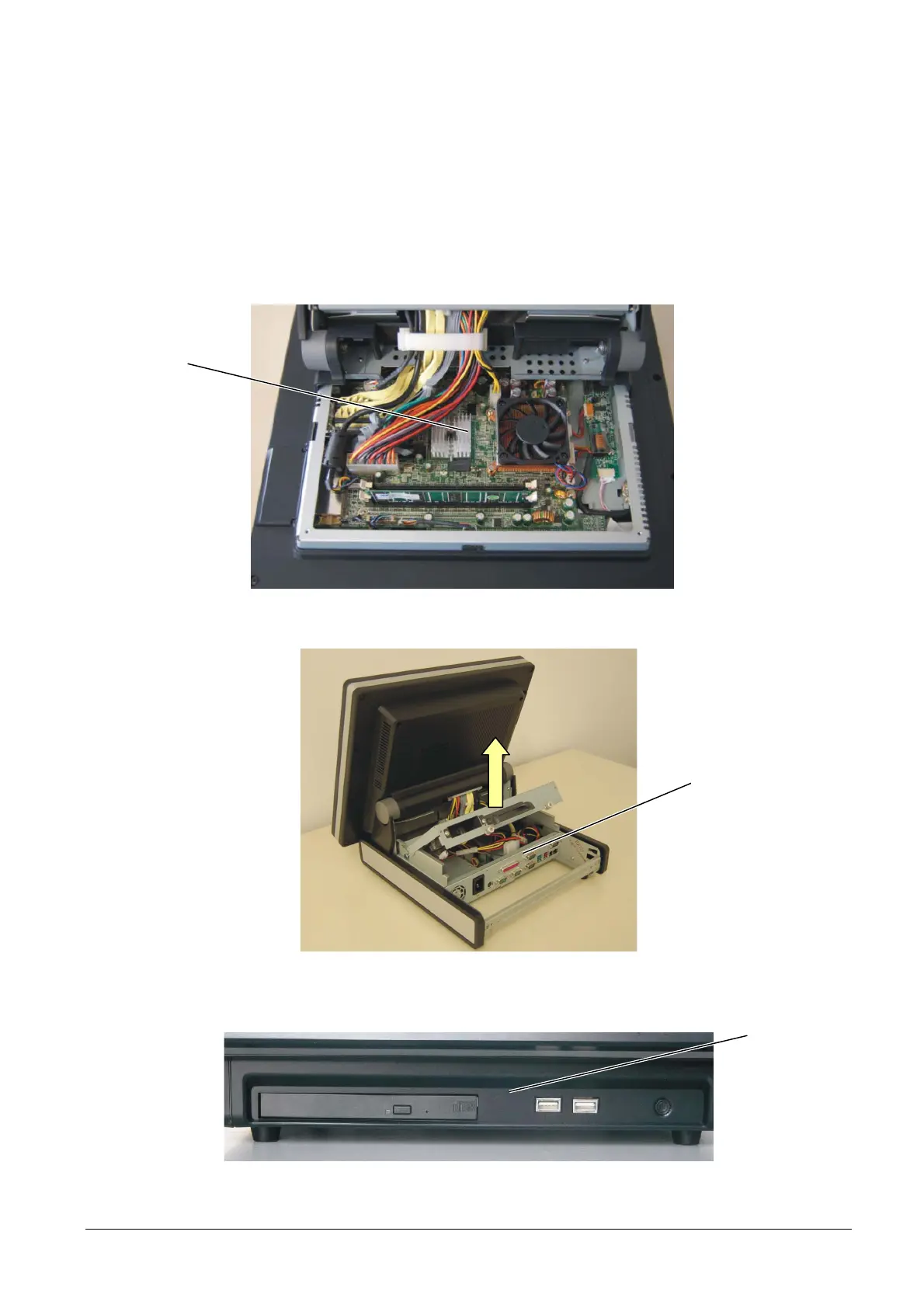
The Explor@ 200XS-300XS system has been designed so that all the components necessary for system
functioning (CPU, RAM and various boards) are located immediately behind the LCD display module with
touch screen. The rear cover of the module must be removed in order to operate on these components.
The I/O interfaces are located in the front panel (USB and CD-ROM player) and in the rear panel which is
accessed, after removing the box, by lifting the protective cover, as shown in the figure below.
Figure 1-3
Figure 1-4
Figure 1-5
BASE
MODULE
REAR PANEL
FRONT PANEL



 To Next Page